CHAPTER 3 EXPOSURE SYSTEM
3-4
COPYRIGHT
©
1999 CANON INC. CANON 405/335 REV.0 JAN. 1999 PRINTED IN JAPAN (IMPRIME AU JAPON)
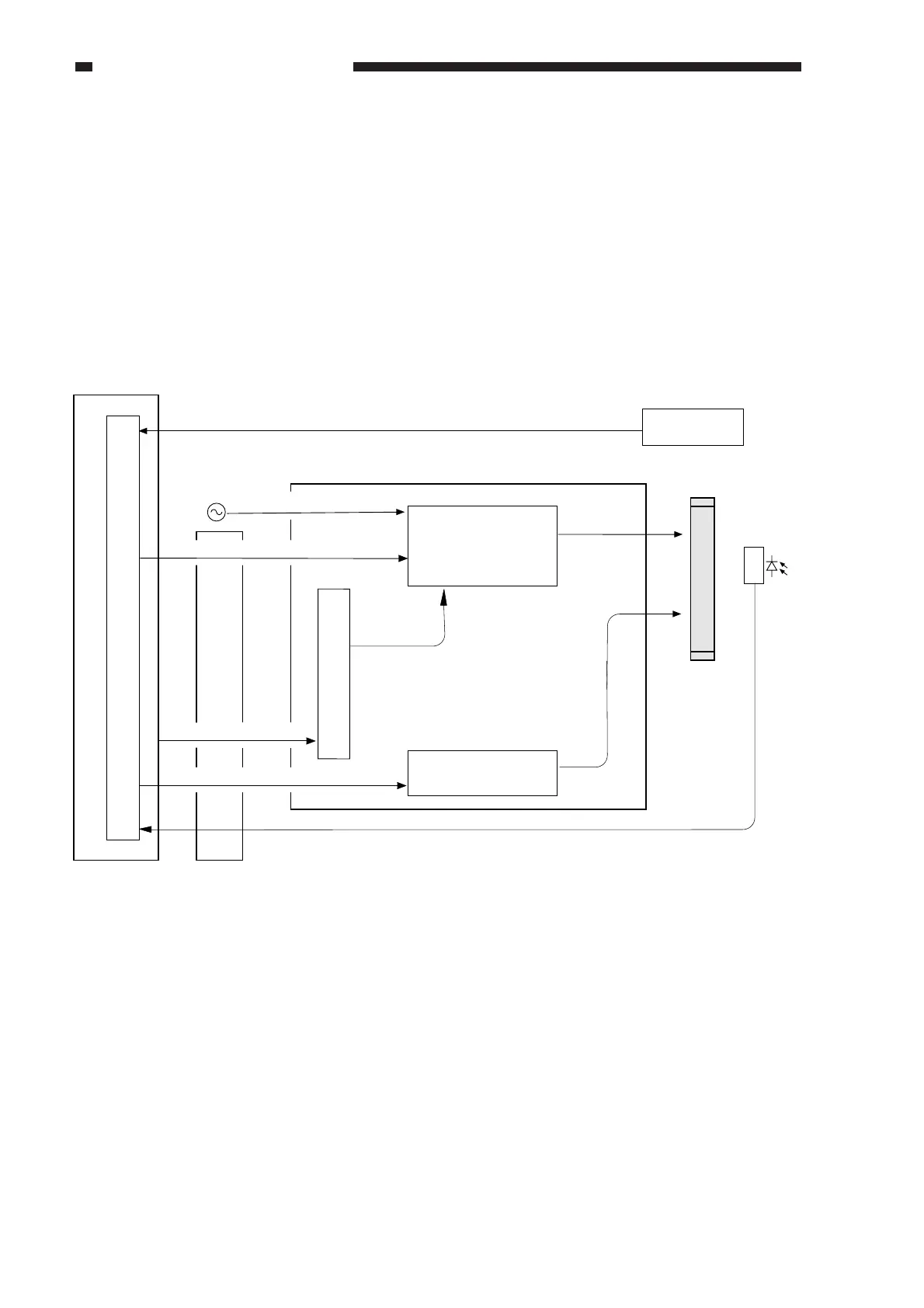
III. CONTROLLING THE SCANNING LAMP
A. Outline
The scanning lamp is a fluorescent lamp, and is turned on and off by the composite power
supply PCB using the control signals from the image processor PCB. The PCB has the following
functions:
• Controlling the scanning lamp pre-heating mechanism
• Turning on/off the scanning lamp
• Controlling the scanning lamp intensity
Figure 3-301
Scanning lamp (FL1)
Scanning lamp
intensity sensor
DC controller PCB
Image processor PCB
Composite power supply PCB
Scanning lamp
activation control
Pre-heating control
AC power supply voltage input
PW-CPU
Intensity control (PWM) signal
Shading correction data
J706 J301
J208
J208
J112
OFF signal
CCD PCB
DC-CPU
J103
J714
J113
J113
J714
J113
J714
J113
J714
J209
Error detection signal
J103J209
Pre-heat control signal
J103J209



 To Next Page