Handling rolls
Eject (waiting for ink to dry after printing)
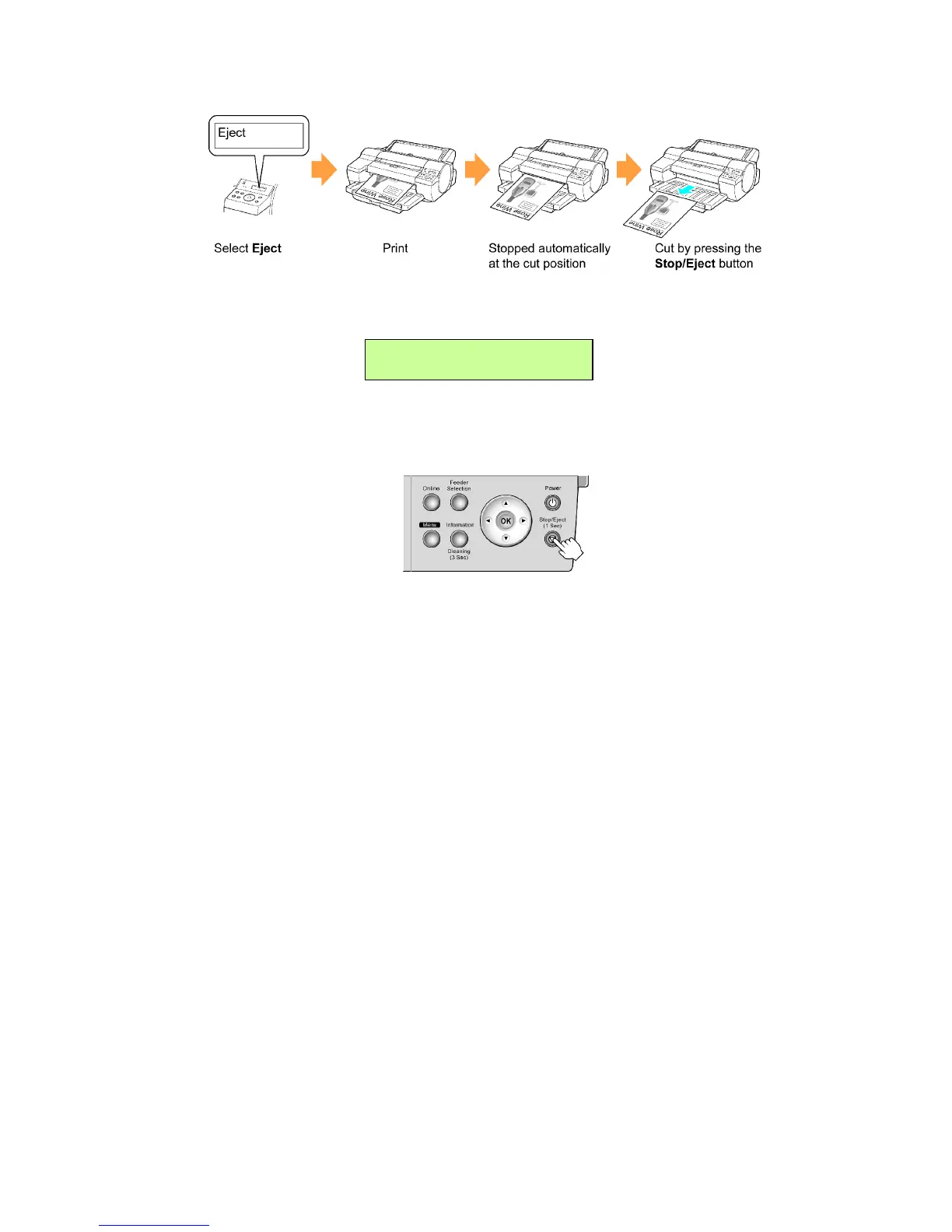
1. Select Eject as the Cutting Mode in the printer menu, and then press OK .
The setting is updated, and an equals sign “=” is displayed at left.
Cutting Mode
= Eject
2. Starts printing.
Roll paper is fed to the specied cut position and then automatically stopped.
3. T o cut the roll paper , hold down the Stop/Eject button for a second or more.
132 Handling Paper


 To Next Page
 Loading...










