Printer Driver
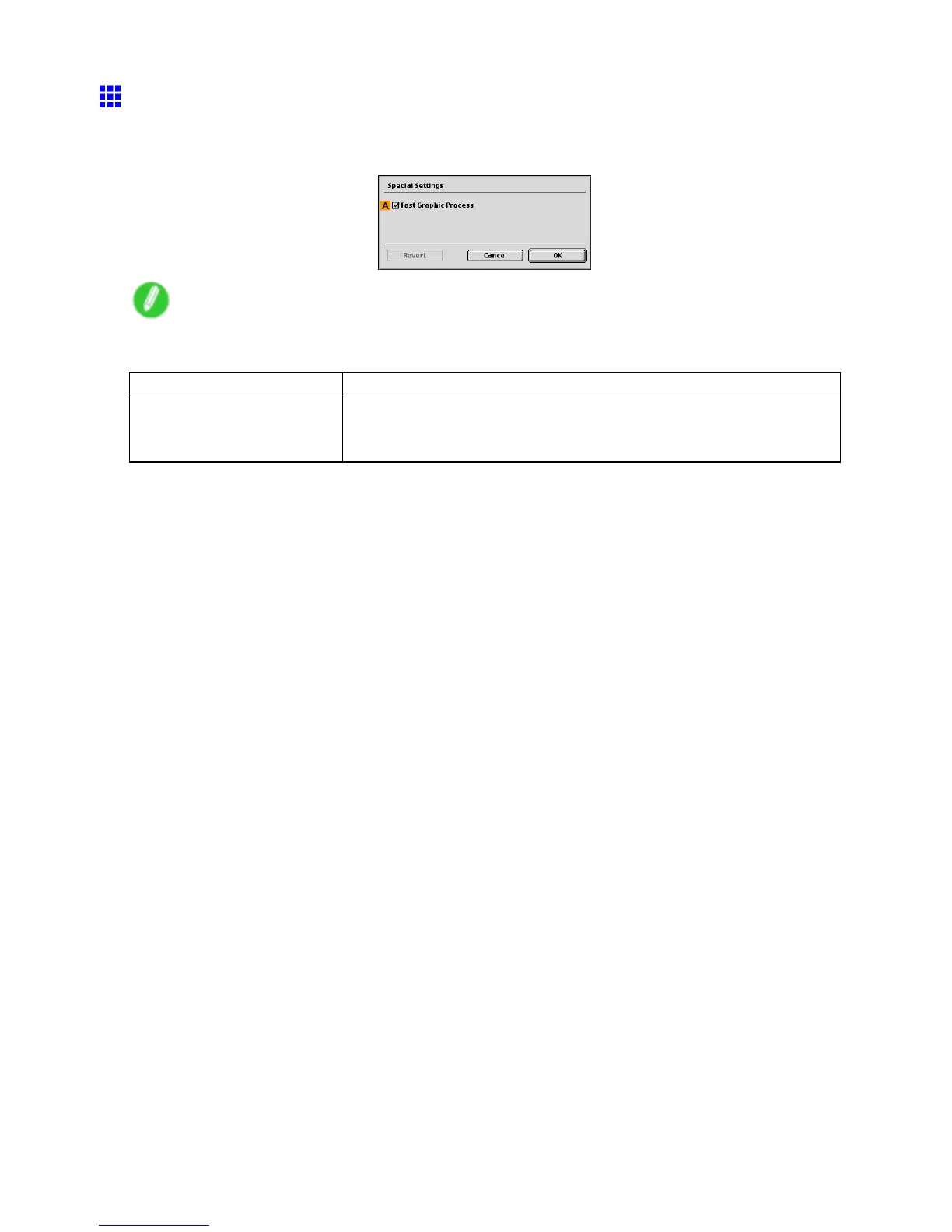
Special Settings Dialog Box (Mac OS 9)
If the printing results are not as you expected, you can change how printing is processed in the Special
Settings dialog box.
Note
• T o display the Special Settings dialog box, on the Additional Settings pane, click Special Settings .
( → P .527)
Setting Item Description
A Fast Graphic Process
If image colors are inconsistent in printed documents or if lines are printed
in varying thicknesses, clearing this option may help produce the expected
results.
Mac OS 9 Software 535


 To Next Page
 Loading...










