Messages regarding ink
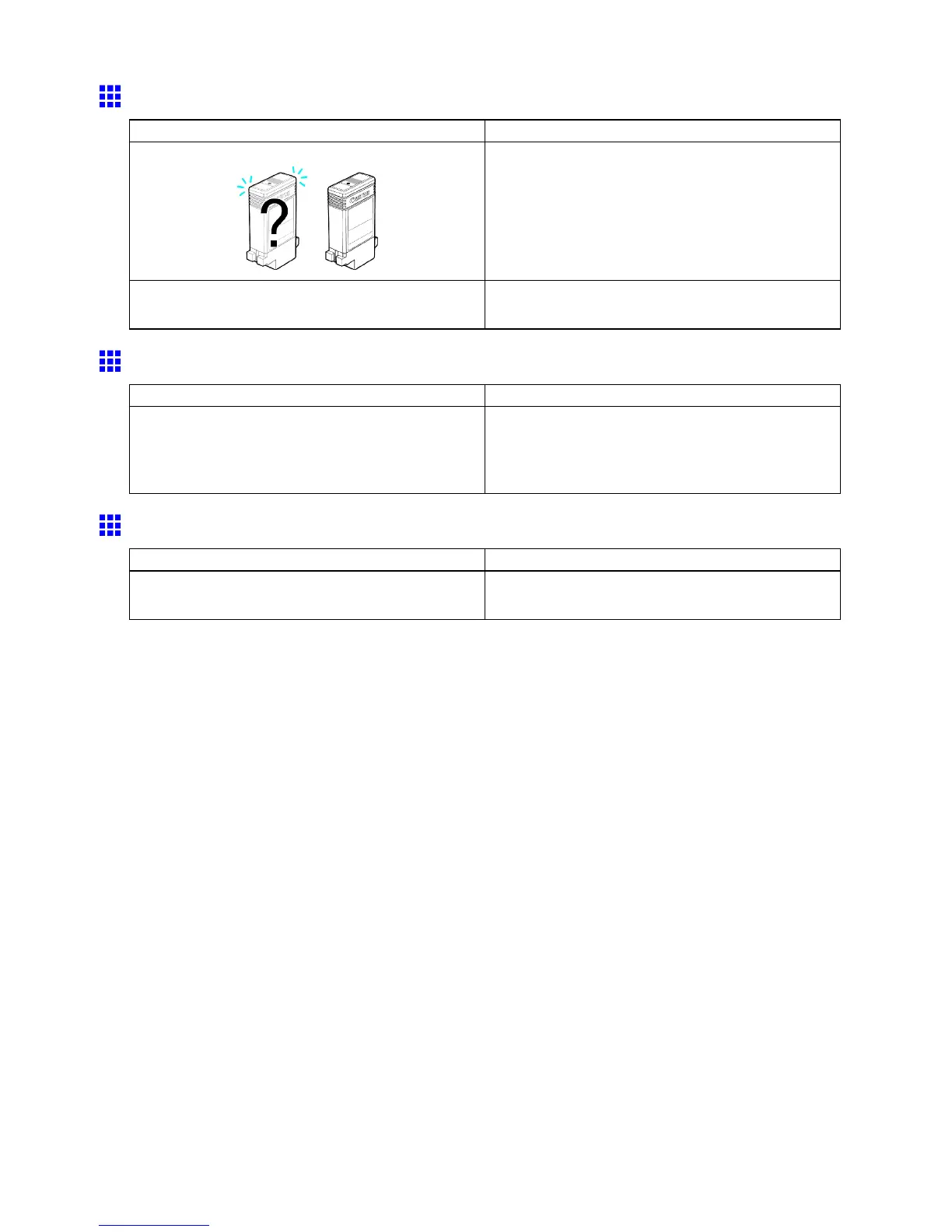
Ink T ank / Replace xx (xx represents an ink color)
Cause Corrective Action
The Ink T ank in the printer is incompatible or empty . Load or reload the Ink T ank .
( → P .600)
There is a problem with the Ink T ank . Replace it with a new Ink T ank .
( → P .600)
Mist Full Soon
Cause Corrective Action
The printer cannot process any more ink mist. There is a possibility that printing may stop in the
middle of large-format or borderless printing jobs.
Contact the Canon dealer for such types of printing.
Y ou can continue printing.
The Display Screen indicates the system is lling with ink
Cause Corrective Action
When the printer was turned of f previously , some
cleaning operation was terminated.
W ait until the system has been lled with ink. This
process may take about ten minutes.
692 Error Message



 To Next Page
 Loading...









