Handling sheets
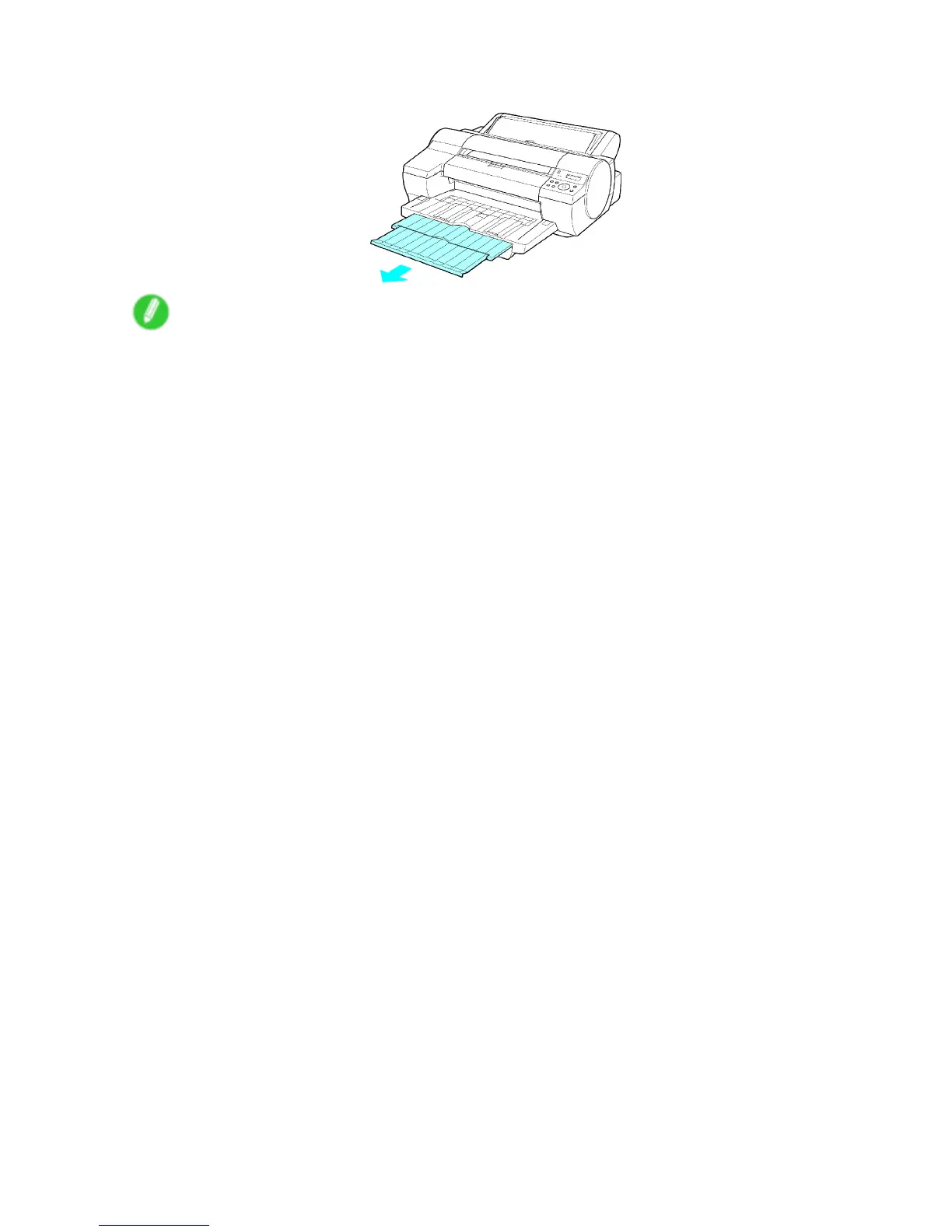
7. Pull out the Output T ray Extension .
Note
• When changing the type or size of paper , select the new type or size in the menu on the Control Panel .
• Selecting the Paper T ype (Cassette) (→P .146)
• Selecting the Paper Size (Cassette) (→P .149)
• When printing from the Cassette , always make sure the V ertical Paper Guides are stored out of the way .
If the V ertical Paper Guides are up and a printed document is left in the Output T ray , the Front T ray
Guides may become caught inside the Front Paper Feed Slot . ( → P .653 )
154 Handling Paper


 To Next Page
 Loading...










