Printing enlargements or reductions
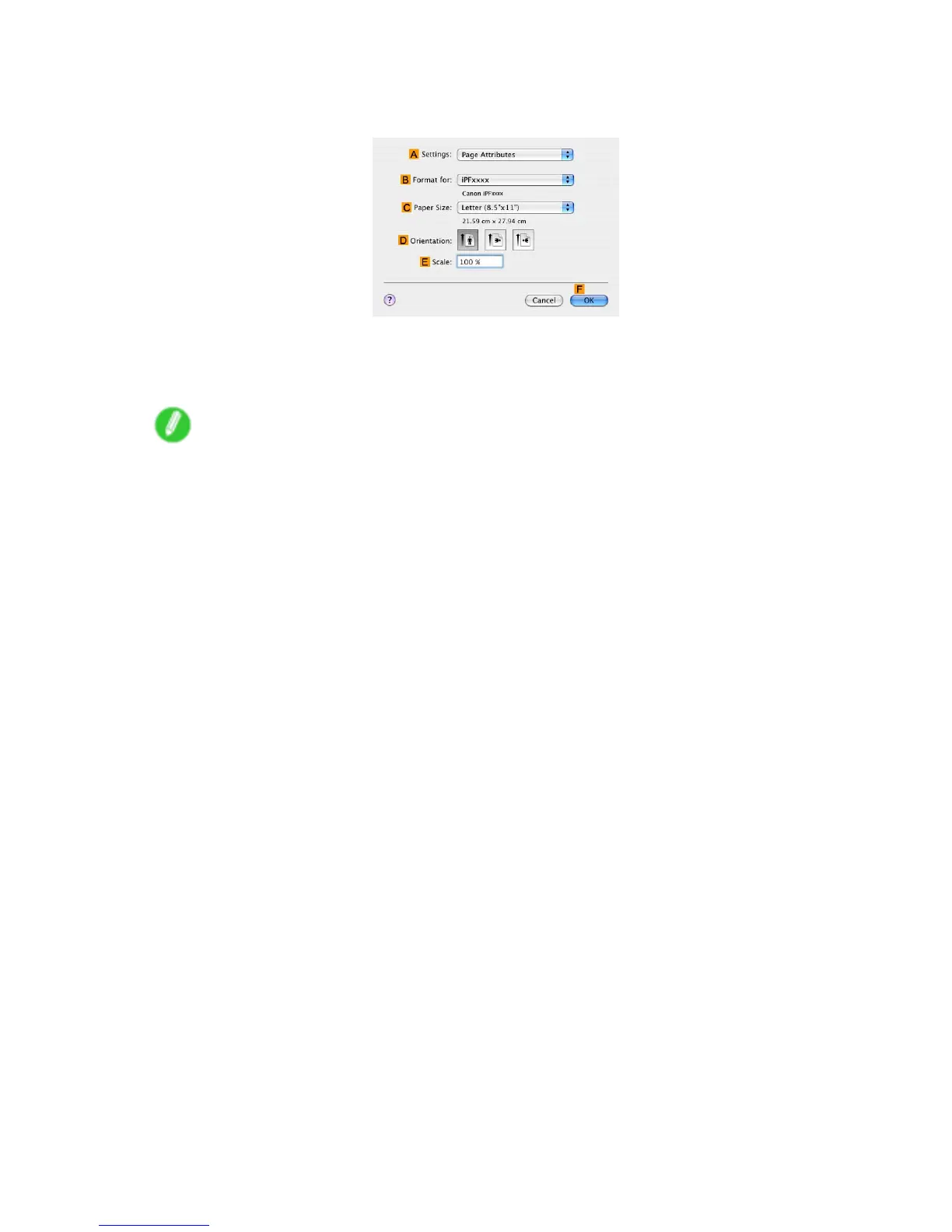
12. Make sure the C Page Size setting matches the original size as selected in C Paper Size in the
Page Attributes dialog box-in this case, ISO A4 .
13. Select the D Enlarged/Reduced Printing check box.
14. Click F Fit Roll Paper W idth .
15. Conrm the print settings, and then click M Print to start printing.
Note
• For tips on conrming print settings, see “Conrming Print Settings (Mac OS X)”. (→P .492)
Enhanced Printing Options 261


 To Next Page
 Loading...










