Adjusting the feed amount
7. Examine test pattern C2 for adjustment. After you determine the pattern in which streaks are
least noticeable, press the ◄ or ► to choose the pattern number , and then press the OK button.
The printer now goes back online.
Note
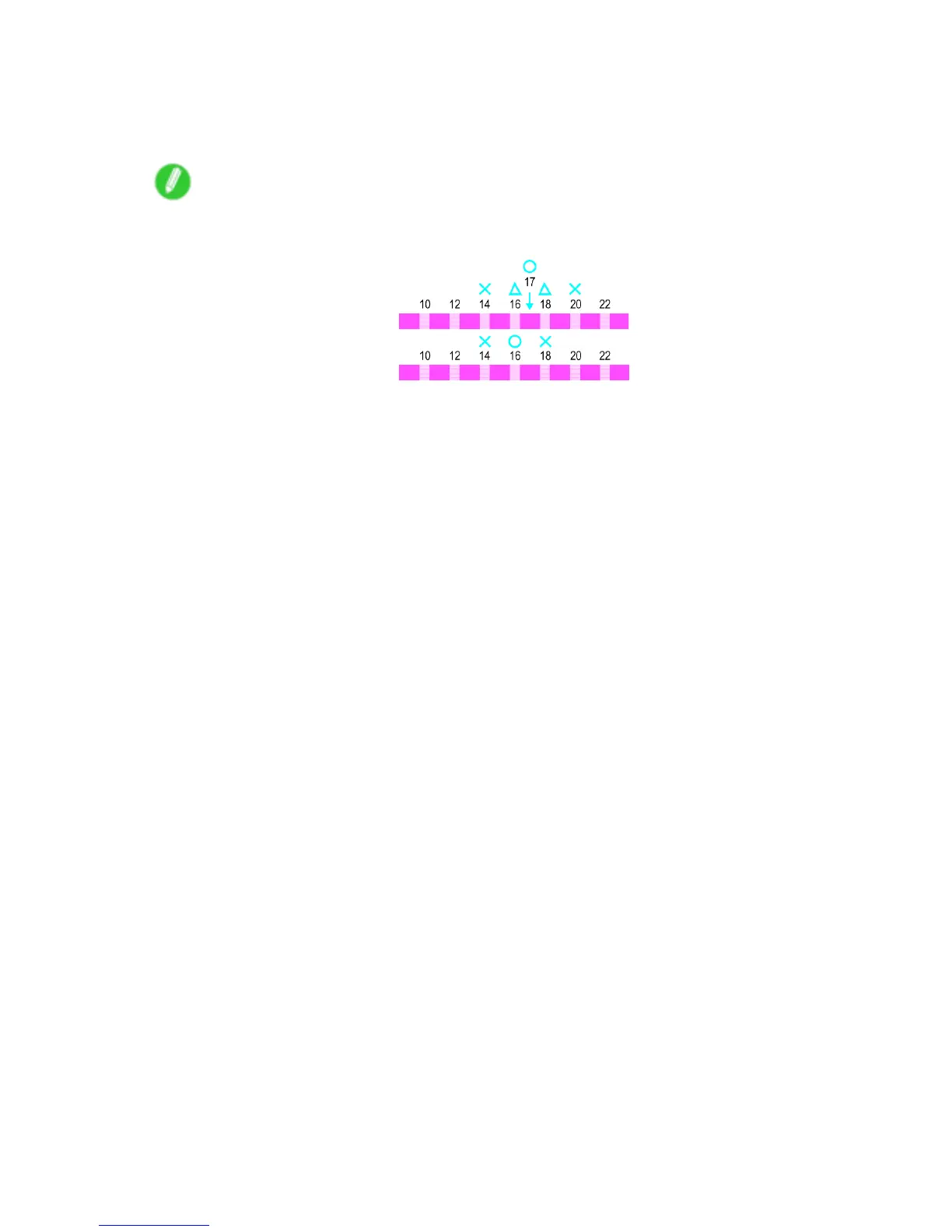
• If streaks seem least noticeable in two patterns but you cannot decide which one is better , choose an
intermediate value. For example, choose 17 if you cannot decide whether pattern 16 or 18 is better .
Adjustments for Better Print Quality 597


 To Next Page
 Loading...










