Other Maintenance
Important
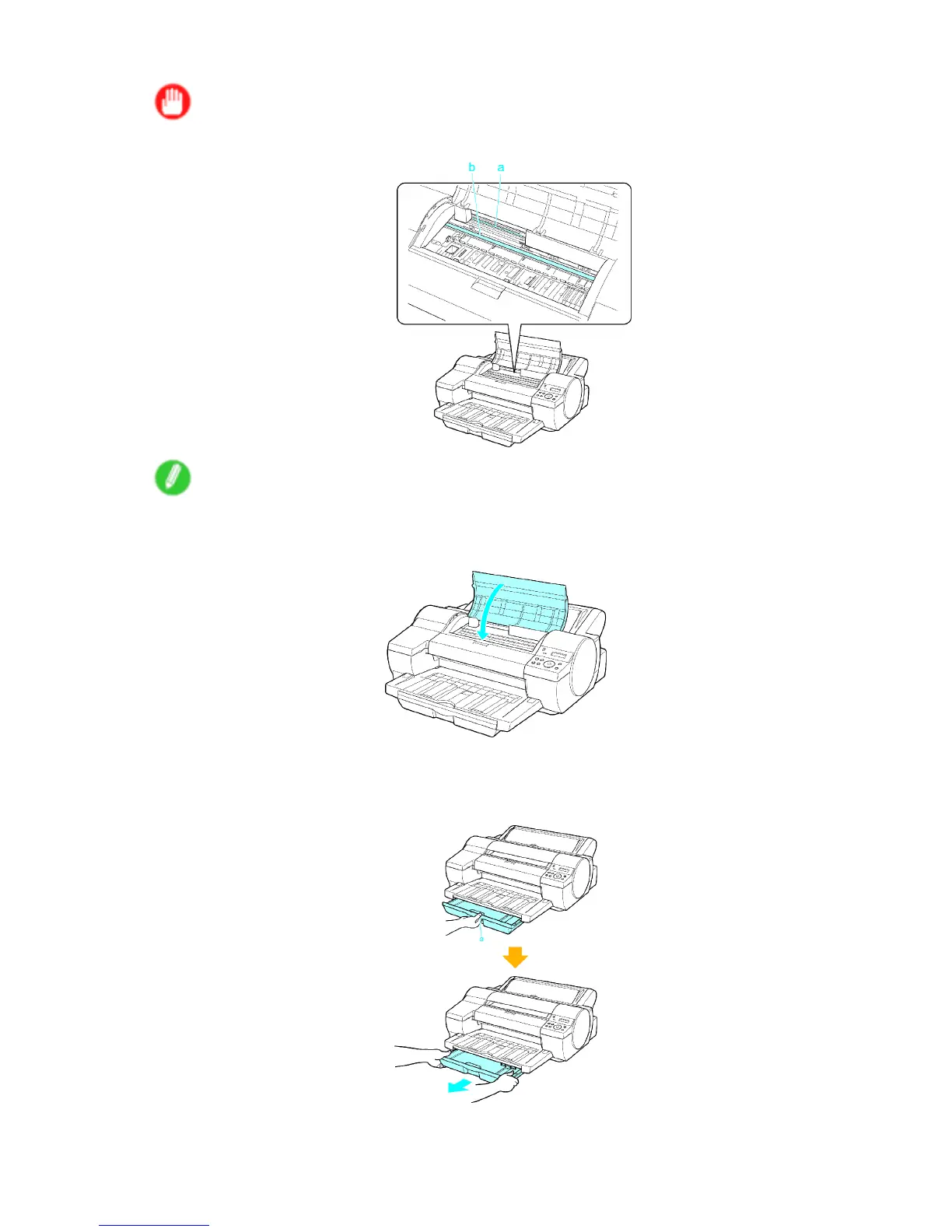
• Do not touch the Linear Scale (a) or Carriage Shaft (b).
Note
• Here, the Belt Stopper is the one that was removed and stored after initial installation.
13. Close the T op Cover .
14. T ape down printer covers to secure them, in the reverse order of tape removal during installation.
15. Grasp the handle (a) on the front of the Cassette and pull it forward a little. Holding the Cassette
on both sides with both hands, remove the cassette.
636 Maintenance


 To Next Page
 Loading...










