Installing the CAPT Software
3-27
Setting Up the Printing Environment
3
14
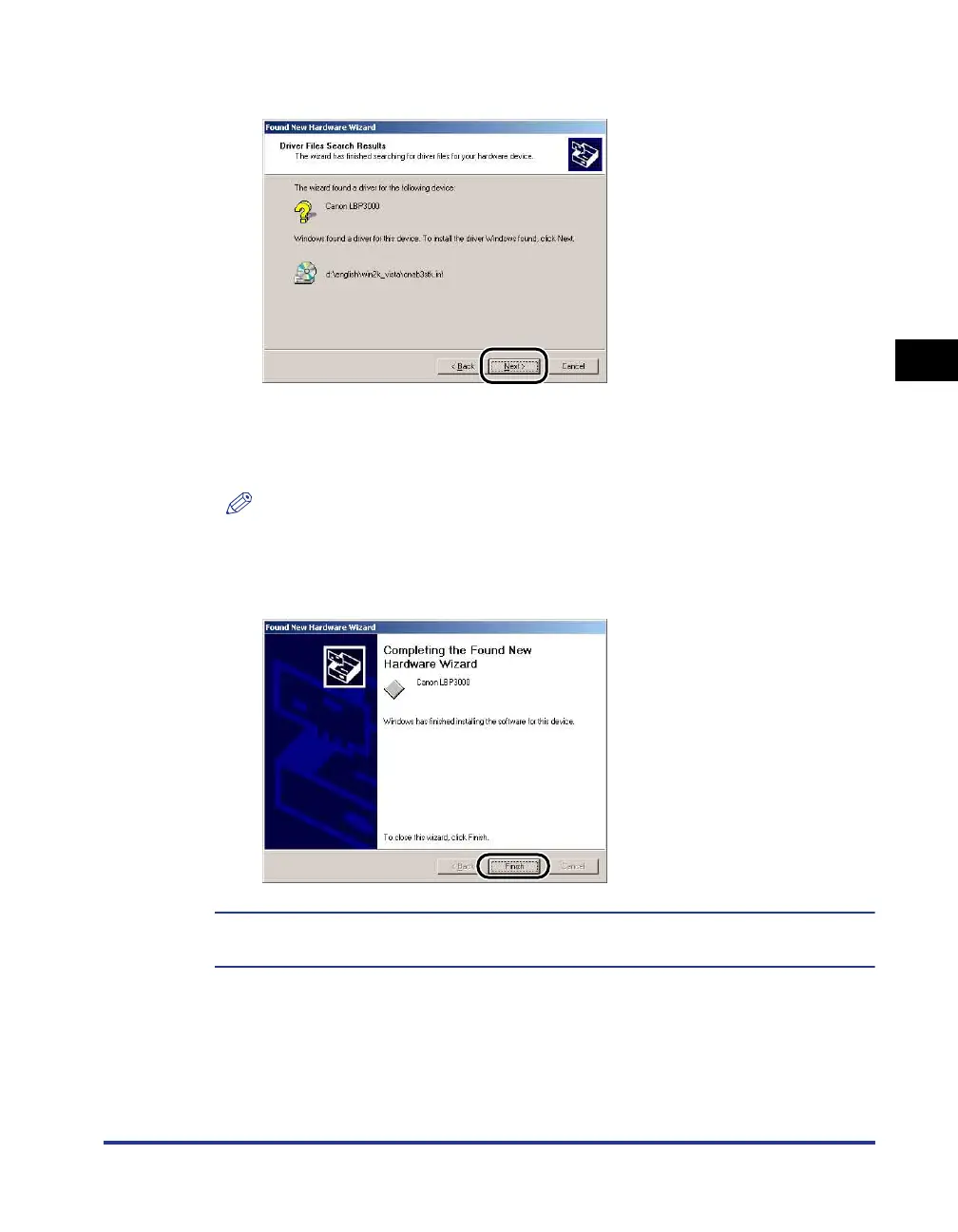
Click [Next].
Windows will begin copying files.
When it has finished, the [Completing the Found New Hardware Wizard] dialog is
displayed.
NOTE
If the [Digital Signature Not Found] dialog box appears, click [Yes].
15
Click [Finish].
Installation of the USB class driver (supplied with OS) and the printer driver starts
automatically.











 To Next Page