Installing the CAPT Software
3-26
Setting Up the Printing Environment
3
12
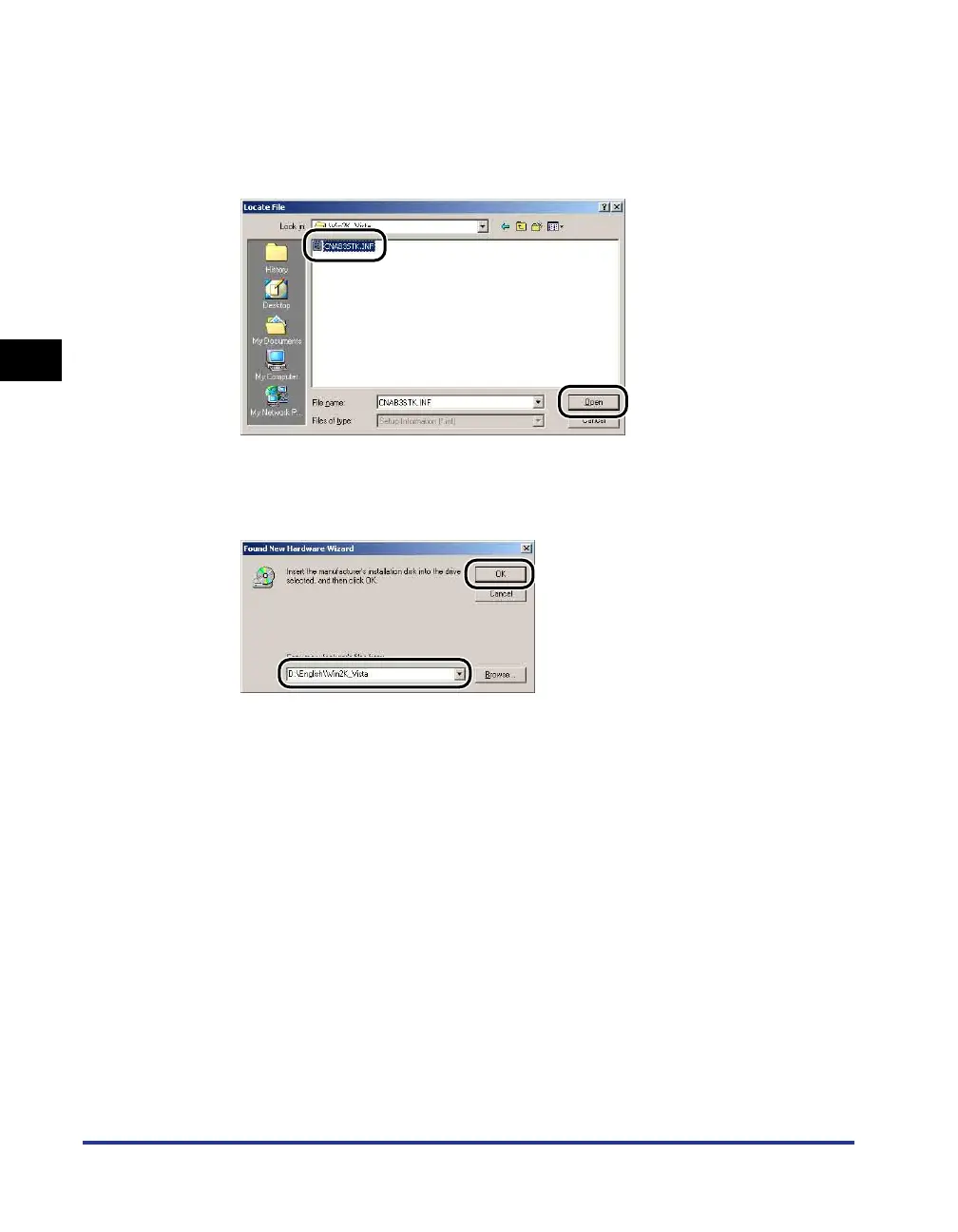
Select [D:\English\Win2K_Vista]. Select [CNAB3STK.INF] and
click [Open].
In this case the CD-ROM drive is assumed to be assigned to "D:". The actual
CD-ROM drive letter may be different depending on the computer you are using.
13
Make sure that the correct path is displayed in the [Copy
manufacturer's files from] field, then click [OK].
A dialog box is displayed when the computer finishes searching for the driver files.











 To Next Page