Installing the CAPT Software
3-34
Setting Up the Printing Environment
3
4
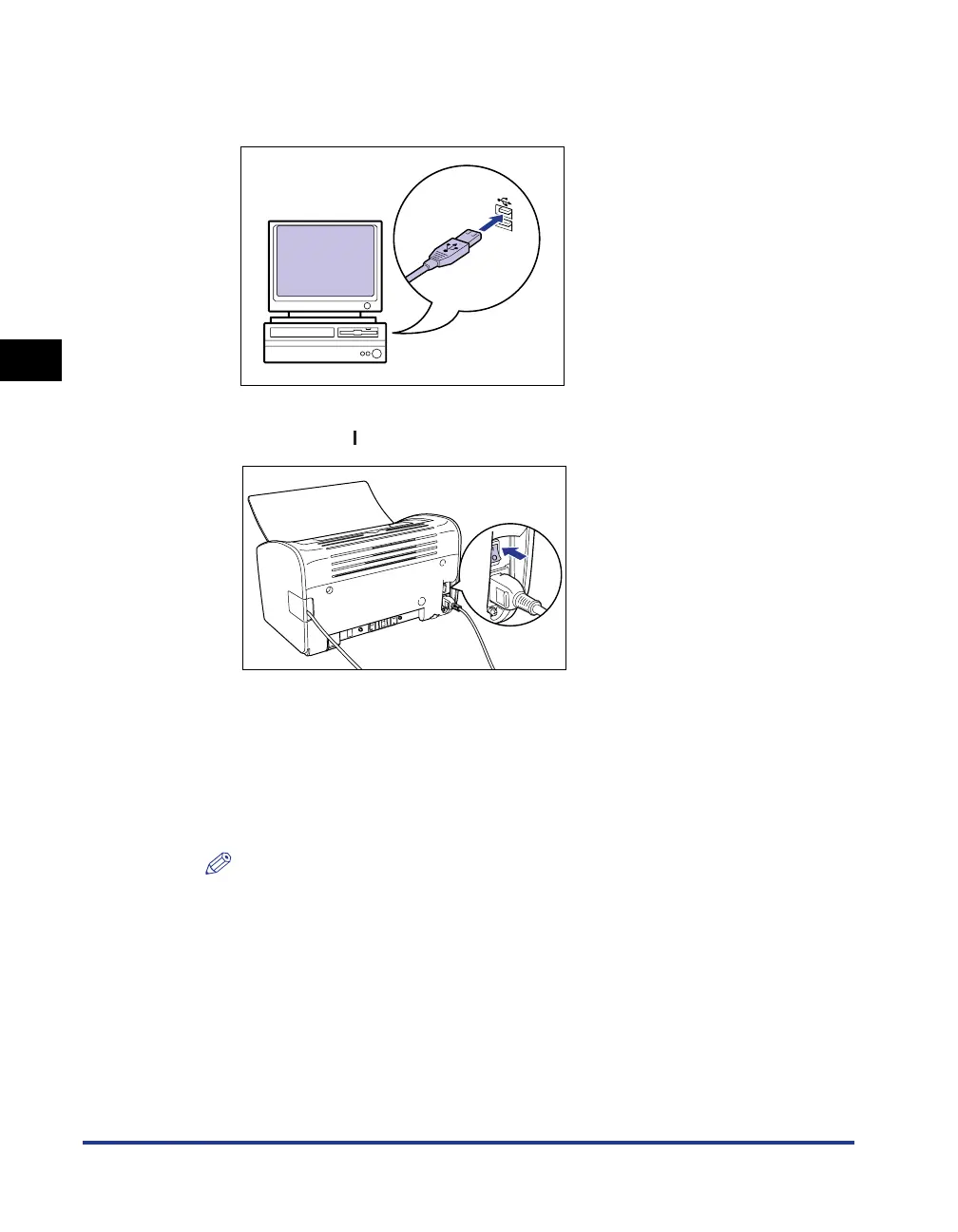
Connect the A-type (flat) end of the USB cable to the USB port
on the computer.
5
Press the " " side of the power switch to turn the printer on.
6
Turn the computer on and start up Windows Vista.
7
Log on as a member of Administrators.
The [Found New Hardware] dialog box appears.
NOTE
Full Control Permission is required for the installation of the printer driver.











 To Next Page