Installing the CAPT Software
3-35
Setting Up the Printing Environment
3
8
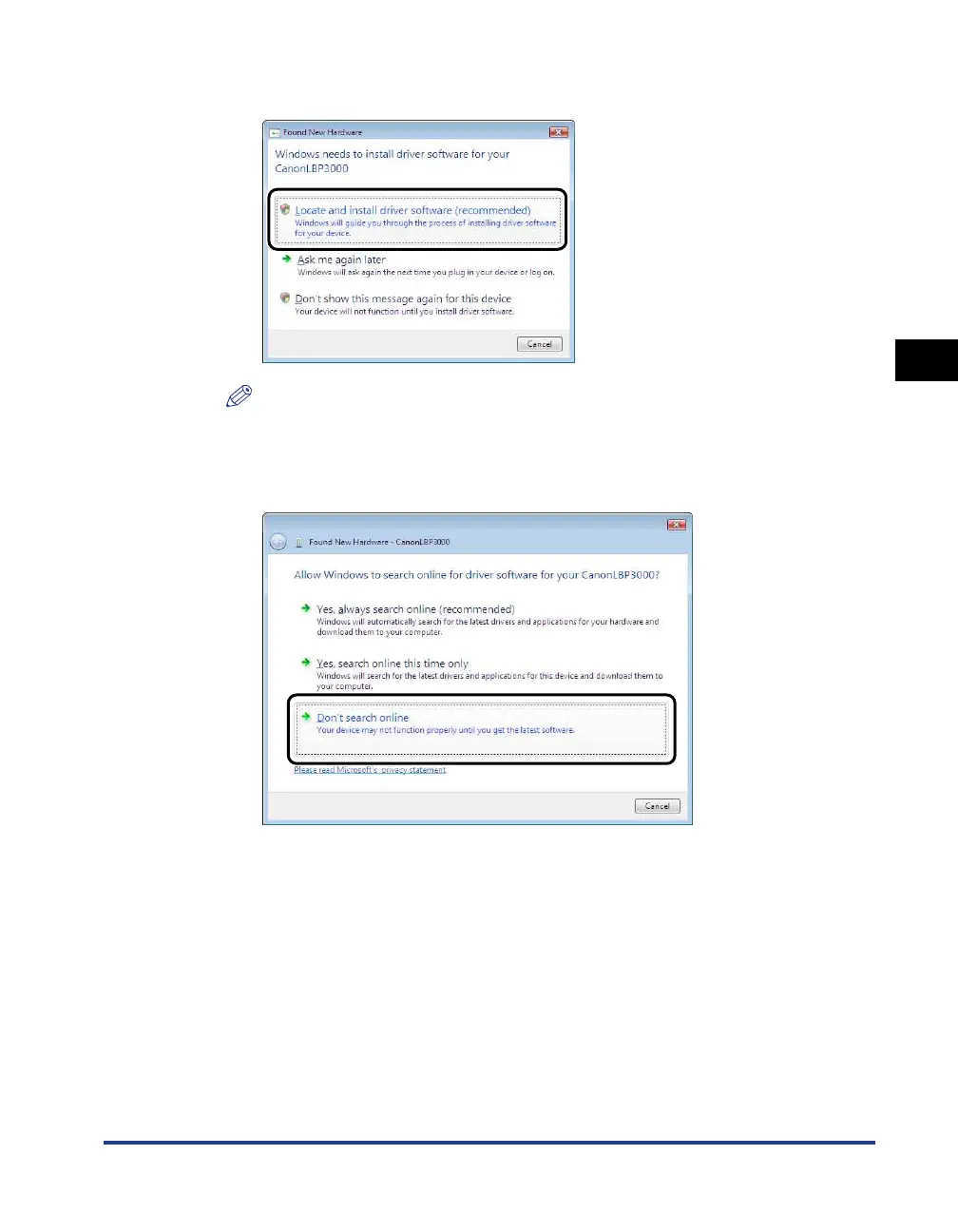
Click [Locate and install driver software (recommended)].
NOTE
If the [User Account Control] dialog box appears, click [Continue].
9
If the following screen appears, click [Don't search online].











 To Next Page