Installing the CAPT Software
3-38
Setting Up the Printing Environment
3
14
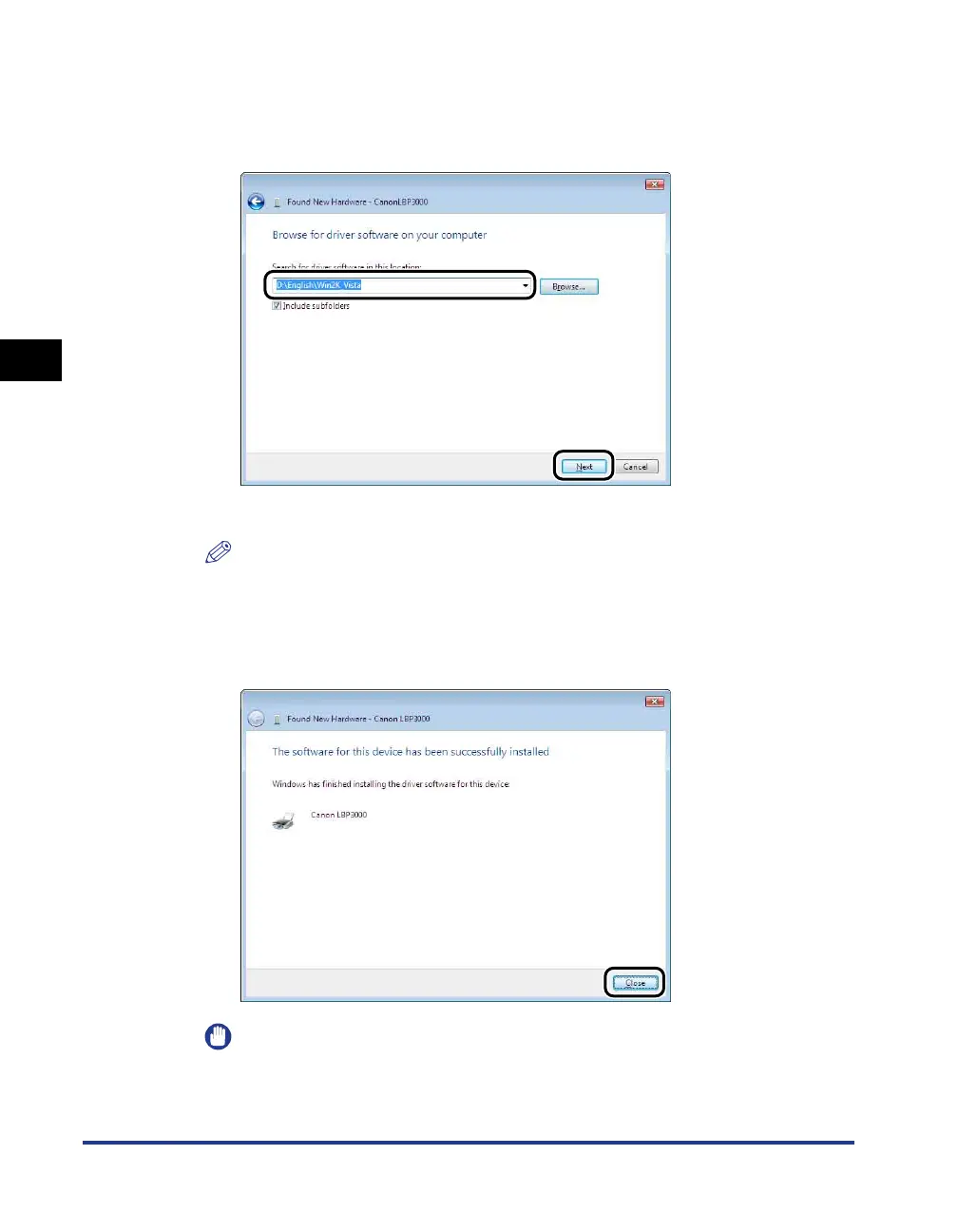
Make sure that the folder to be browsed is displayed in
[Search for driver software in this location], and then click
[Next].
Copying files is started.
NOTE
If the [Windows Security] dialog box appears, click [Install this driver software
anyway].
15
Click [Close].
IMPORTANT
If you want to use the computer in which the printer driver was installed as the print
server, configure Windows Firewall to unblock communication with the client
computers. (See p. 7-9)











 To Next Page