Printing from a Network Computer using a Shared Printer
3-63
Setting Up the Printing Environment
3
- If you are using Windows Vista, enter "D:\English\MInst.exe" in [Start Search]
under the [Start] menu, and then press the [ENTER] key on your keyboard.
NOTE
If you are using Windows Vista and the [User Account Control] dialog box appears,
click [Allow].
2
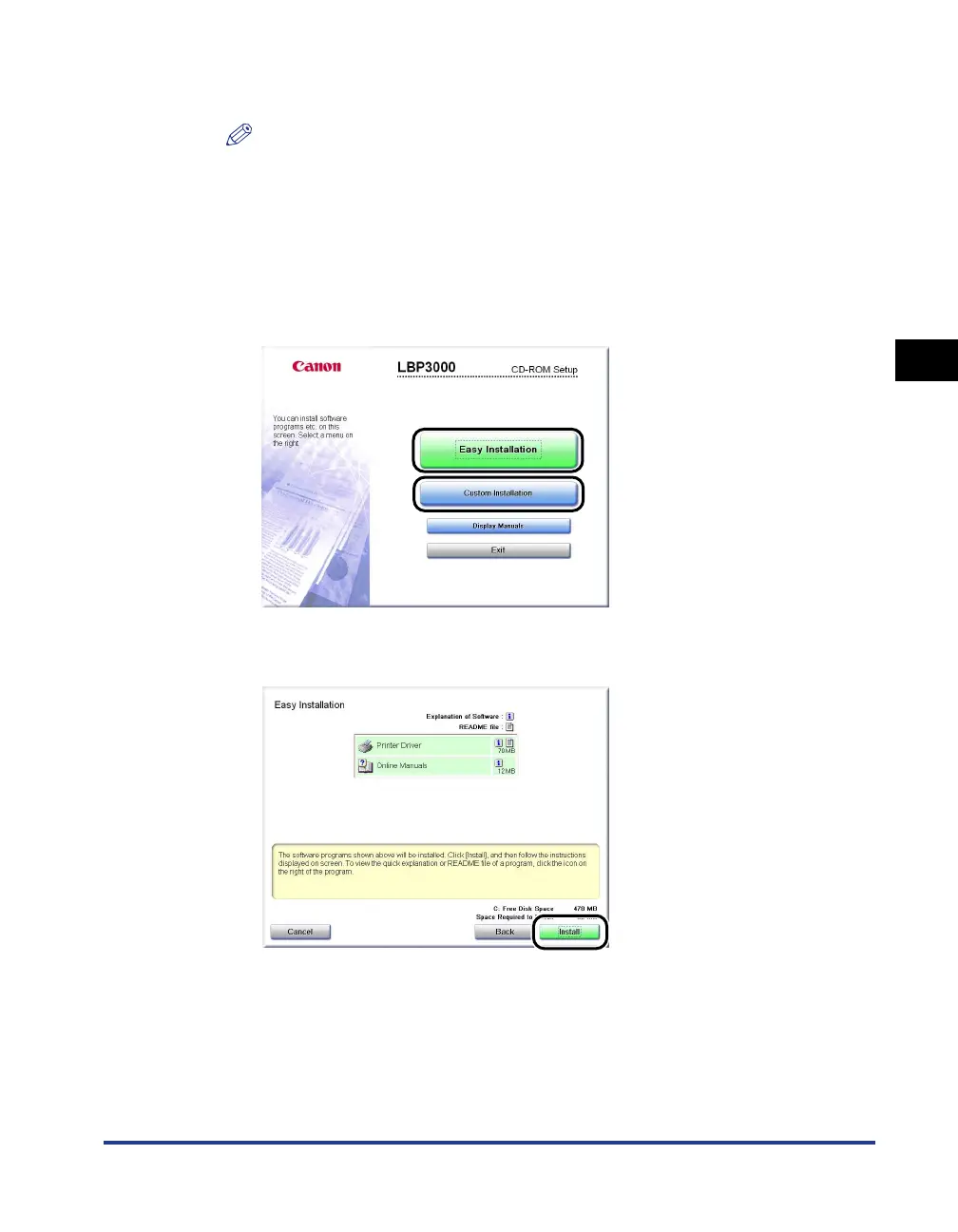
Click [Easy Installation] or [Custom Installation].
[Easy Installation] allows you to install the printer driver and the instruction
manuals simultaneously. If you do not install the manuals, select [Custom
Installation].
3
Click [Install].











 To Next Page