Printing from a Network Computer using a Shared Printer
3-64
Setting Up the Printing Environment
3
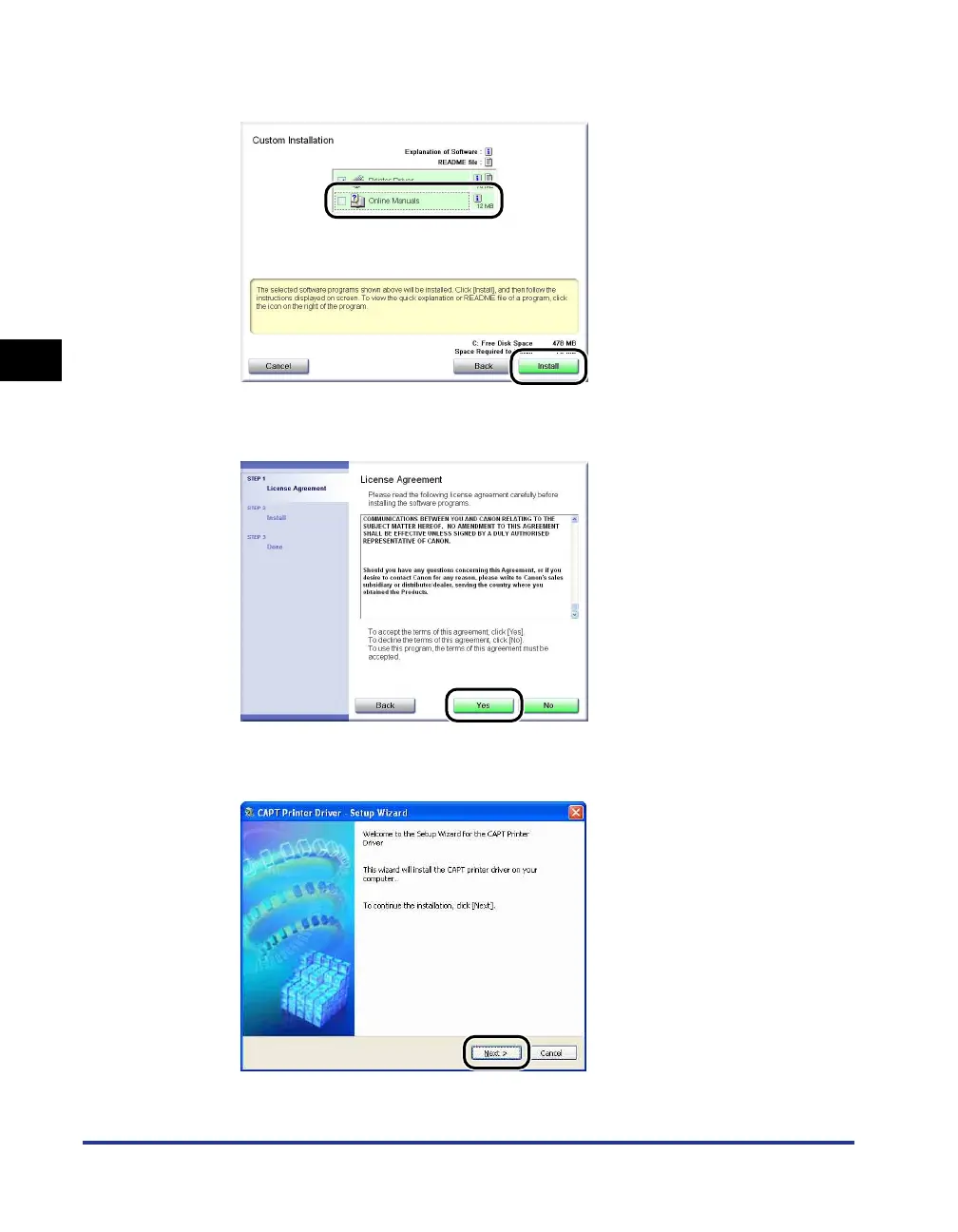
If you selected [Custom Installation] in Step 2, clear the [Online Manuals] check
box, and then click [Install].
4
Confirm the contents, then click [Yes].
5
Click [Next].











 To Next Page