Printing from an Application
4-4
Printing a Document
4
5
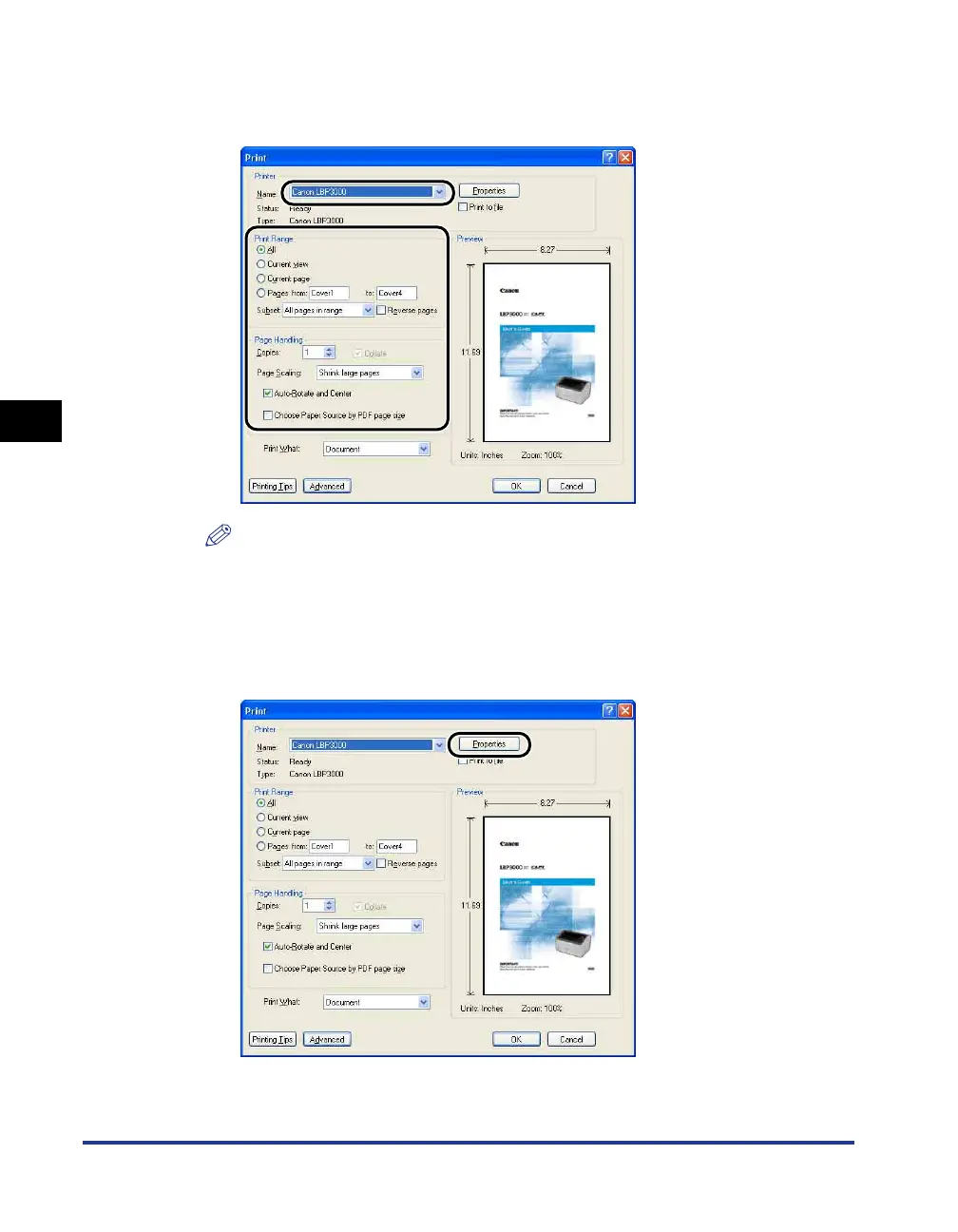
Select this printer from the [Name] or [Printer Name] list and
select your printing preferences.
NOTE
The printer name displayed in this dialog box can be changed from the [Printers
and Faxes] folder (the [Printers] folder for Windows 98/Me/2000/Vista).
6
If you want to specify more detailed printing preferences, click
[Properties].
The [Canon LBP3000 Properties] dialog box is displayed.











 To Next Page