Printing from an Application
4-5
Printing a Document
4
NOTE
The procedure for displaying the [Document Properties] dialog box may differ
depending on the application you are using.
7
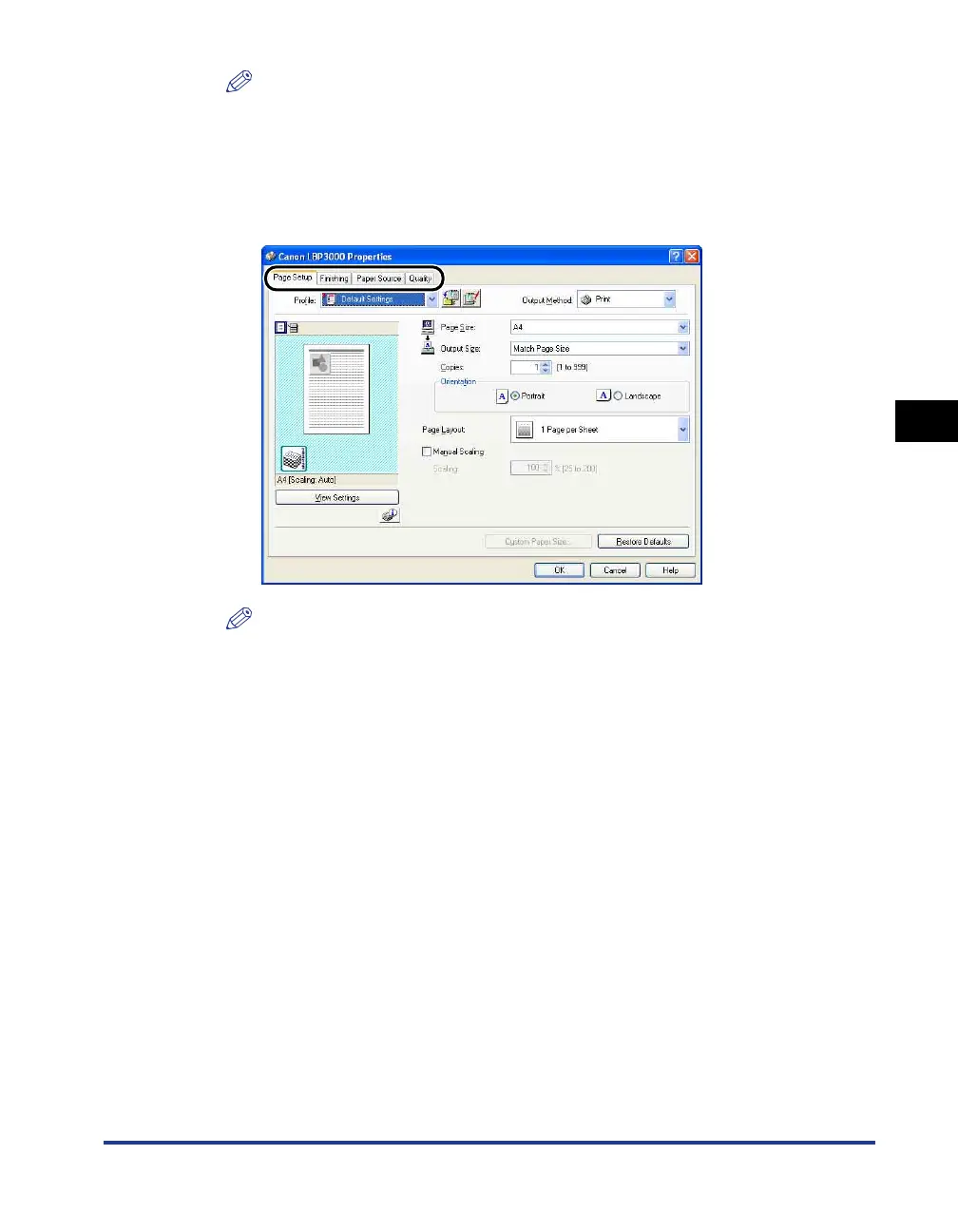
Specify the printing preferences in the [Page Setup],
[Finishing], [Paper Source], and [Quality] sheets.
NOTE
•
The settings that are specified here only apply to the currently opened file. Check
the contents of the [Document Properties] dialog box each time you print. In
particular, it is recommended that you verify the information in the [Page Setup]
sheet and the [Paper Source] sheet.
•
The default settings for all files can be configured using the following dialog box.
-For Windows 98/Me: Open the [Printer Properties] dialog box from the [Printers]
folder. (See "Opening the [Printer Properties] Dialog Box from the [Printers]
Folder," on p. 4-9.)
-For Windows 2000/XP/Server 2003/Vista: Open the [Document Properties] dialog
box from the [Printers and Faxes] or [Printers] folder. (See "Opening the
[Document Properties] Dialog Box from the [Printers and Faxes] or [Printers]
Folder," on p. 4-13.)
8
Click [OK].
The [Print] dialog box reappears.
9
Click [OK].
The printer starts printing.











 To Next Page