Replacing the Toner Cartridge
5-4
Routine Maintenance
5
2
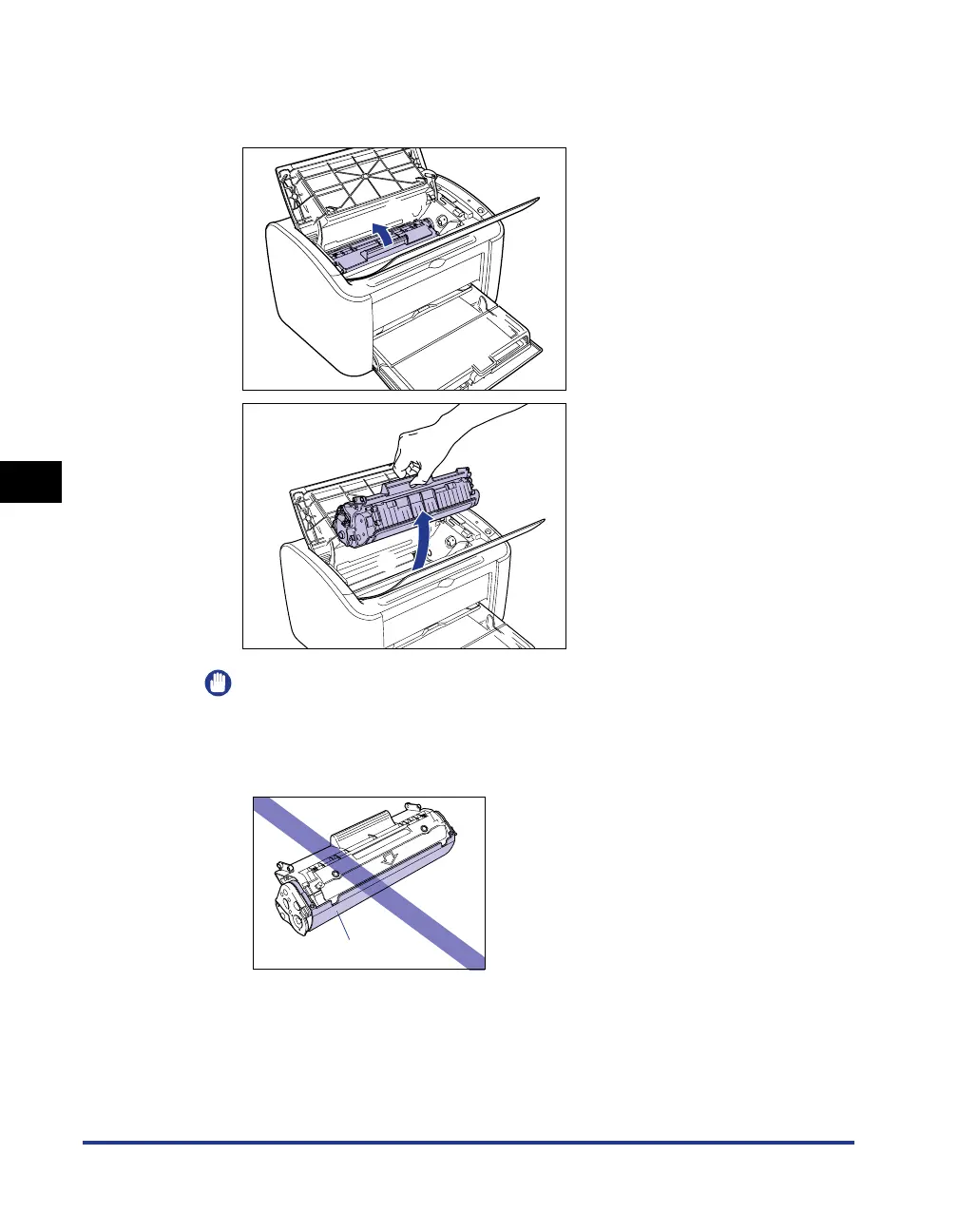
Lift the toner cartridge in the direction of the arrows aa
aa
, then
pull it out
bb
bb
.
IMPORTANT
•
If you touch the inner drum with your hand or scratch it, the printing quality will be
degraded. Do not touch or open the protective shutter of the drum under any
circumstances. Be careful not to hold or touch any parts other than as directed.
Doing so may damage the toner cartridge.
a
b
Drum Protective Shutter











 To Next Page