Replacing the Toner Cartridge
5-5
Routine Maintenance
5
•
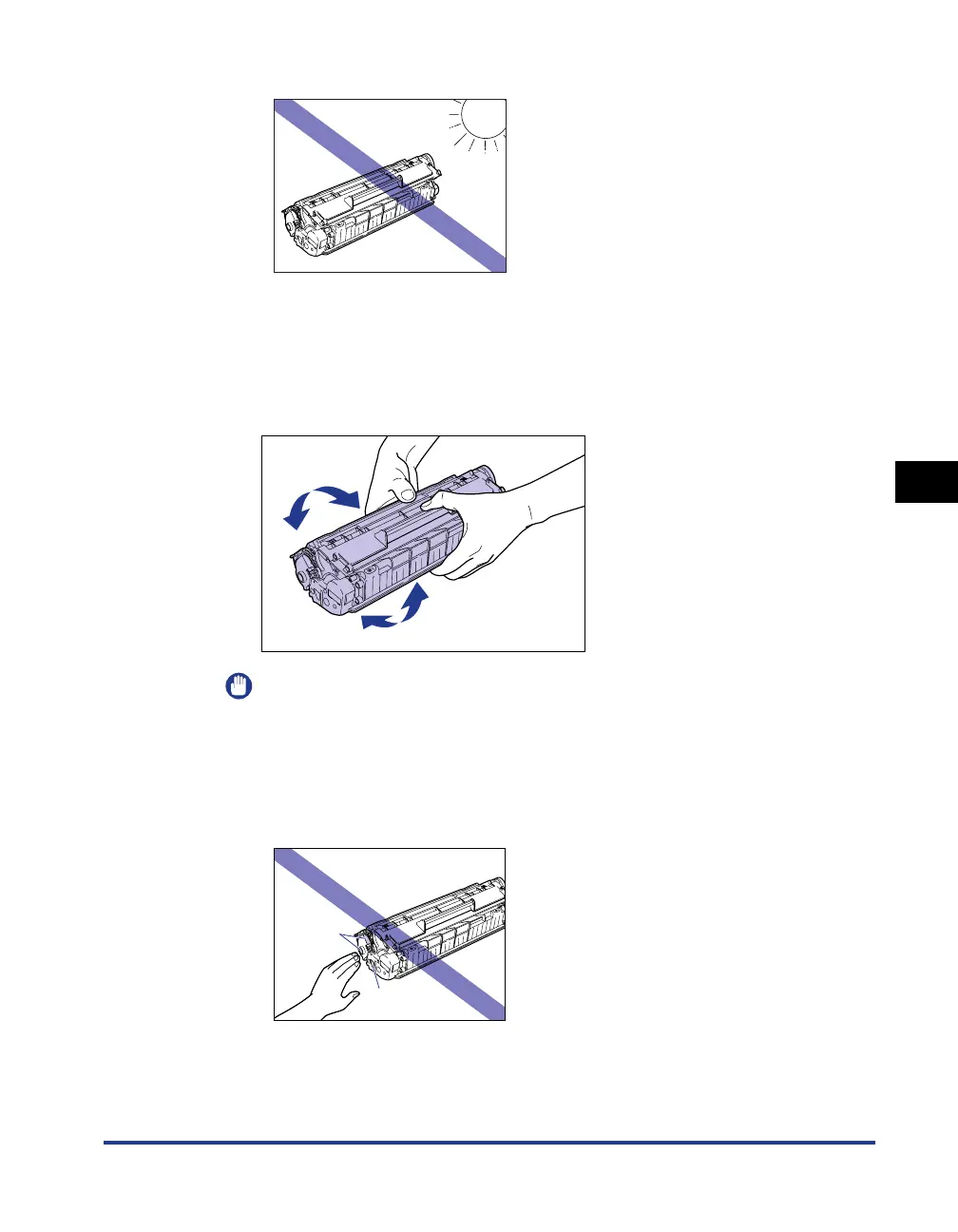
Do not expose the toner cartridge to direct sunlight or strong light.
3
Hold the toner cartridge as shown in the figure, and roll it
gently from side to side 5 or 6 times to evenly distribute the
toner inside.
Be careful not to spill the toner.
IMPORTANT
•
If toner is not distributed evenly, the printing quality may be reduced. Make sure
you perform this step.
•
Rotate the toner cartridge gently. If you do not rotate the cartridge gently, toner may
spill out.
•
Be careful not to hold or touch sensitive areas such as the sensor or electrical
contacts. Doing so may damage the toner cartridge.
Electrical
Contacts
Electrical
Contacts











 To Next Page