Moving the Printer
5-25
Routine Maintenance
5
9
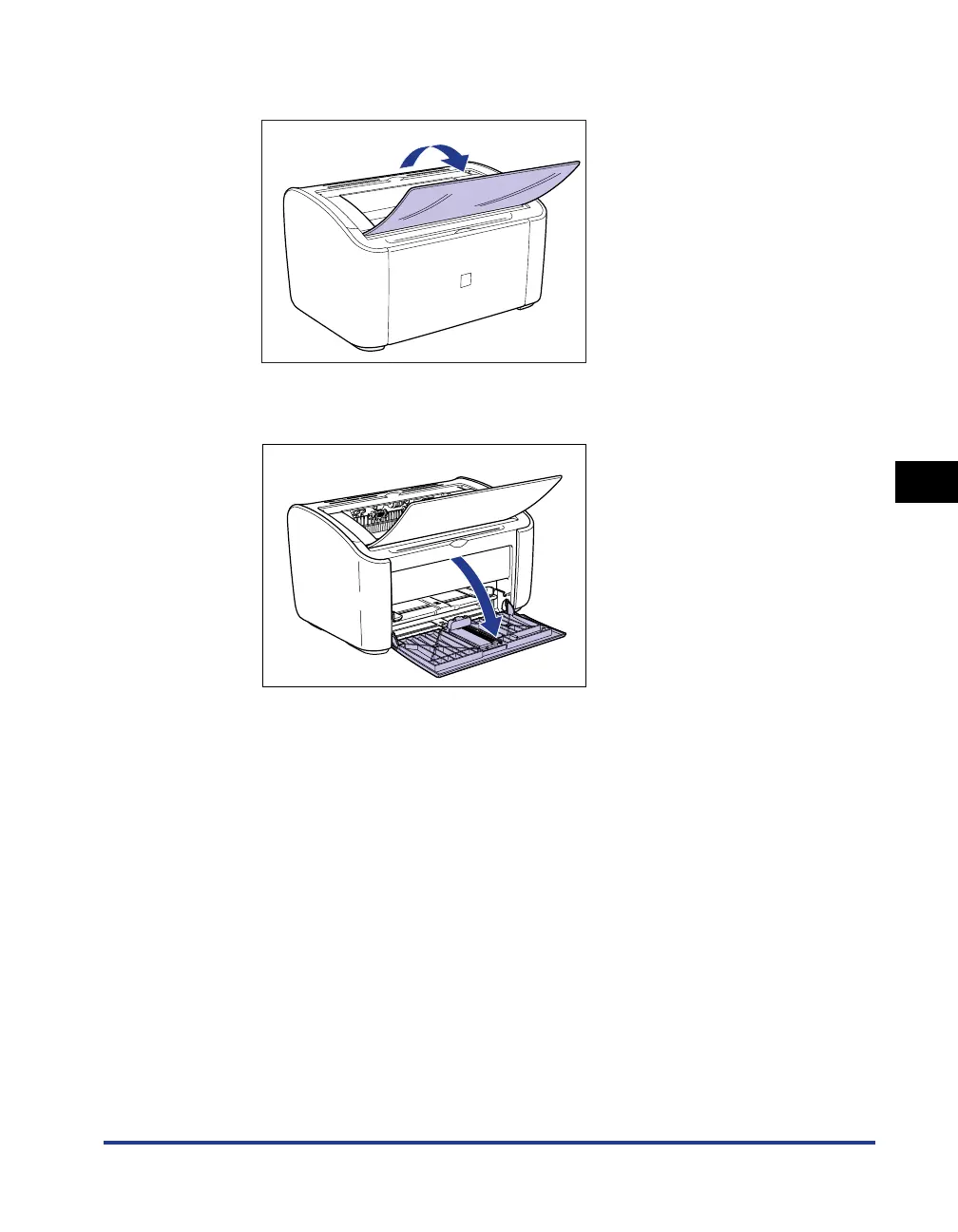
Open the output tray.
10
Open the multi-purpose tray.
11
Load the Paper
Refer to "Printing on Plain Paper, Heavy Paper, Label Paper, and Transparencies,"
on p. 2-14 for information on loading plain paper, heavy paper, label paper and
transparencies.
Refer to "Printing on Index Card," on p. 2-27 for information on loading index
card.
Refer to "Printing on Envelopes," on p. 2-34 for information on loading envelopes.
Refer to "Printing on Custom Paper Sizes (Non-Standard Sizes)," on p. 2-45 for
information on loading custom paper sizes.











 To Next Page