Moving the Printer
5-24
Routine Maintenance
5
6
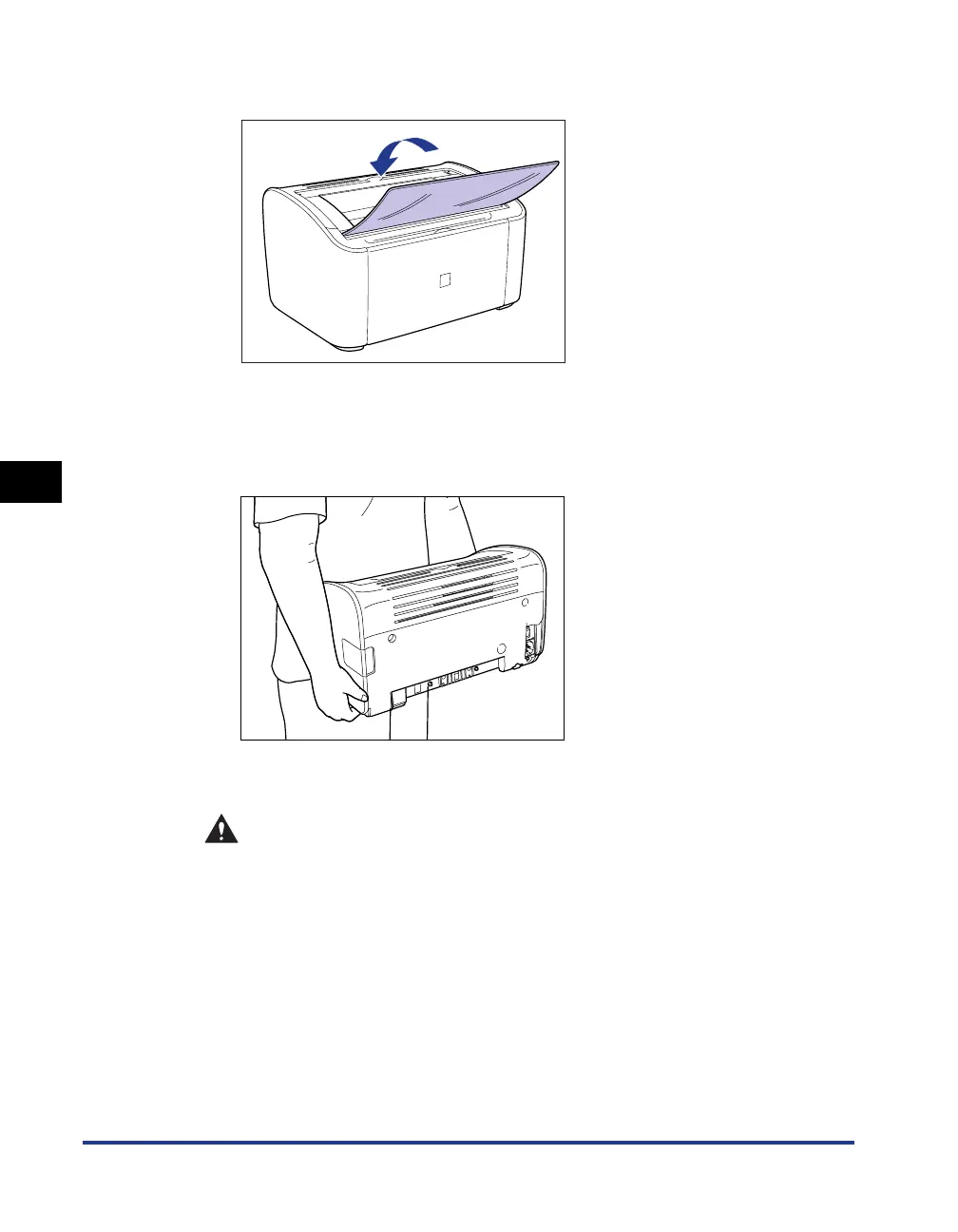
If the paper output tray is open, close it.
7
Grasp the left and right side of the printer with your hands, as
shown in the diagram, and firmly hold onto the printer when
you carry it.
8
Put the printer down carefully at the installation site.
CAUTION
Put the printer down slowly and carefully. You may be injured if your
hands, etc. are pinched by the printer.











 To Next Page