Installation Problems
6-31
Troubleshooting
6
NOTE
If [Canon LBP3000] is displayed in the dialog box, see "If Uninstallation Fails" (p.
6-28) and delete [Canon LBP3000] in the dialog box.
4
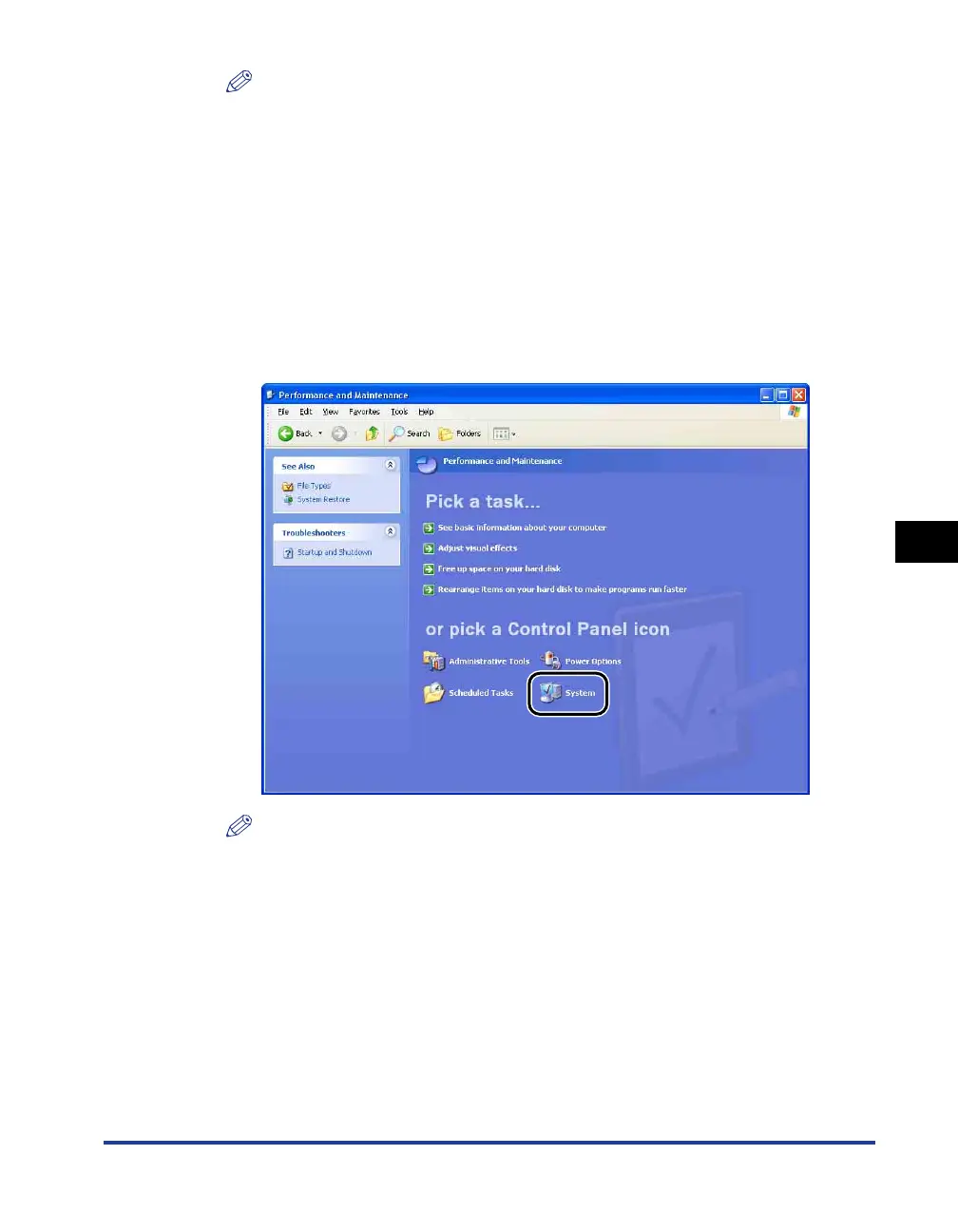
From the [Start] menu, select [Control Panel], and then click
[Performance and Maintenance] ➞ [System].
For Windows 98/Me/2000: From the [Start] menu, select [Settings] ➞ [Control
Panel], and then double-click the [System] icon.
For Windows Server 2003: From the [Start] menu, select [Control Panel] ➞
[System].
For Windows Vista: From the [Start] menu, select [Control Panel], and then click
[Hardware and Sound] ➞ [View hardware and devices].
NOTE
If you are using Windows Vista and the [User Account Control] dialog box appears,
click [Continue].











 To Next Page