Printing on Plain Paper, Heavy Paper, Label Paper, and Transparencies
2-24
Loading and Delivering Paper
2
2
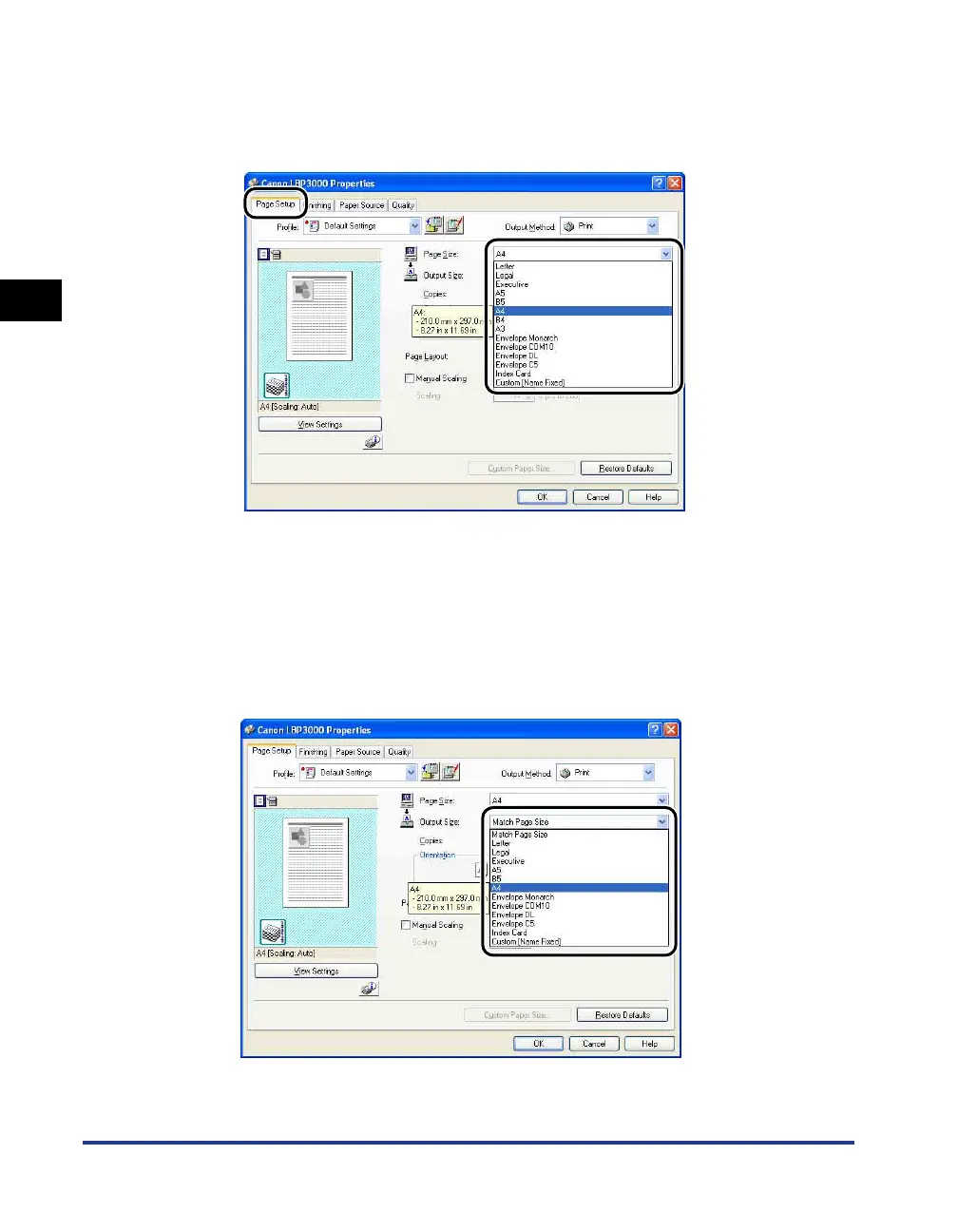
Display the [Page Setup] sheet, then set the [Page Size]
setting to the size of the document that you created in the
application.
3
Set the [Output Size] setting to the size of the paper loaded in
the printer as needed.
Select [A4] or [Letter] if you are printing transparencies or labels.
Leave the setting set to [Match Page Size] when the page size and the size of
the paper loaded in the multi-purpose tray are the same, since there is no need
to change the setting.











 To Next Page