Printing on Plain Paper, Heavy Paper, Label Paper, and Transparencies
2-25
Loading and Delivering Paper
2
IMPORTANT
If the [Page Size] and [Output Size] settings are different, the printer produces an
enlarged or reduced print automatically.
4
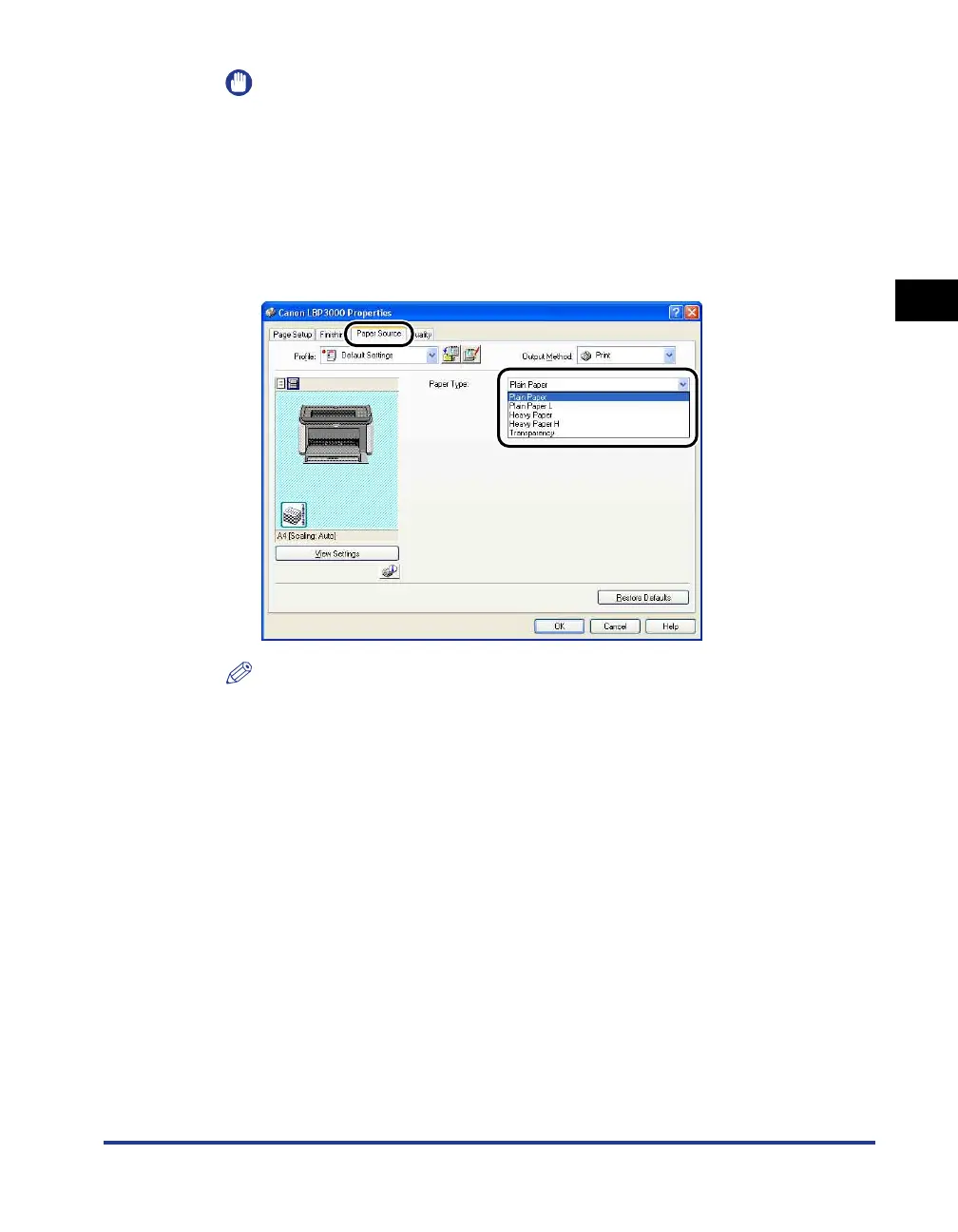
Display the [Paper Source] sheet, and set the [Paper Type] to
the type of paper loaded in the printer.
Set this to [Plain Paper] for regular paper and labels, [Heavy Paper] for thick
paper, and [Transparency] for transparencies.
NOTE
•
If the paper curls excessively when you are printing on plain paper (64
to
90g/m
2
)
with the [Paper Type] setting set to [Plain Paper], try setting the [Paper Type] setting
to [Plain Paper L].
•
If you want to get improved fixing properties over the results of printing using the
[Heavy Paper] setting, select [Heavy Paper H].











 To Next Page