Using the Printer on a Network
3-38
Setting Up the Printing Environment
3
5
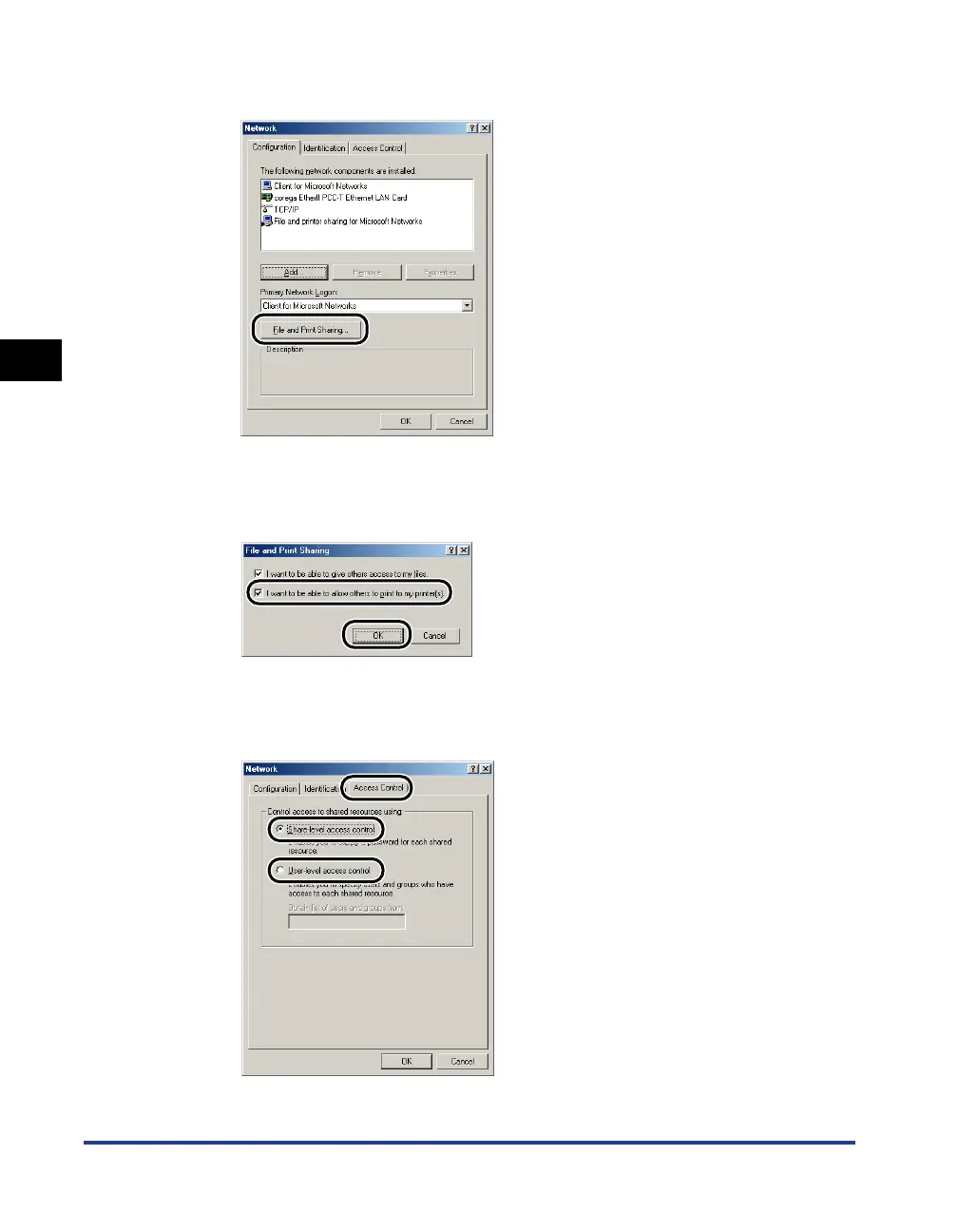
Click [File and Print Sharing].
6
Make sure that [I want to be able to allow others to print to my
printer(s).] is selected, then click [OK].
7
Display the [Access Control] sheet and select either
[Share-level access control] or [User-level access control].












 To Next Page