Using the Printer on a Network
3-39
Setting Up the Printing Environment
3
8
Click [OK], then restart Windows.
■ Printer Sharing Settings
1
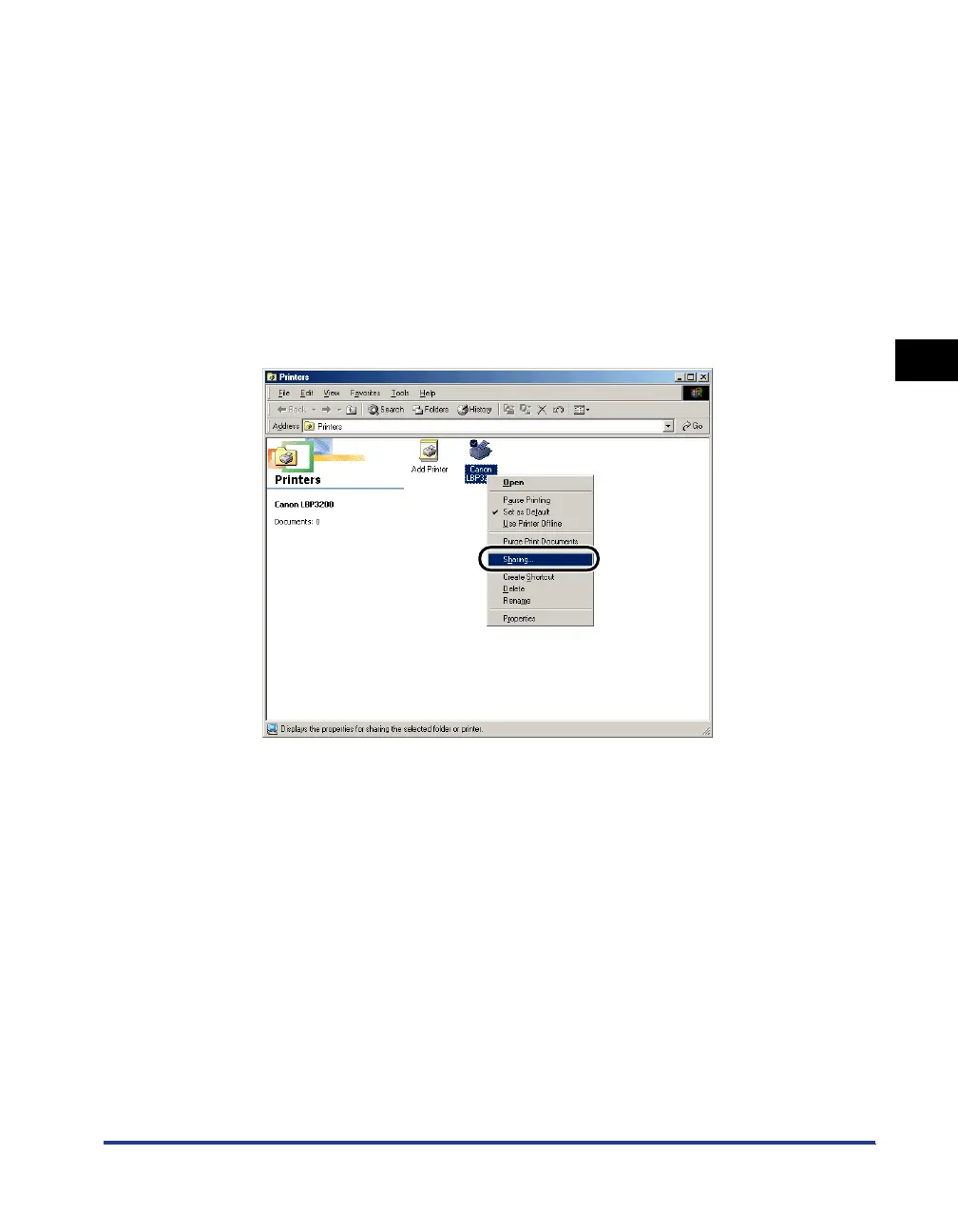
Select the [Start] menu ➞ [Settings] ➞ [Printers].
The [Printers] folder will appear.
2
Right-click [Canon LBP3200] icon, then select [Sharing] from
the pop-up menu.
The [Properties] dialog box for this printer will appear.












 To Next Page