Moving the Printer
5-21
Routine Maintenance
5
8
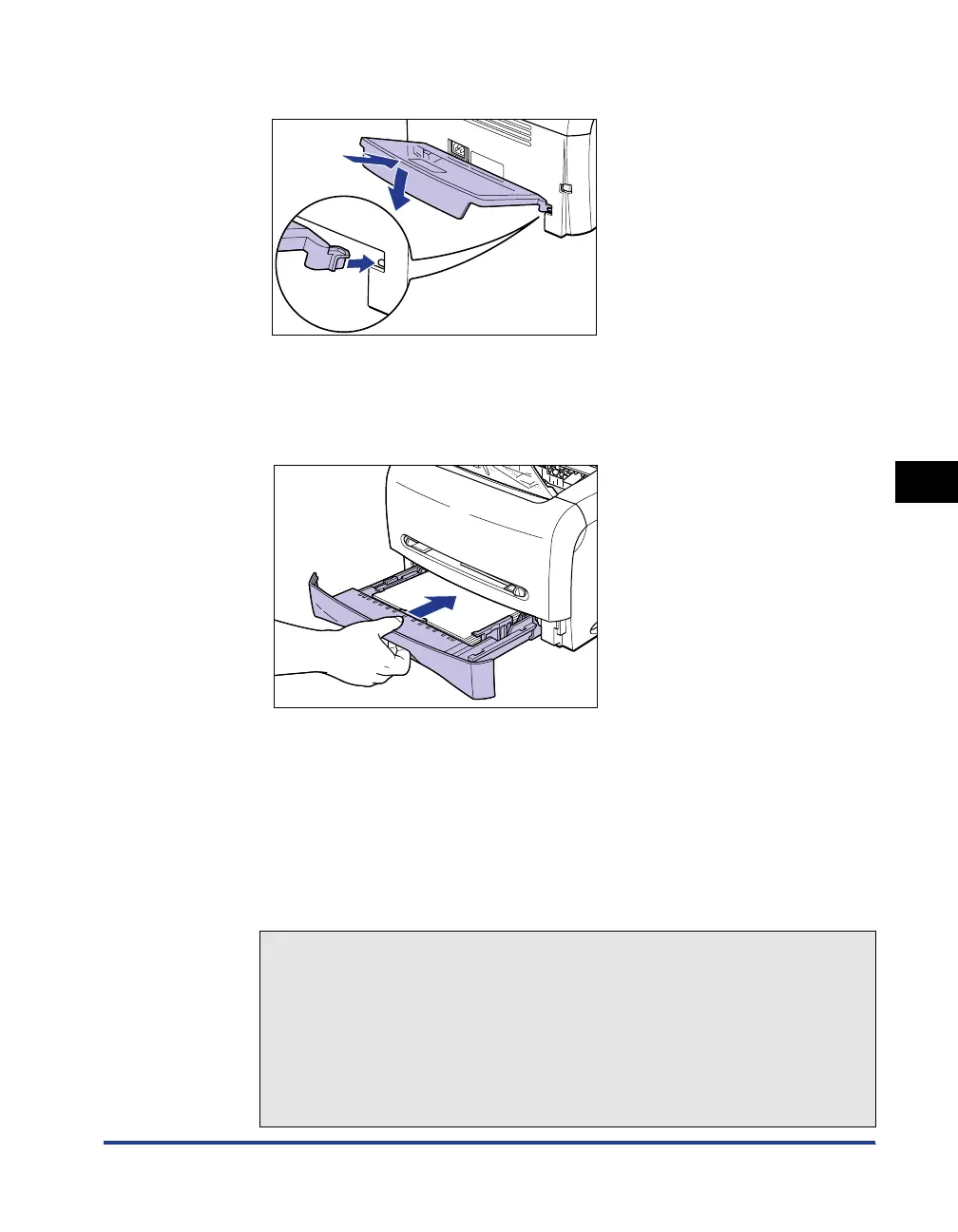
Install the cassette protective cover to the back of the printer.
9
Set the cassette in the printer.
Push the cassette into the printer firmly until the front surface of the cassette is
flush with that of the printer.
10
Plug the power cord.
11
Plug the power plug into the AC power outlet.
12
Connect the USB cable.
● Transporting the Printer
When transporting the printer for reasons such as relocating, remove the toner
cartridge and store the printer and the parts in the package that they came in
with the protective materials attached in order to prevent them from being
damaged while being transported.
If the original package and packing materials are not available, find an
appropriate box and packing materials and pack the printer and the parts
appropriately.
a
b












 To Next Page