Paper Jams
6-10
Troubleshooting
6
11
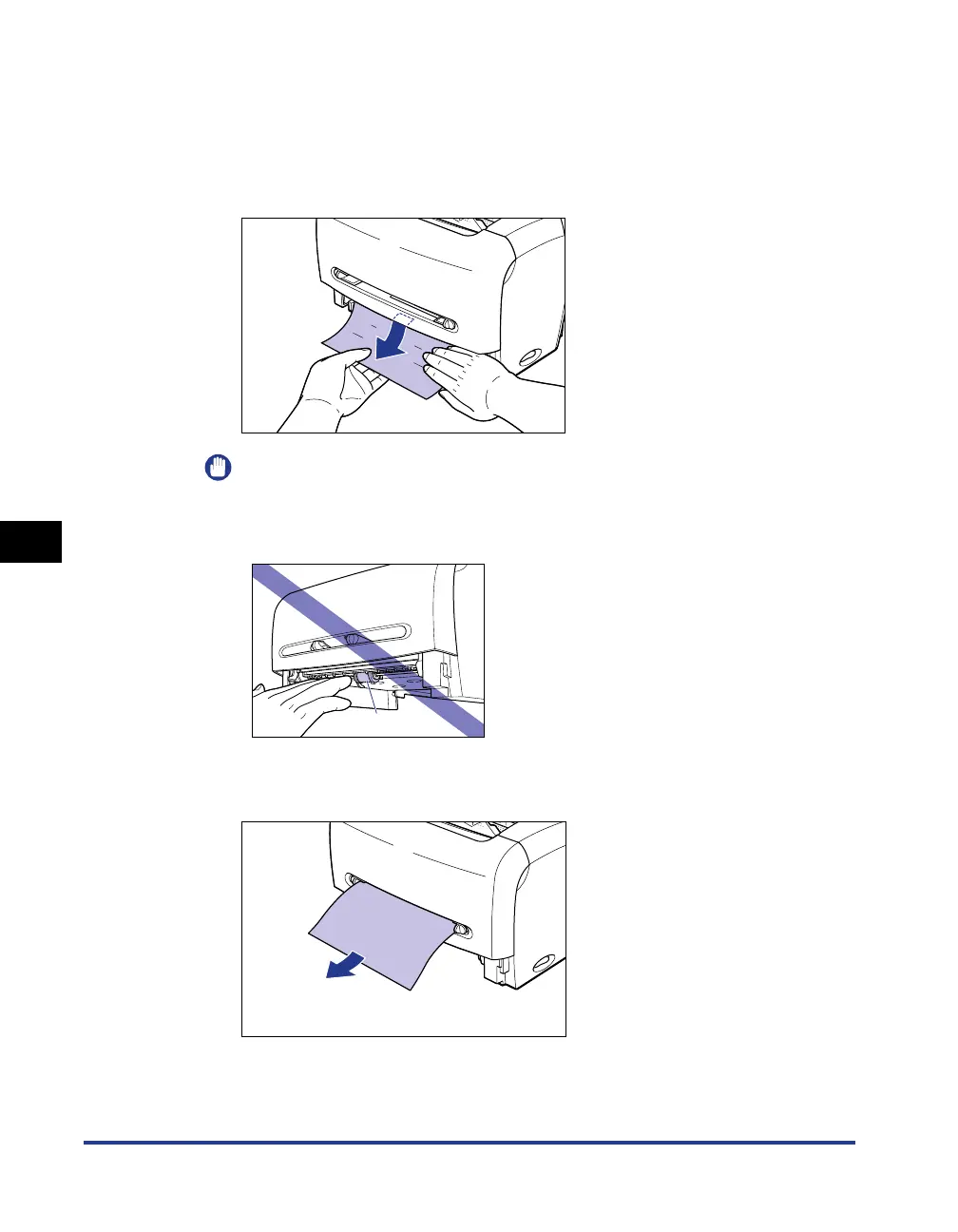
Slowly pull jammed paper in the direction of the arrow.
● When feeding paper from the cassette
❑ While putting your hand on paper as shown in the figure, slowly pull jammed
paper in the direction of the arrow.
IMPORTANT
•
When removing jammed paper, be sure to put your hand on paper. If you remove
jammed paper without putting your hand on it, paper may be torn.
•
Do not touch the paper feed roller. If you touch it, this may result in misfeeds.
● When feeding paper from the manual feed slot
❑
Slowly pull out jammed paper in the direction of the arrow.
Paper feed roller












 To Next Page