Installing the CAPT Software
3-14
Setting Up the Printing Environment
3
13
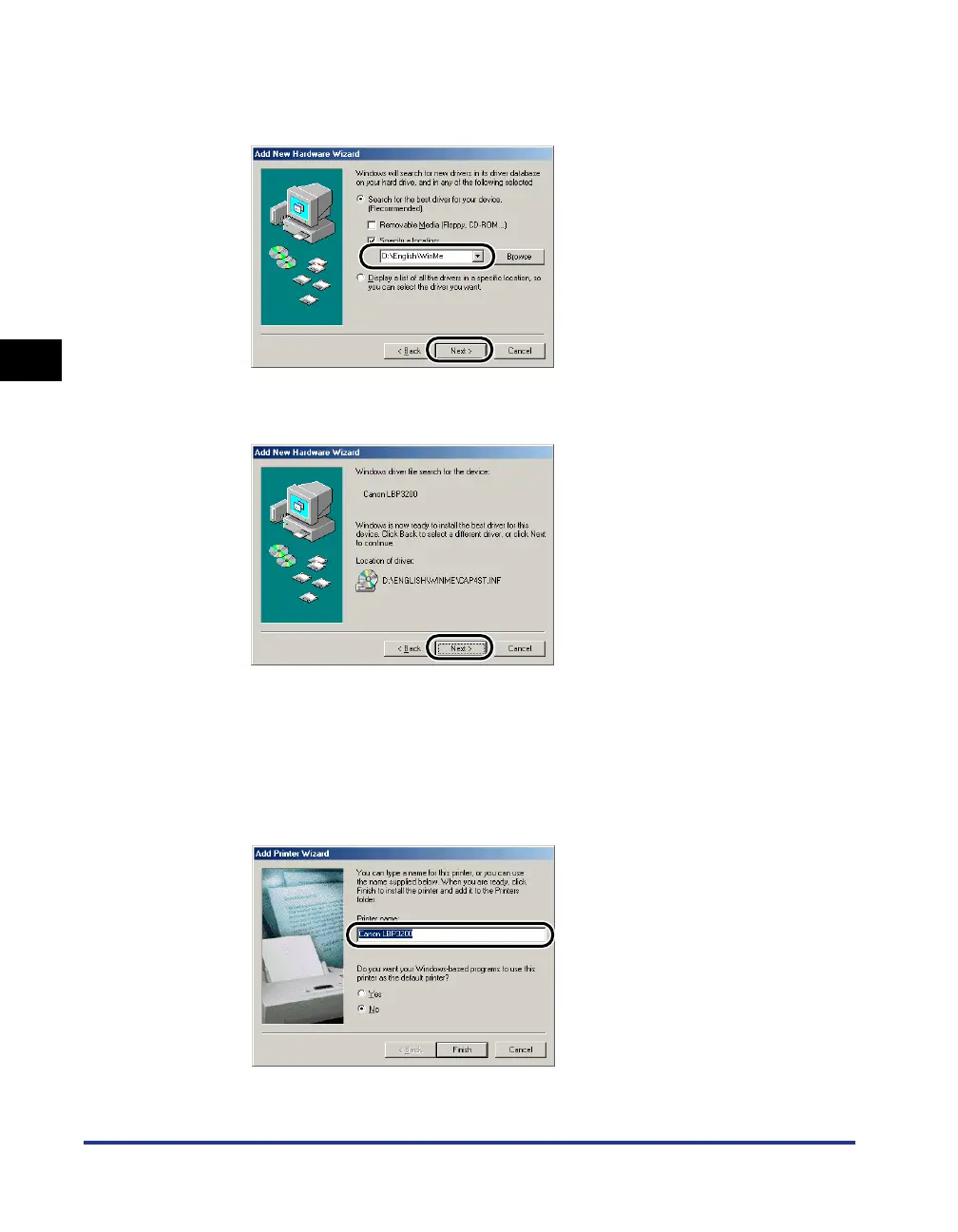
Make sure that the correct folder is displayed in [Specify a
location], and then click [Next].
14
Click [Next].
15
Enter a new name in [Printer name] if you want to change the
printer name.
If another printer driver has been already installed in the computer, the message
<Do you want your Windows-based programs to use this printer as the default
printer?> will appear. In this case, select [Yes] or [No].












 To Next Page