Installing the CAPT Software
3-15
Setting Up the Printing Environment
3
16
Click [Finish].
Copying files will be started.
17
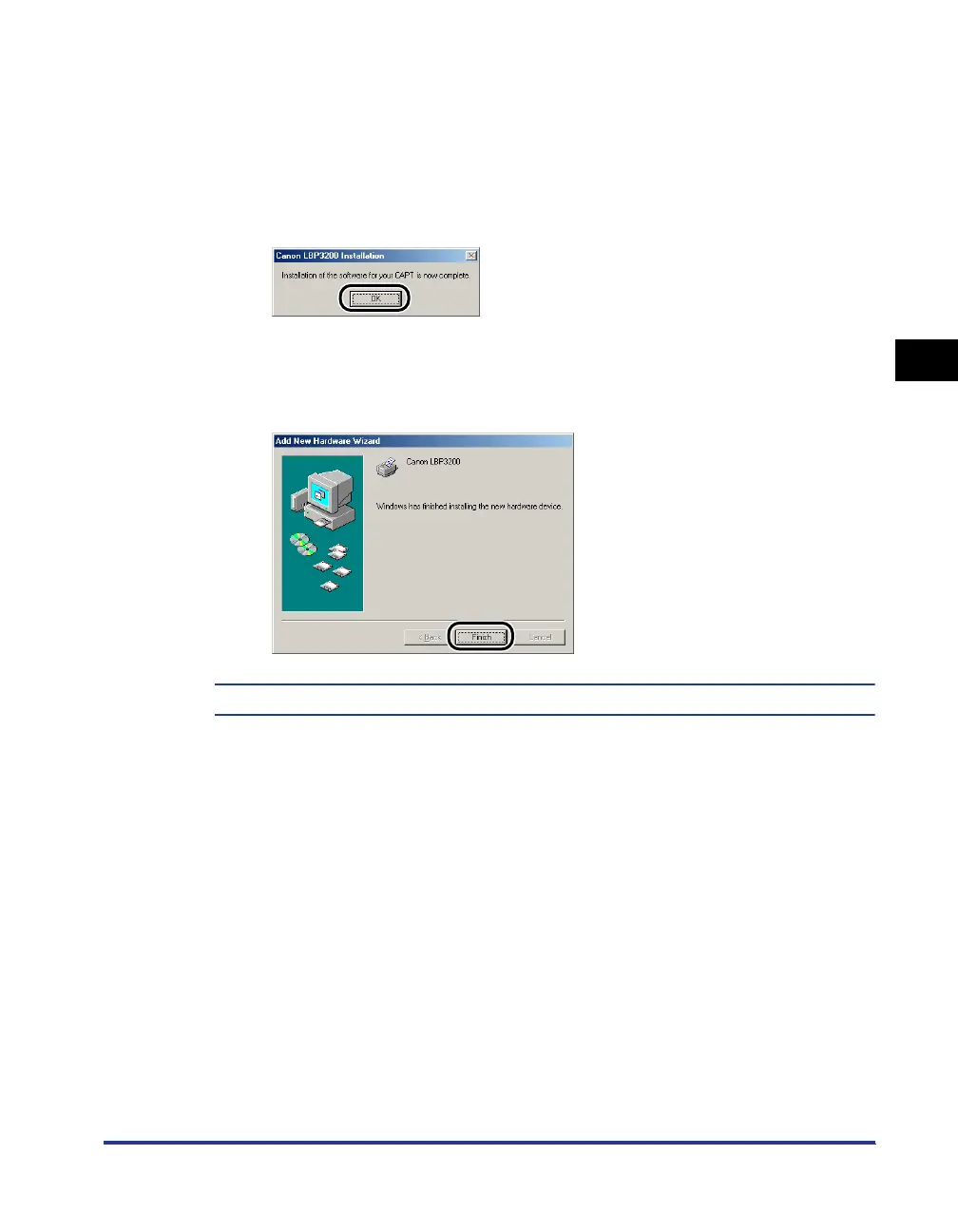
When the dialog box for completing installation appears, click
[OK].
The [Add New Hardware Wizard] dialog box will appear.
18
Click [Finish].
The installation of the USB class driver and the printer driver is completed.












 To Next Page