¦
¦
V
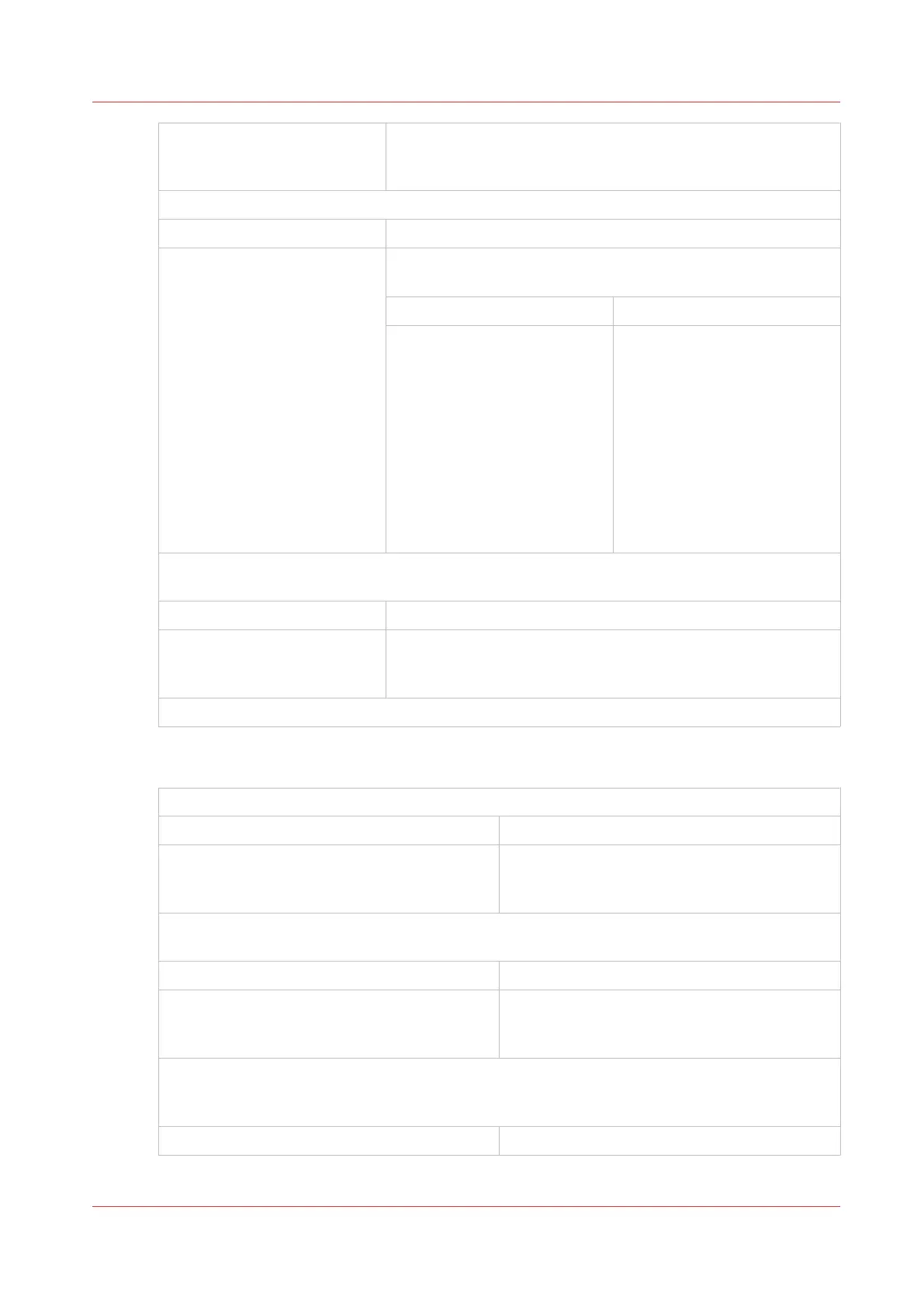
Turn on the TRIM option.
Is AUTO turned off in the TRIM window?
No Yes
¦
¦
¦
¦
¦
¦
¦
¦
¦
¦
¦
¦
¦
¦
V
Set TRIM to AUTO.
Does the problem persist?
Yes No
¦
¦
¦
¦
¦
¦
¦
¦
¦
¦
V
No further action is required.
If you need to use a custom
trim size, enter the trim di-
mension in the TRIM window.
Make sure the size is not larg-
er than the book size, or the
book will not be trimmed.
Touch ADVANCED > RE-REF > RE-REF to re-reference the machine.
Does the problem persist?
Yes No
¦
¦
V
No further action is required.
Call your service engineer.
Trimming problem - the book is not trimmed to the correct size
Is TRIM turned on?
Yes No
¦
¦
V
Turn on the TRIM.
Make sure the size is not larger than the book size, or the book will not be trimmed.
Is the correct trim size entered in the touchscreen?
Yes No
¦
¦
V
Enter the correct size in the touchscreen.
Re-reference the machine.
Touch ADVANCED > RE-REF > RE-REF to re-reference the machine.
Does the problem persist?
Yes No
4
Book Quality
Chapter 6 - Error Conditions, Problems and Solutions
71



 To Next Page