28 Chapter 5 Acquiring Panoramic Images
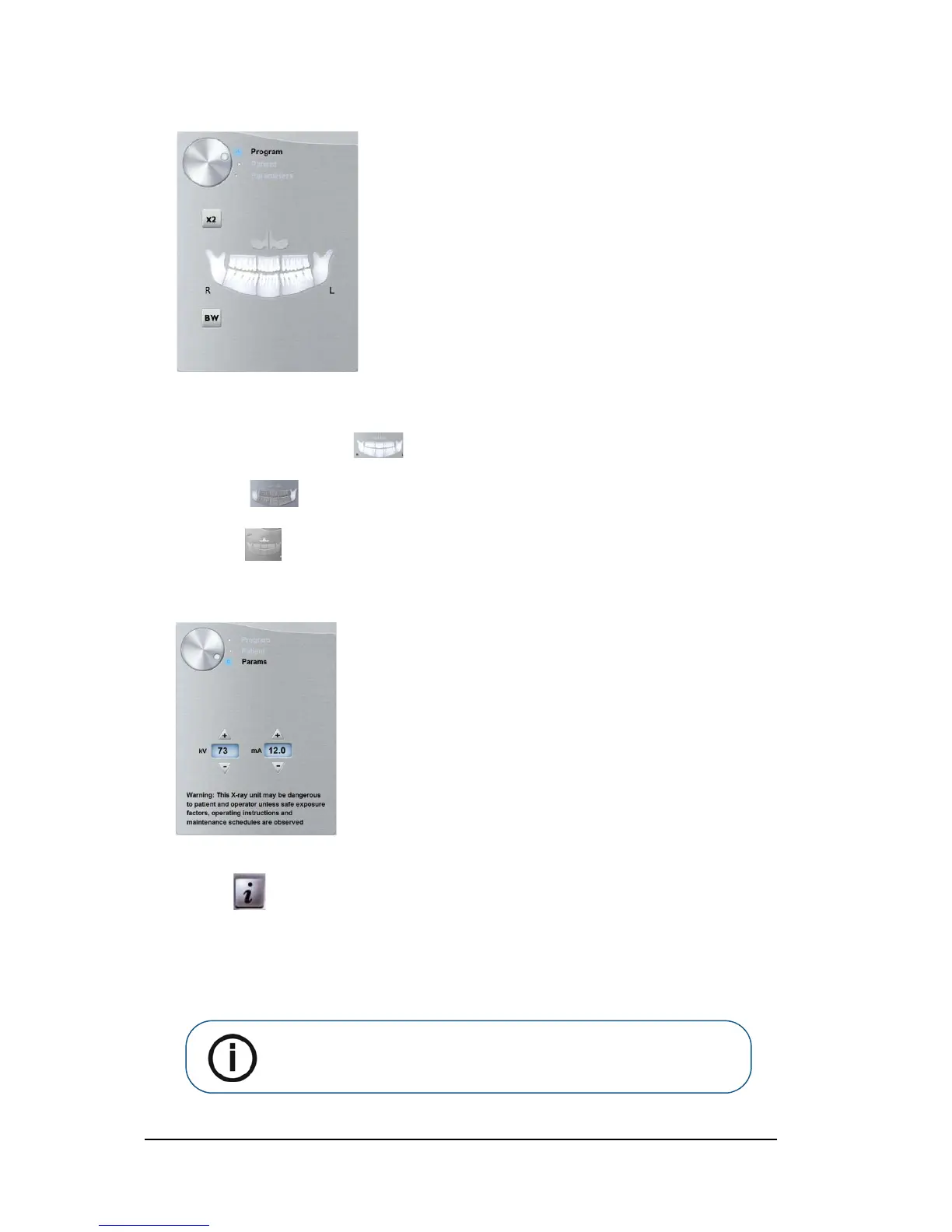
2. Click the Program button to access the Program pane.
Click on one area of interest that you want to examine:
• Panoramic: for example,
• TMJ x2:
• Sinus:
3. (Optional) If the default parameter setting is not adapted to your patient type, click the Parameter
button:
• Select the appropriate parameters.
• Click and select Memorize Anatomy setting if you want to save the new parameter
settings as future default settings.
4. Position and fix the panoramic chin rest (A). Fit the bite block to the panoramic chin rest (Ba). Make
sure that you click it well into place. If needed, use the edentulous bite block or the sinus chin rest
(Bb). You may if required use the Frankfort guide bite block for panoramic to help position the
patient.
Note: Use the panoramic chin rest (A) for a panoramic or TMJ x2 image
acquisition. Use the sinus chin rest (Bb) for a sinus image acquisition. Use
the TMJ nose rest for a TMJ x4 acquisition.












 To Next Page