52 Chapter 6 Acquiring 3D Images
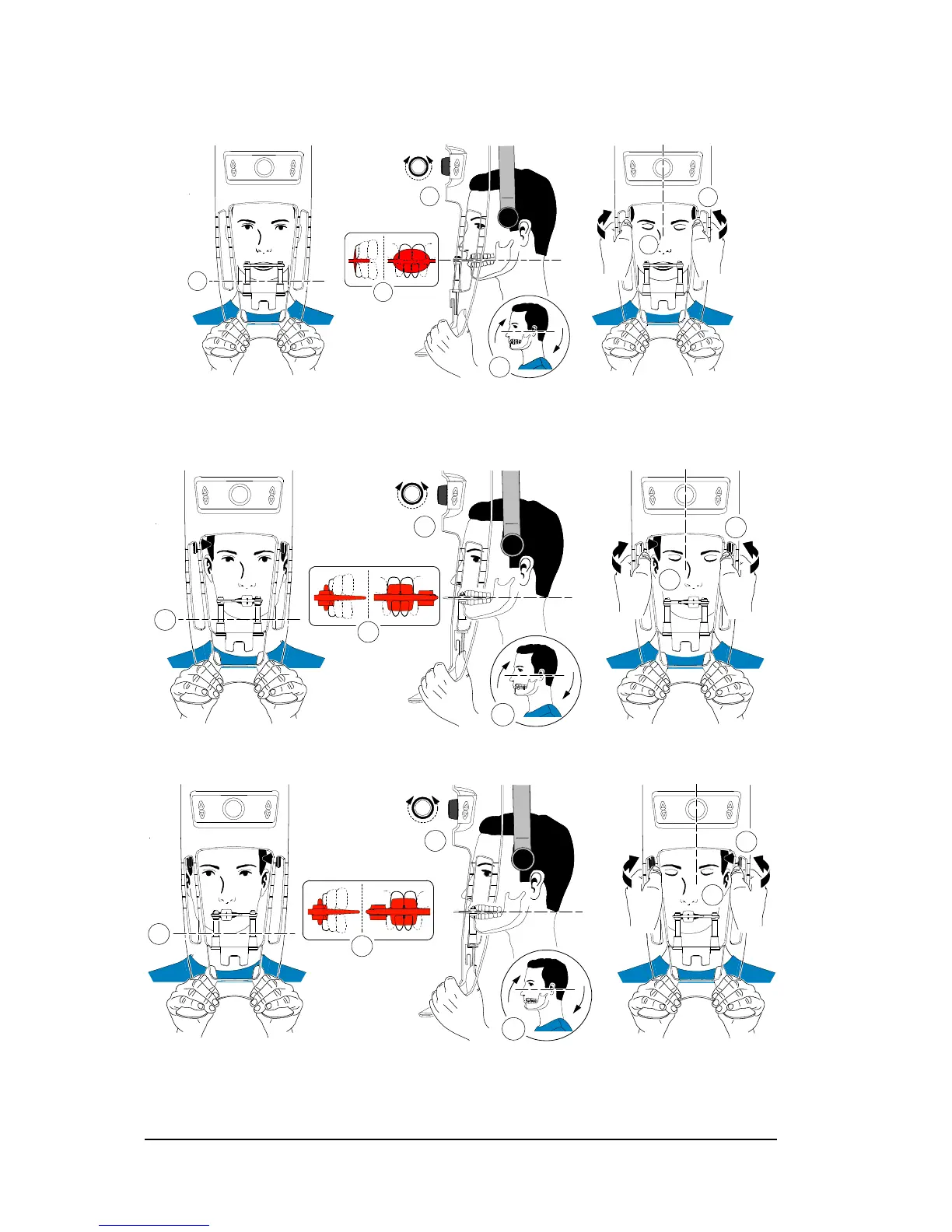
• If you are using a standard 3D bite block or a 3rd molar bite block, ask the patient to
bite on the 3D bite block as shown (A), (B).
• If you are using a 3rd molar offset 3D bite block:
• To acquire an image of the right 3rd molar, ask the patient to bite on the side of the bite
block indicated M
R as shown (A):
• To acquire an image of the left 3rd molar, ask the patient to bite on the side of the bite
block indicated M
L as shown (A):
The indication on the bite block (ML or MR) should be placed in the corresponding region inside
the patient’s mouth.












 To Next Page