20060301
2-10-6
Using the Main Application in Combination with Other Applications
u
ClassPad Operation
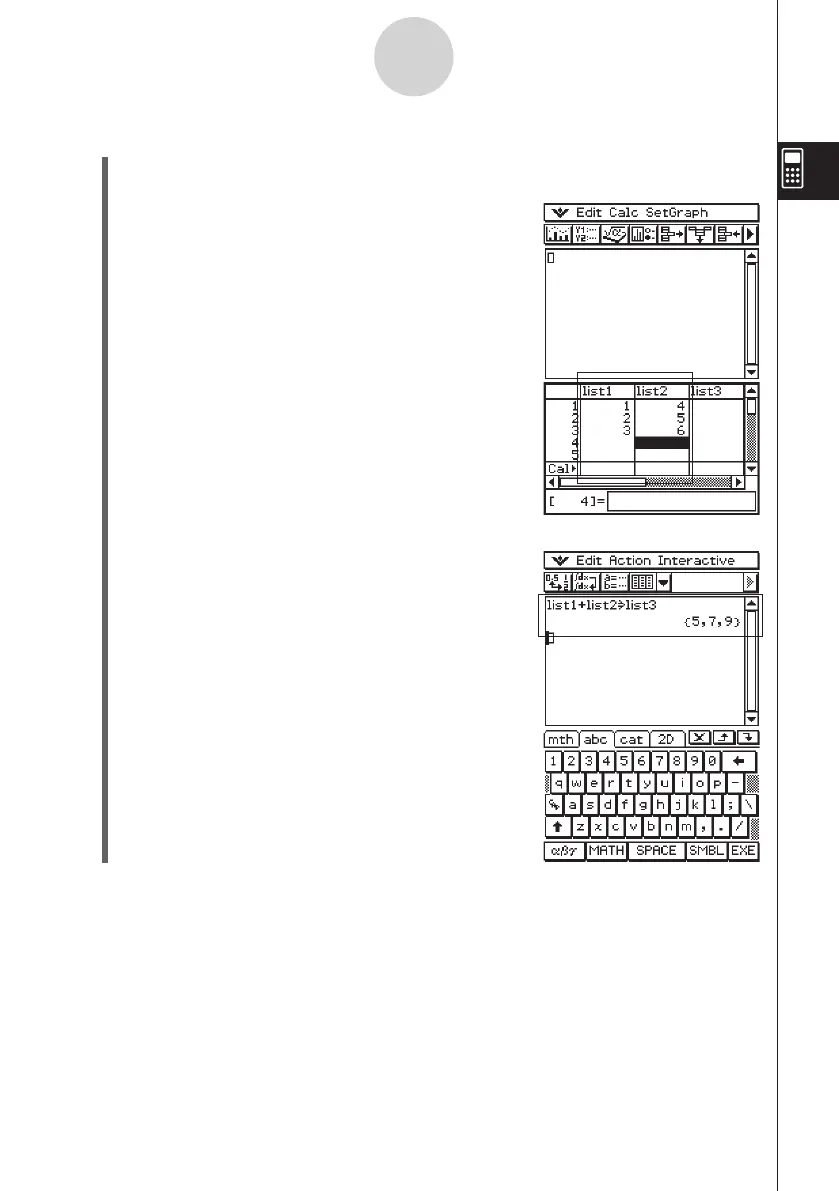
(1) On the work area window, tap
(
to display the Stat Editor window in the lower
window.
(2) Input the following list data into the lists named “list1”
and “list2”. list1 = {1, 2, 3} list2 = {4, 5, 6}
(3) Make the work area window active, and then perform
the following calculation: list1 + list2
S
list3.
• You could also input “list3:=list1+list2” to produce the
same result.















 To Next Page