19
Special function
PARAMETER DISPLAY
Screen - A
PARAMETER DISPLAY Screen - V Welding mode
Default
Range
TWO STROKE (2T)
FOUR STROKE (4T)
CRATER 2T
CRATER 4T
SPOT WELDING
STITCH WELDING
CYCLE STANDARD
CYCLE ADVANCED
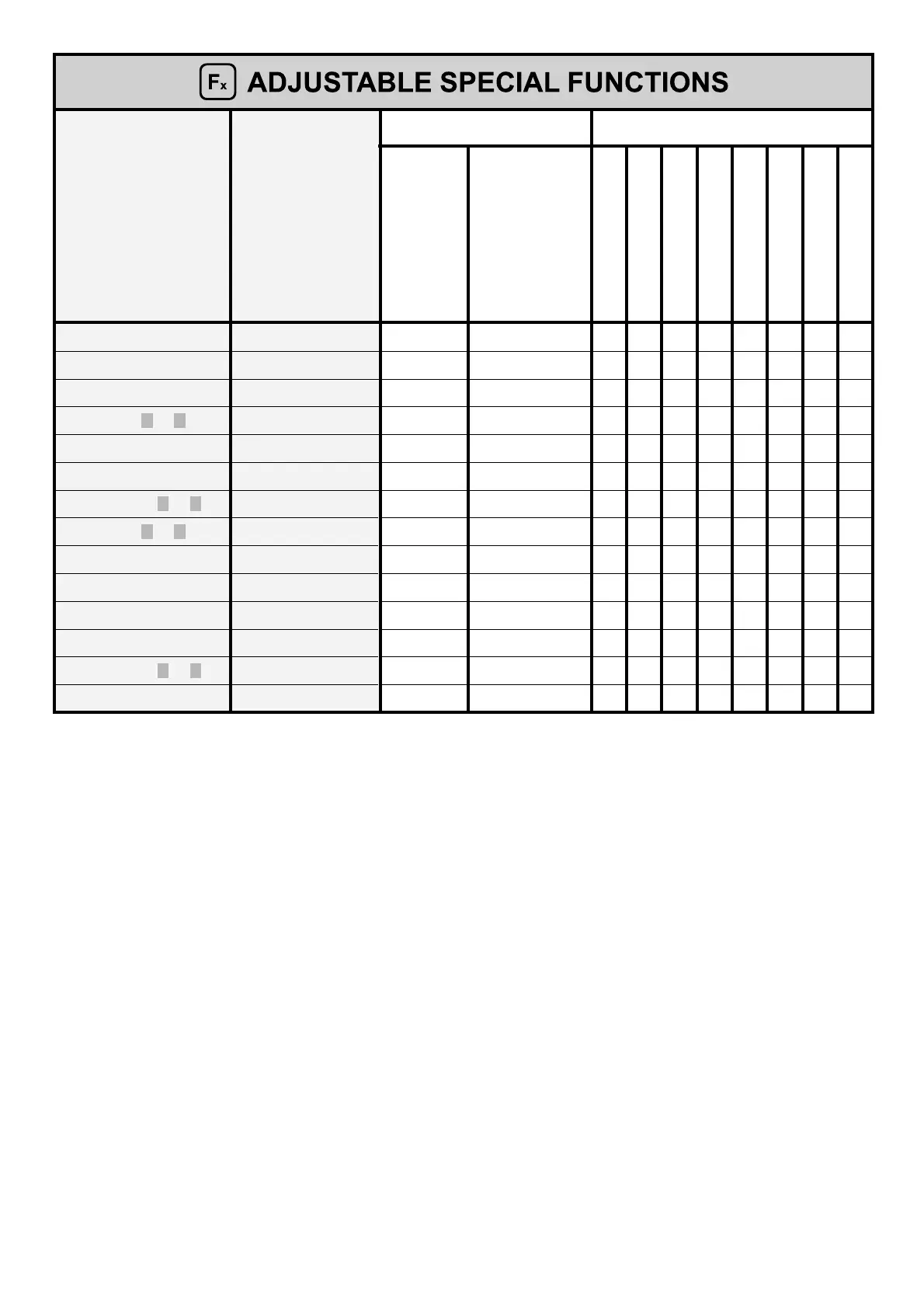
FINAL CRATER TIME F15 0.0s (0.0 - 5.0)s ●
BURN BACK bub 0 -30 - +30 ●●●●●●●●
POST GAS PoG 1.0s (0.0 - 10.0)s ●●●●●●●●
FIRST SLOPE ( I1 TO I 2 ) F18 0.05s (0.0 - 1.0)s ●
CYCLE CURRENT F19 20% -99% - +100% ●●
CYCLE ARC LENGTH F20 0 -30 - +30 ●●
SECOND SLOPE ( I 2 TO I 1 ) F21 0.05s (0.0 - 1.0)s ●
FIRST SLOPE ( I1 TO I 2 ) F22 5s (0 - 100)s ● (°) ● (°) ● (°) ● (°) ● (°) ● (°) ● (°) ● (°)
DUAL PULSE DELTA CURRENT F23 50% -100% - +200% ●●●●●●●●
DUAL PULSE ARC LENGTH F24 0 -30 - +30 ● (°) ● (°) ● (°) ● (°) ● (°) ● (°) ● (°) ● (°)
DUAL PULSE BALANCE F25 0% -40% - +40% ●●●●●●●●
DUAL PULSE FREQUENCY F26 2.7Hz (0.1 - 5.0)Hz ●●●●●●●●
SECOND SLOPE ( I 2 TO I 1 ) F27 5s (0 - 100)s ● (°) ● (°) ● (°) ● (°) ● (°) ● (°) ● (°) ● (°)
ACS / ENCODER SPEED F28 100A/s (5 - 500)A/s ●●●●●●●●
WARNING:
• The STANDARD or ADVANCED welding CYCLE mode can only be activated by opening the ADVANCED SETUP Menu - AD-
VANCED MODE - CYCLE (for further explanations, see the relevant paragraph).
•
(*) This SPECIAL FUNCTION is only to be found if the ADVANCED CRATER function has been activated by accessing the AD-
VANCED SETUP Menu - ADVANCED MODE - CRATER - ADVANCED (for further explanations, see the relevant paragraph).
•
(°) These SPECIAL FUNCTIONS can be activated for all welding modes available on the machine by accessing the ADVANCED
SETUP - ADVANCED MODE - DOUBLE PULSED - ADVANCED Menu (for further explanations, see the relevant paragraph).
• It is possible to access editing of the SPECIAL FUNCTIONS (Fx) during welding.
•
Some of the values edited will be used immediately by the operator, while others will be active from when the next welding
task begins.
• The HOLD function is not active within the SPECIAL FUNCTIONS Menu (SET UP Fx).











 To Next Page