9-1
6200 Packet-Optical Platform Installation, Commissioning, and Testing Procedures
Release 1.1 009-6200-201 Draft Issue 1
Copyright
©
2014 Ciena
®
Corporation September 2014
Cleaning connectors 9-
This chapter describes how to clean fiber-optic connectors. Ciena
recommends that you always clean fiber-optic connectors before connecting
to transmission equipment, test equipment, patch panels, or other connectors.
Connector cleaning
• ensures that fiber-optic assemblies work at their correct power level, by
removing any dust or particles that could lead to optical power attenuation.
• prevents damage to alignment sleeves and adapter housings.
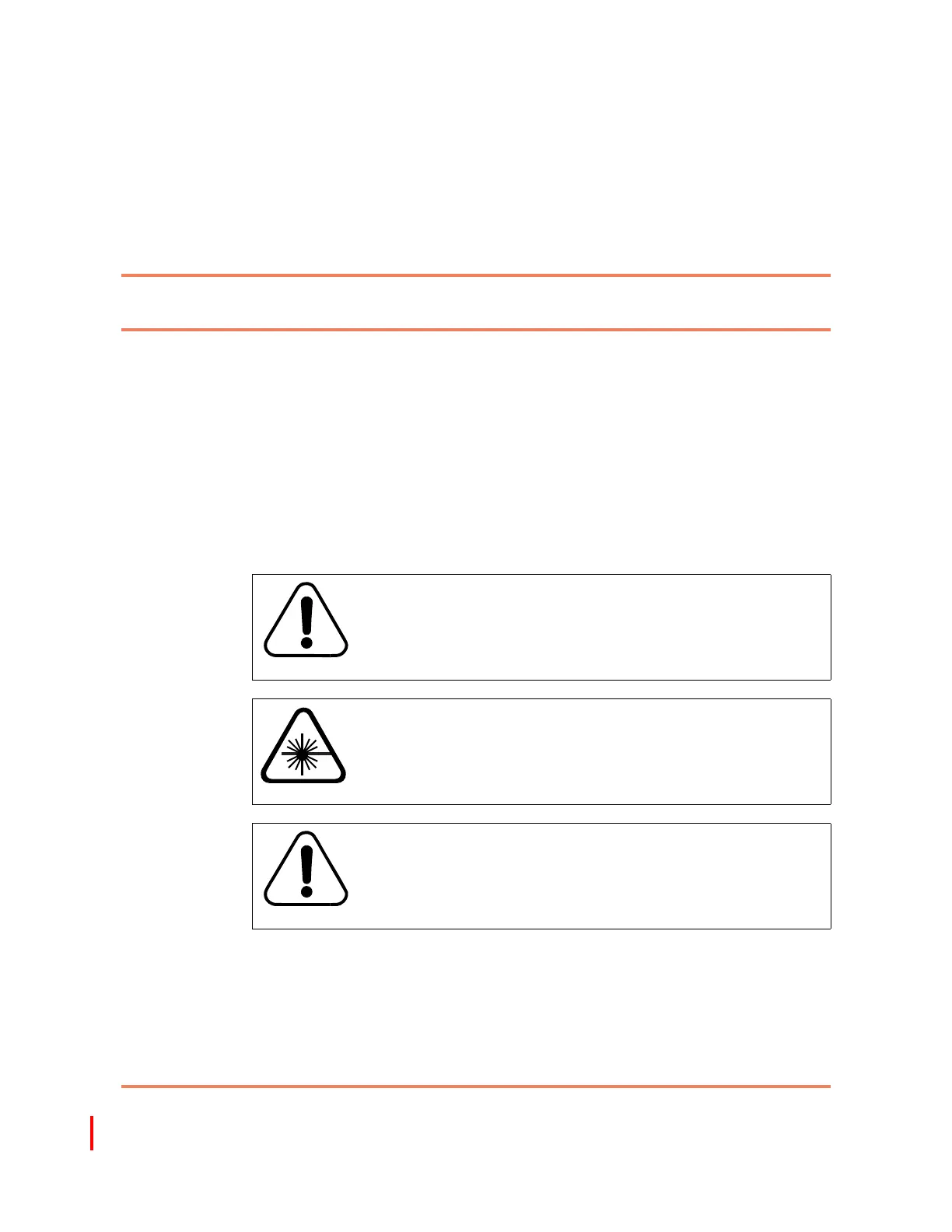
Precautions
CAUTION
Risk of shelf malfunction
Ciena recommends that you do not use cellular phones at any
6200 site. The use of cellular phones in proximity to 6200
equipment can cause shelf malfunction.
CAUTION
Risk of personal injury
Do not look into the end of fiber-optic connectors or into
faceplate connectors of installed circuit packs. The light source
used in fiber-optic devices can damage your eyes.
CAUTION
Risk of signal degradation
Do not allow the solvent to dry on the ferrule. Dried solvent
leaves a residual film on ferrule surfaces that prevents the
fiber-optic assembly from working correctly.
009-6200-201



 To Next Page