Common procedures 10-11
6200 Packet-Optical Platform Installation, Commissioning, and Testing Procedures
Release 1.1 009-6200-201 Draft Issue 1
Copyright
©
2014 Ciena
®
Corporation September 2014
Procedure 10-5
Ejecting circuit packs
Use this procedure to eject the circuit pack from an 6200 network element.
You can use this procedure for following circuit packs:
• 63xE1DS1 circuit pack
• 6xE3DS3 circuit pack
• 63xE1DS1WP circuit pack
• 12xE3DS3WP circuit pack
• IO63xE1DS1 circuit pack
• IO12xE3DS3 circuit pack
• 2.5G MRO circuit pack
• 15G MRO XC circuit pack
• 60G MRO XC circuit pack
• 6G PKT SW circuit pack
• 64G PKT SW circuit pack
• 4xGE + 4xFE circuit pack
Note: In the case of 15G and 60G MRO circuit packs, admin down the
ports on the circuit pack and remove the fiber. If the circuit pack is primary,
do a switchover, and then remove it as the slave circuit pack. For details,
refer to Trouble Clearing and Module Replacement Procedures,
009-6200-543.
Prerequisites
• Make sure that the manual Phillips screwdriver is available.
Action
Step Action
1 Disconnect all fibers/cables connected to the circuit pack ports (that is to be
ejected)
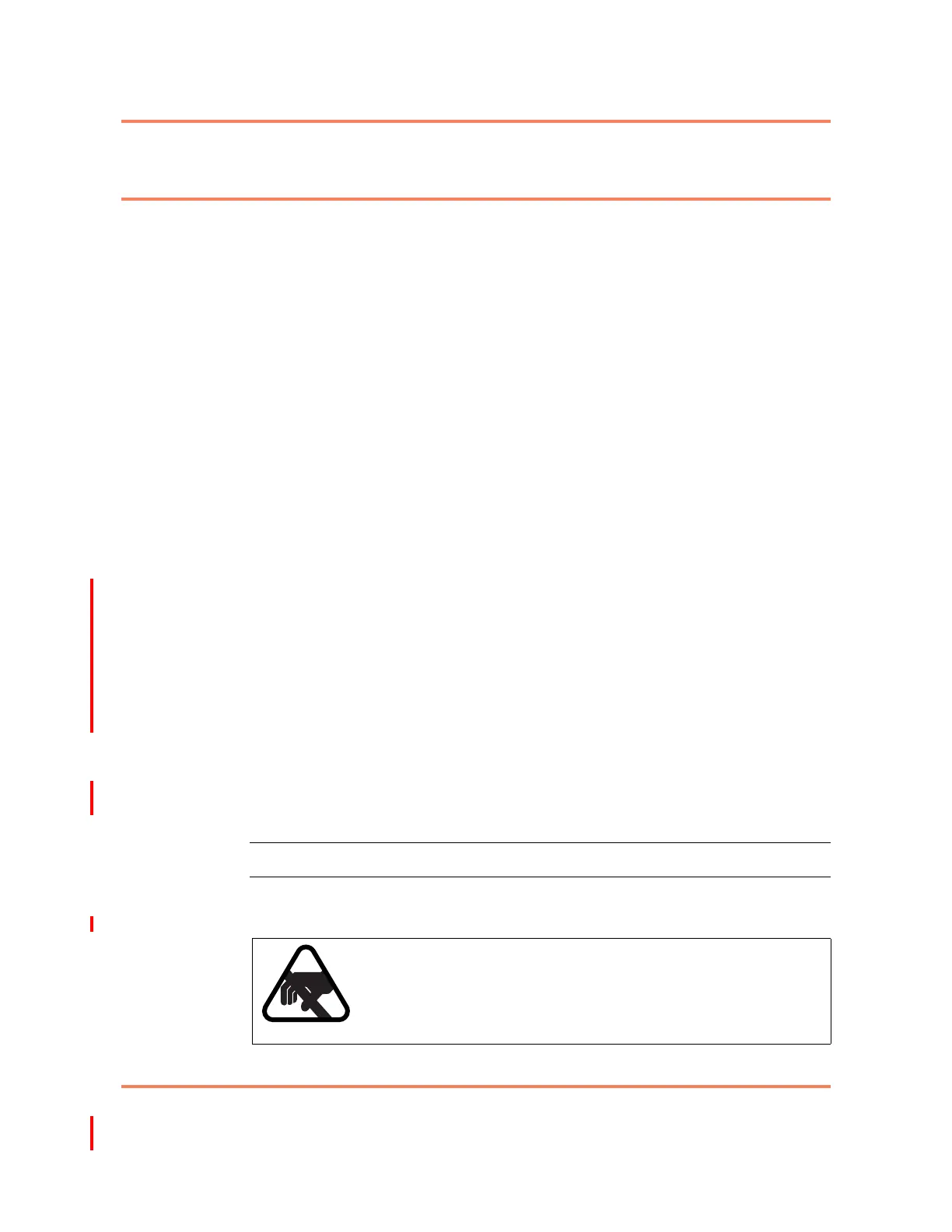
CAUTION
Static sensitive devices
Static electricity can damage the equipment. While unpacking
and handling circuit packs, or making system interconnections,
wear a grounding wrist strap to discharge the static buildup.



 To Next Page