10-12 Common procedures
6200 Packet-Optical Platform Installation, Commissioning, and Testing Procedures
Release 1.1 009-6200-201 Draft Issue 1
Copyright
©
2014 Ciena
®
Corporation September 2014
Procedure 10-5 (continued)
Ejecting circuit packs
2 Remove the two screws located at either end of the face plate using a manual
Phillips (PH1) screwdriver.
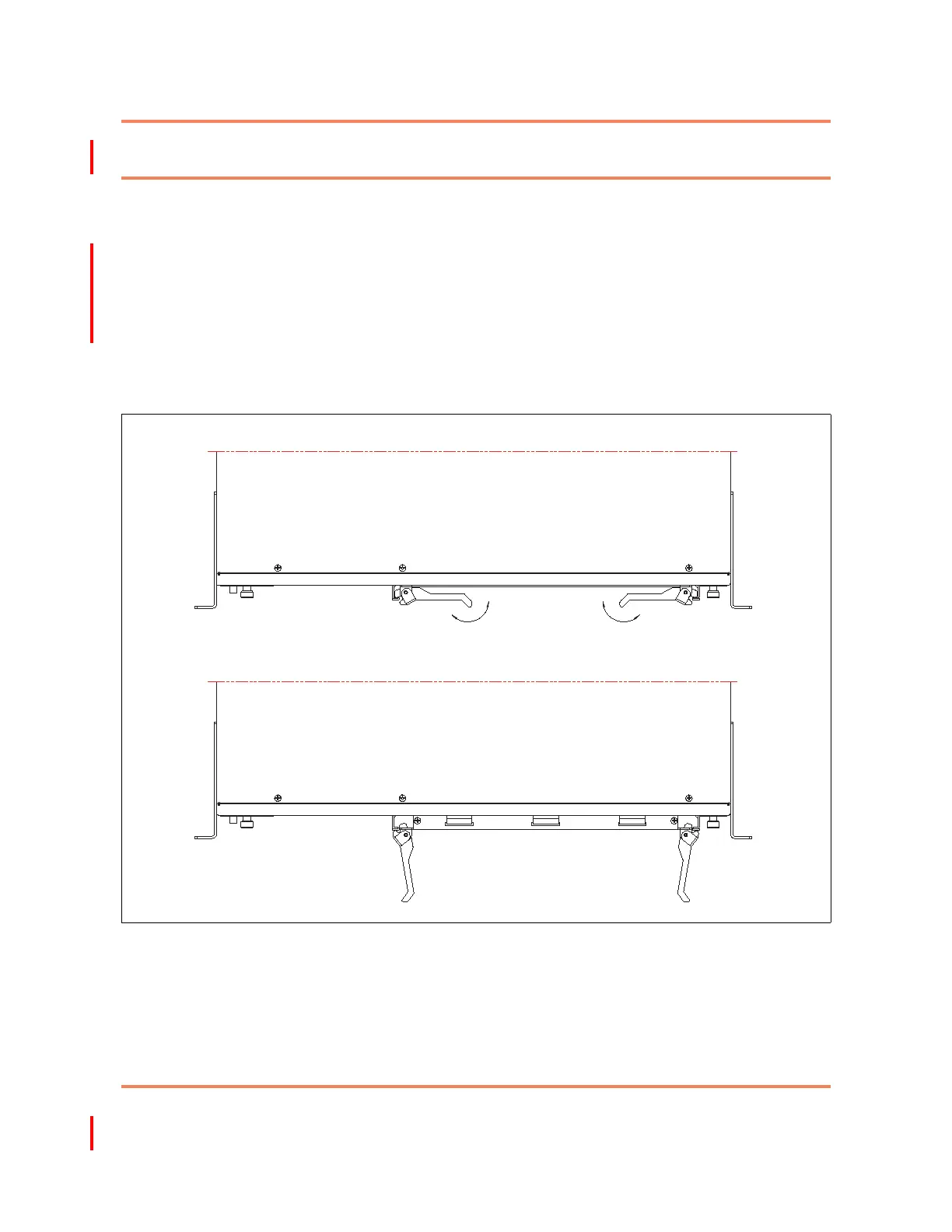
3 Operate the latches outwards to disengage the circuit pack from the
backplane. See Figure 10-1 on page 10-12.
4 Slide out the circuit pack with the latches in open position along the guide
ways.
—end—
Figure 10-1
Inserting and ejecting circuit packs
Injection
Ejection
Fully injected Trib card
Fully ejected Trib card
Injection
Ejection



 To Next Page