System testing 7-43
6200 Packet-Optical Platform Installation, Commissioning, and Testing Procedures
Release 1.1 009-6200-201 Draft Issue 1
Copyright
©
2014 Ciena
®
Corporation September 2014
Procedure 7-9
Testing STM-1/4/16/64/OC-3/12/48/192 protection
switching with traffic on 2xGE(e) interfaces on 4xGE +
4xFE circuit pack
Use this procedure to perform the following tests on the 6200 network
element:
• Ethernet port test (in the near and the far end network elements in
daisy-chain).
• WAN interface test (in the near and the far end network elements).
• Ethernet frame drop test (when optical receiver is underloaded).
Prerequisites
• Make sure that all the optical connectors are cleaned.
• Make sure that you have adequate number of optical test cords.
• Make sure that you have a variable attenuator.
• Make sure that proper WAN associations are provisioned between the far
end and the near end network elements.
• Make sure the traffic generated by the Ethernet test set is 15Mbit/s,
full-duplex.
• WAN association needs to be made in such a way that traffic entering the
Ethernet port 1 of the near end comes out of Ethernet port 1 at the far end.
• Every WAN interface at the near and far end will have 3 VC-3 each in SDH
mode or 3 STS-1 each in SONET mode.
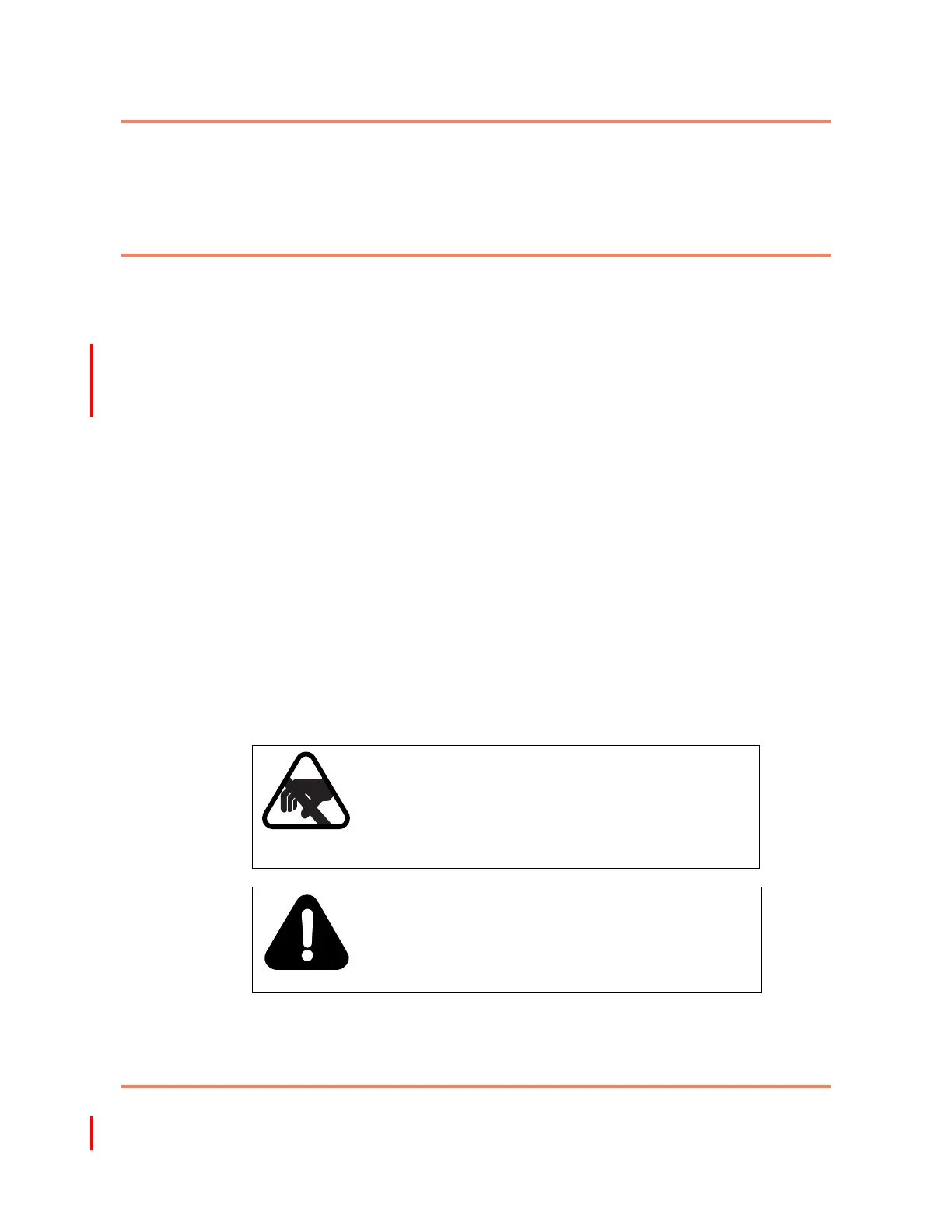
CAUTION
Risk of damage to circuit packs
Electrostatic discharge can damage electrostatic
sensitive devices. Ensure that you are wearing the
antistatic strap connected to the ESD location on the
6200 network element.
DANGER
Risk of eye injury
Avoid direct exposure to laser beam or fiber. Invisible
light can blind. Keep all unused optical connectors
capped.



 To Next Page