3-2 Receiving and unpacking
6200 Packet-Optical Platform Installation, Commissioning, and Testing Procedures
Release 1.1 009-6200-201 Draft Issue 1
Copyright
©
2014 Ciena
®
Corporation September 2014
Procedure 3-1
Unpacking the equipment
Use this procedure to unpack the 6200 network element.
Prerequisites
Make sure that the following tools and materials are available:
• sharp pointed blade/knife
• conductive bonded wrist strap
Action
Step Action
1 Cut the plastic shrink-wrap and open the shipping carton.
2 Take the equipment out of the shipping carton and remove the packing
material.
3 Remove the plastic protective bag of the network element.
Note: If the packaging is damaged, preserve as much of the packaging as
possible to allow the customer service and the shipper to analyze the possible
equipment damage. To report damage of shipped articles, contact the Ciena
technical assistance center.
4 Verify the contents against the packing lists. For details, refer to Planning
Guide, S78-1002-110
.
—end—
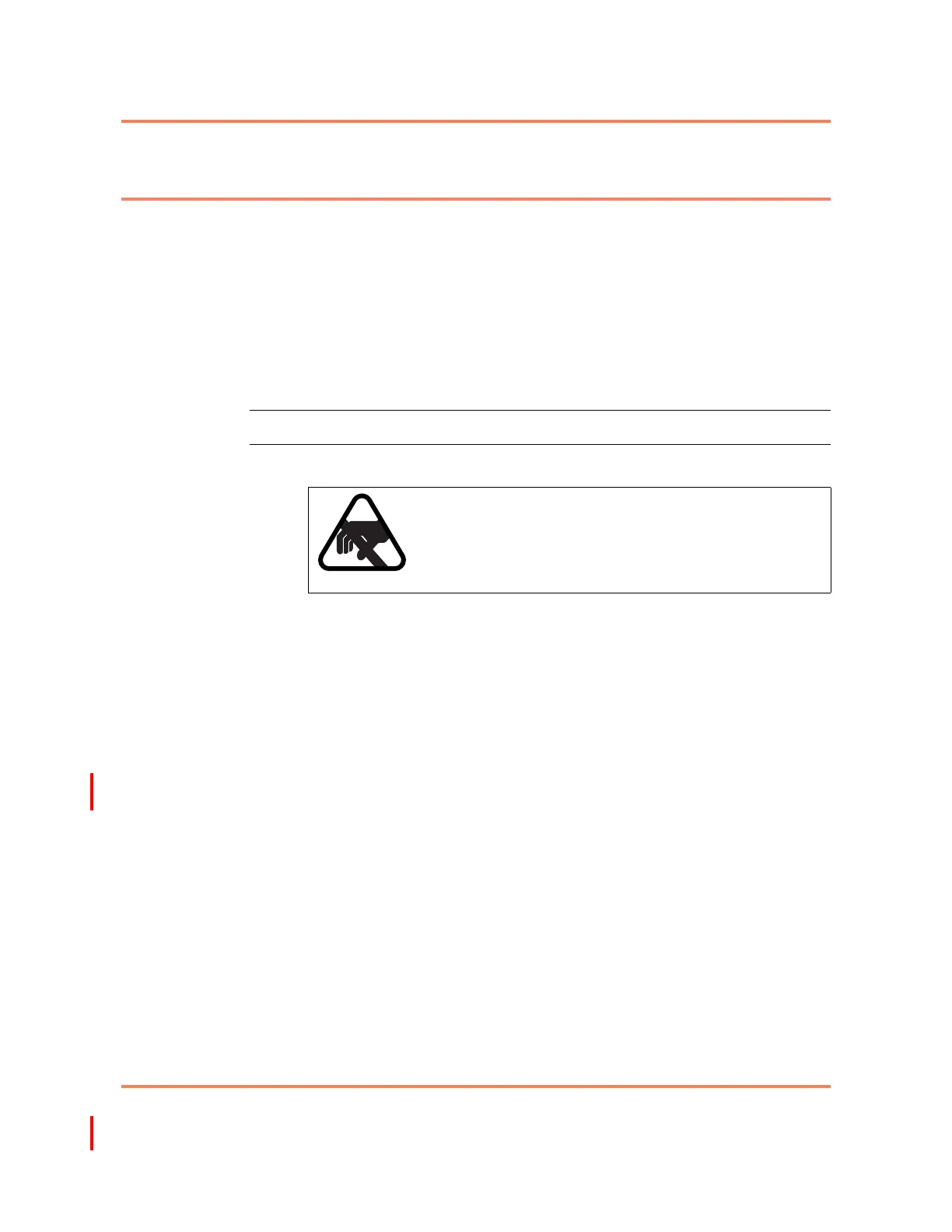
CAUTION
Risk of equipment damage
Electrostatic discharge can damage electrostatic
sensitive equipment. Use antistatic protection to avoid
damaging the shelf and circuit packs.



 To Next Page