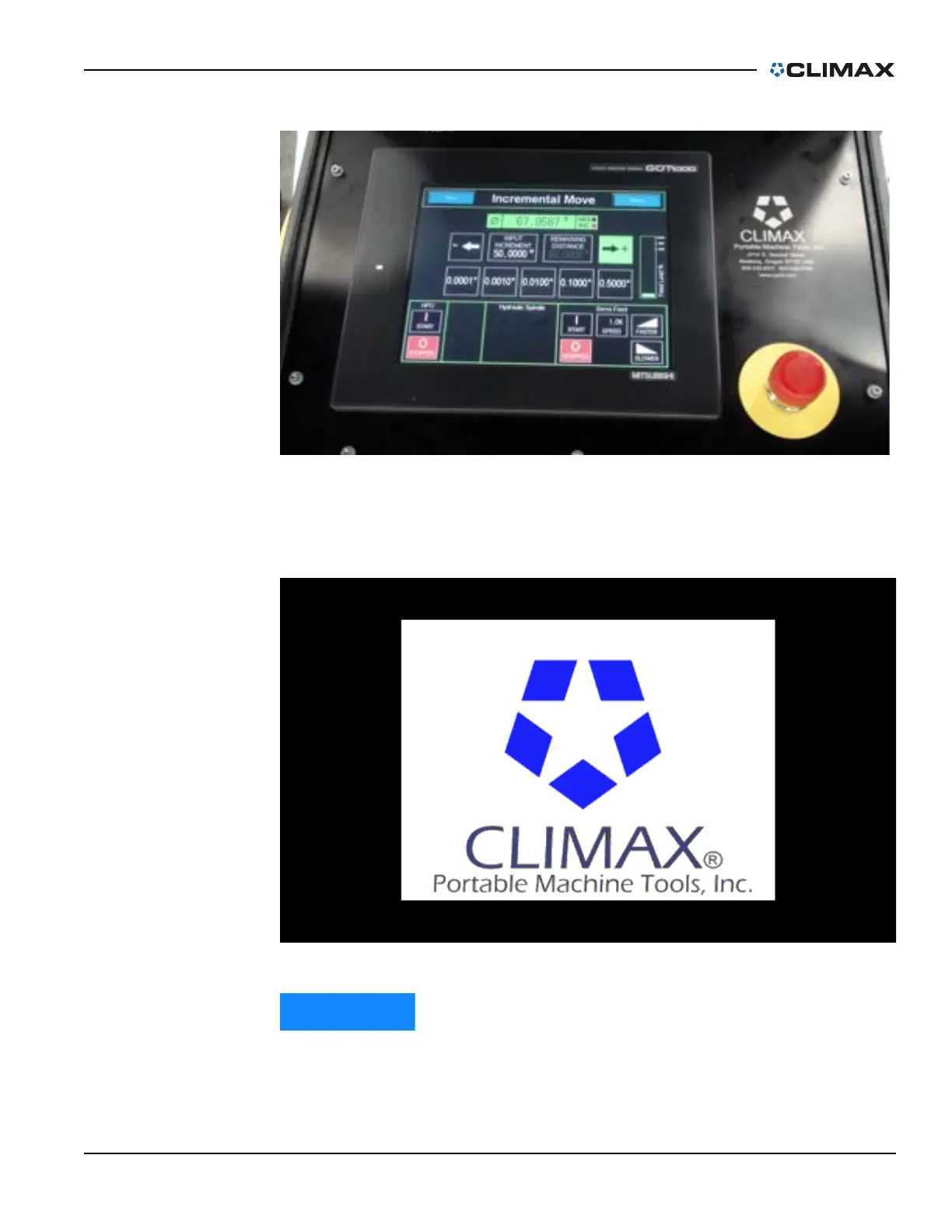
Control pendant
P/N 63674, Rev. 9 Page 61
FIGURE 4-11. CM6200 CONTROL PENDANT
When the HMI is turned on, the screen shown in Figure 4-12 will appear. The
default setting will be set for all of the parameters of the machine.
FIGURE 4-12. OPENING SPLASH SCREEN AT STARTUP
User settings are not saved when the unit is shut off.
Following the Splash Screen, the Start Screen (Figure 4-13 on page 62) will appear
on the HMI. The user is cautioned about operating the machine and must reset the



 To Next Page