Control pendant
P/N 63674, Rev. 9 Page 67
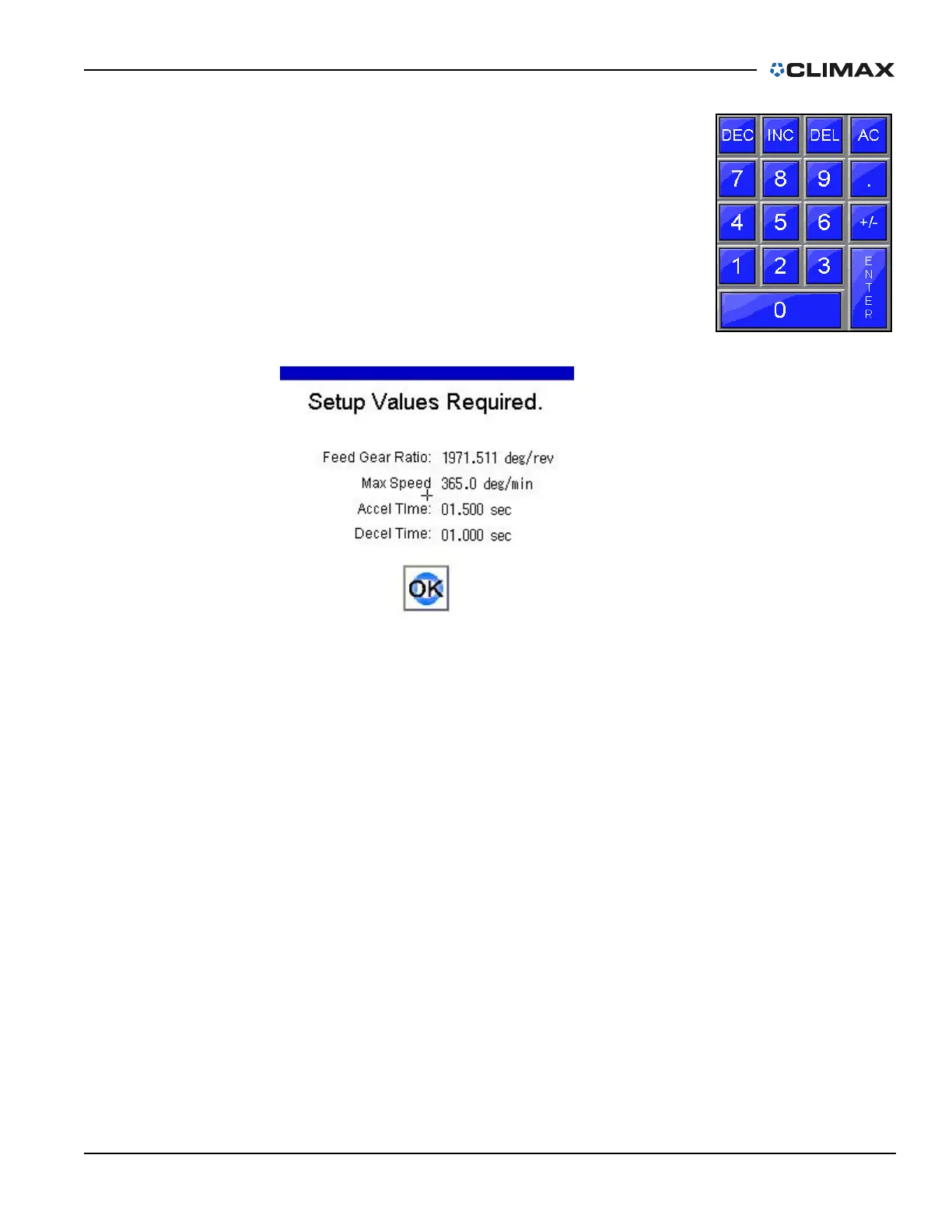
By touching any of the number fields, the input screen
below will appear (Figure 4-20). Enter the necessary
data and press ENTER.
All settings on this page are retentive and are held in
permanent memory even when the machine is discon-
nected from power.
If any of the setup parameters have not been set to a
valid number, the message shown in Figure 4-21 will be
displayed. Acknowledge this pop-up by pressing the
OK, and enter the required data into the SETUP screen.
FIGURE 4-21. SETUP PARAMETERS VERIFICATION SCREEN
FIGURE 4-20. MACHINE SETUP
NUMBER INPUT
PAD



 To Next Page