Internal Lighting
This section describes the working mechanism of the built-in lighting of DataMan 50, 60, 70, 150, 260, 503 and DataMan
300, 360, 370, and 470 series readers.
DataMan 50 and 60 Internal Lighting
All DataMan 50 and 60 readers include built-in (internal) lighting. During operation, the DataMan 50 and 60
automatically regulate image exposure time and imager gain to produce usable image quality at the highest possible
frame rate.
As the working distance between the reader and code increases, additional light intensity or longer exposure times are
required to maintain the same image quality. When the maximum illumination intensity is reached, the frame rate may be
reduced to permit a longer exposure time.
DataMan 70, 150 and 260 Internal Lighting
All DataMan 70, 150 and 260 readers include built-in (internal) lighting. During operation, the DataMan 70, 150 and 260
automatically regulate image exposure time and imager gain to produce usable image quality at the highest possible
frame rate.
As the working distance between the reader and code increases, additional light intensity or longer exposure times are
required to maintain the same image quality. When the maximum illumination intensity is reached, the frame rate may be
reduced to permit a longer exposure time.
DataMan 300, 360, 370, and 470 Series Readers Internal Lighting
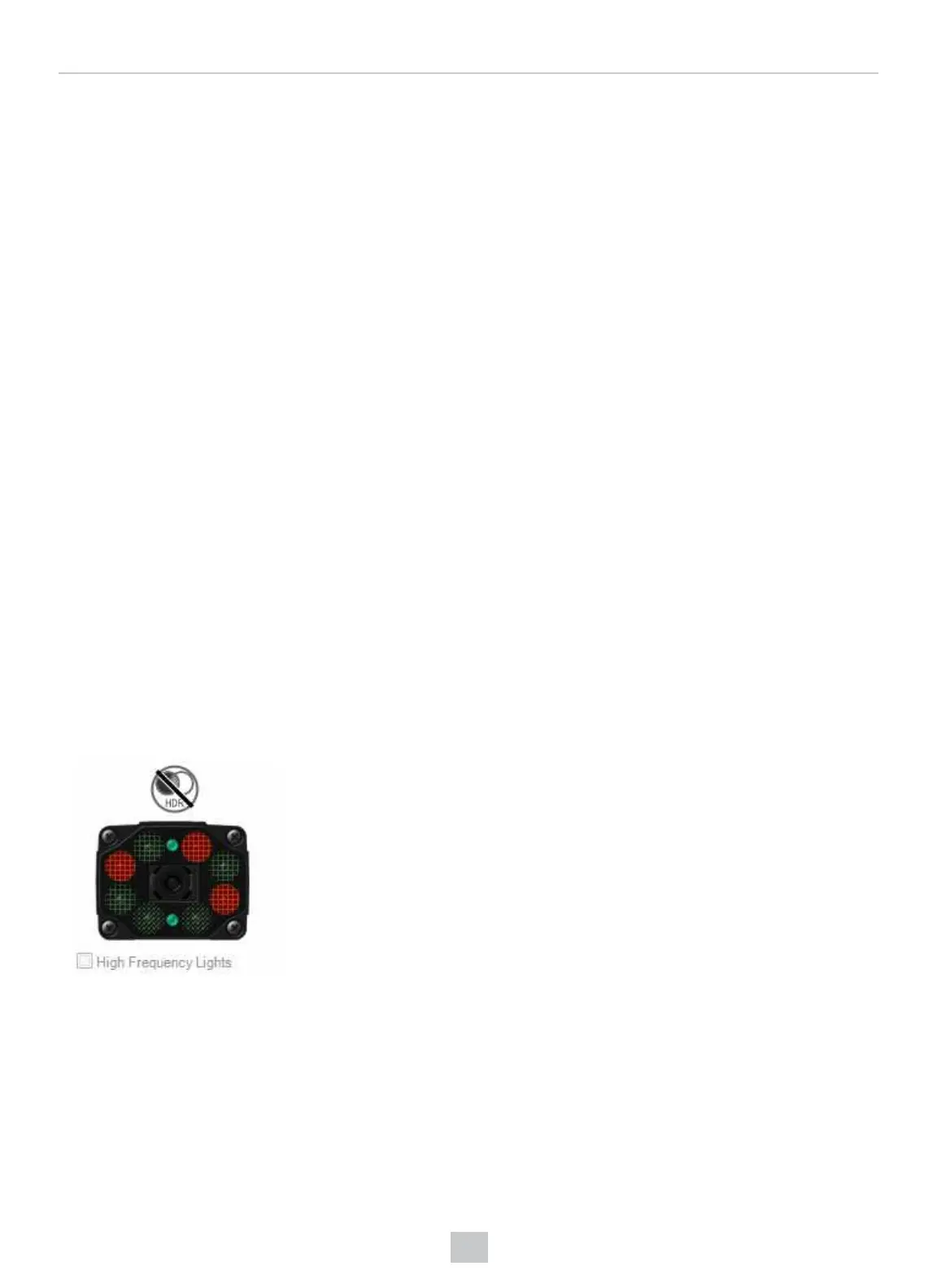
The internal illumination module offers two rings of LEDs with four quadrants each. Each quadrant is controllable
individually, that is, ON/OFF and intensity.
You can turn the quadrants ON or OFF by clicking on the dots (representing the LEDs) on the front image of the DataMan
300, 360, 370, or 470 in the DataMan Setup Tool’s Optimize Image pane. The quadrants that are ON are displayed in
red, as shown in the example below.
149
Optics and Lighting











 To Next Page