DataMan 60 Service Procedures
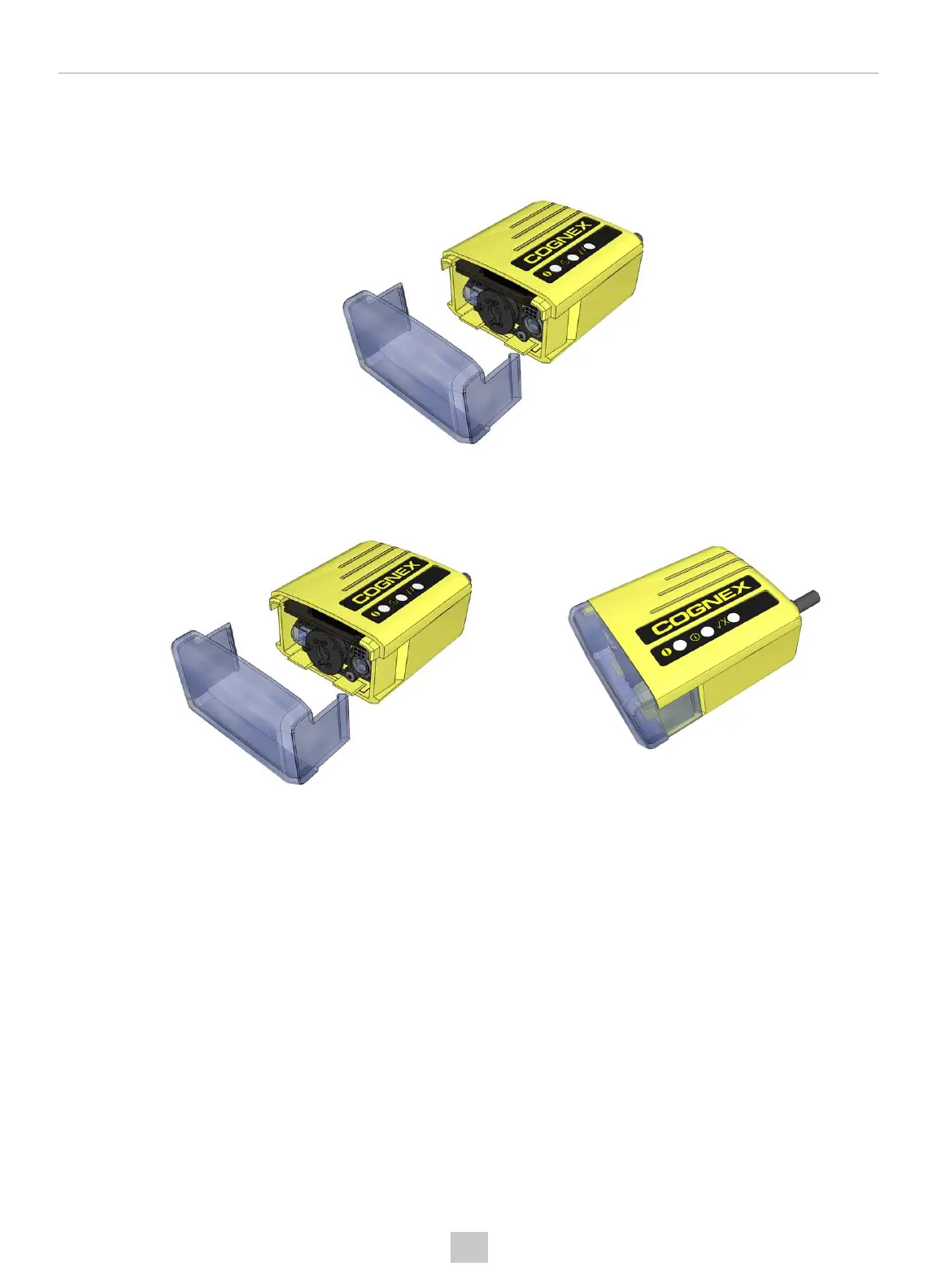
DataMan 60 can operate in one of three distance ranges. Perform the following steps to set the focus position:
1. Remove the lens cover.
2. Set the focus position to 45, 70, or 110: turn the lens cap clockwise (45->70->110) to focus to a larger distance;
turn the lens cap counter-clockwise (110->70->45) to focus to a shorter distance.
3. Reattach the front cover.
27
Mechanical Information











 To Next Page