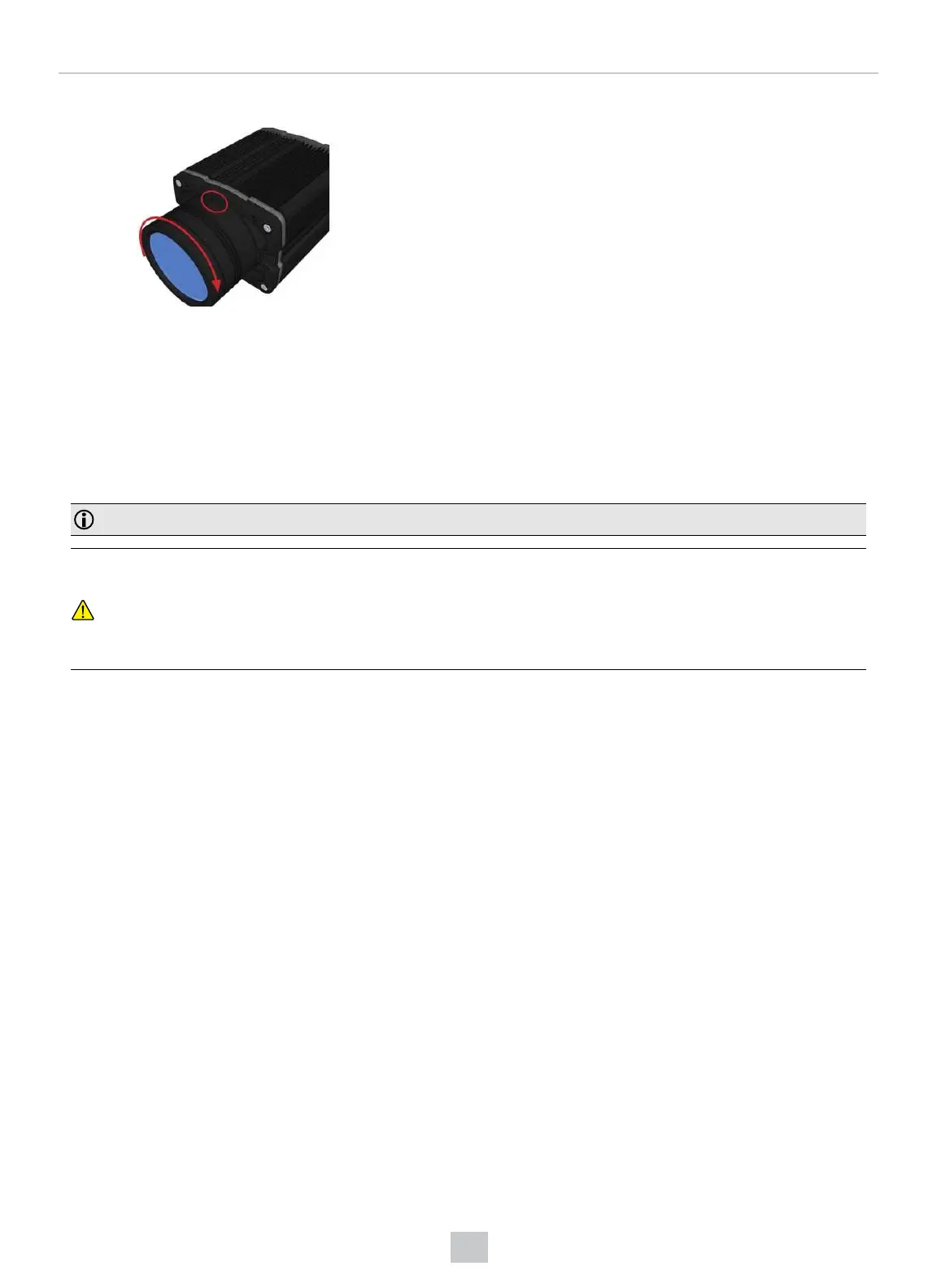
4. Lock the cover in place.
Maintenance
Replacing the SD Card
The DataMan 370 and 470 series readers are equipped with a Micro SD card slot and an SD card is pre-installed for
saving backup and configuration files. In the unlikely event when a reader breaks down and needs to be replaced,
complete the following steps to clone the reader by replacing the SD card.
Note: The reader supports SD cards with a maximum capacity of 8 GB, formatted with a FAT32 file system.
CAUTION:
l Hot-plugging the SD card is not supported and may damage the SD card and/or lead to unexpected
behavior. The SD card has to be present already at the boot phase. Do not pull out the SD card during
operation.
l Observe ESD precautions when installing or removing an SD card or other accessories.
1. Disconnect the reader from the power source.
2. Unscrew the screw(s) in the Micro SD card cover to open the card slot.
3. Remove the existing SD card from the Micro SD card slot.
4. Insert the SD card from the broken reader into the Micro SD card slot to clone the old reader. Ensure the card is
properly oriented.
72
Mechanical Information











 To Next Page