DataMan 370 and 470 Series Service Procedures
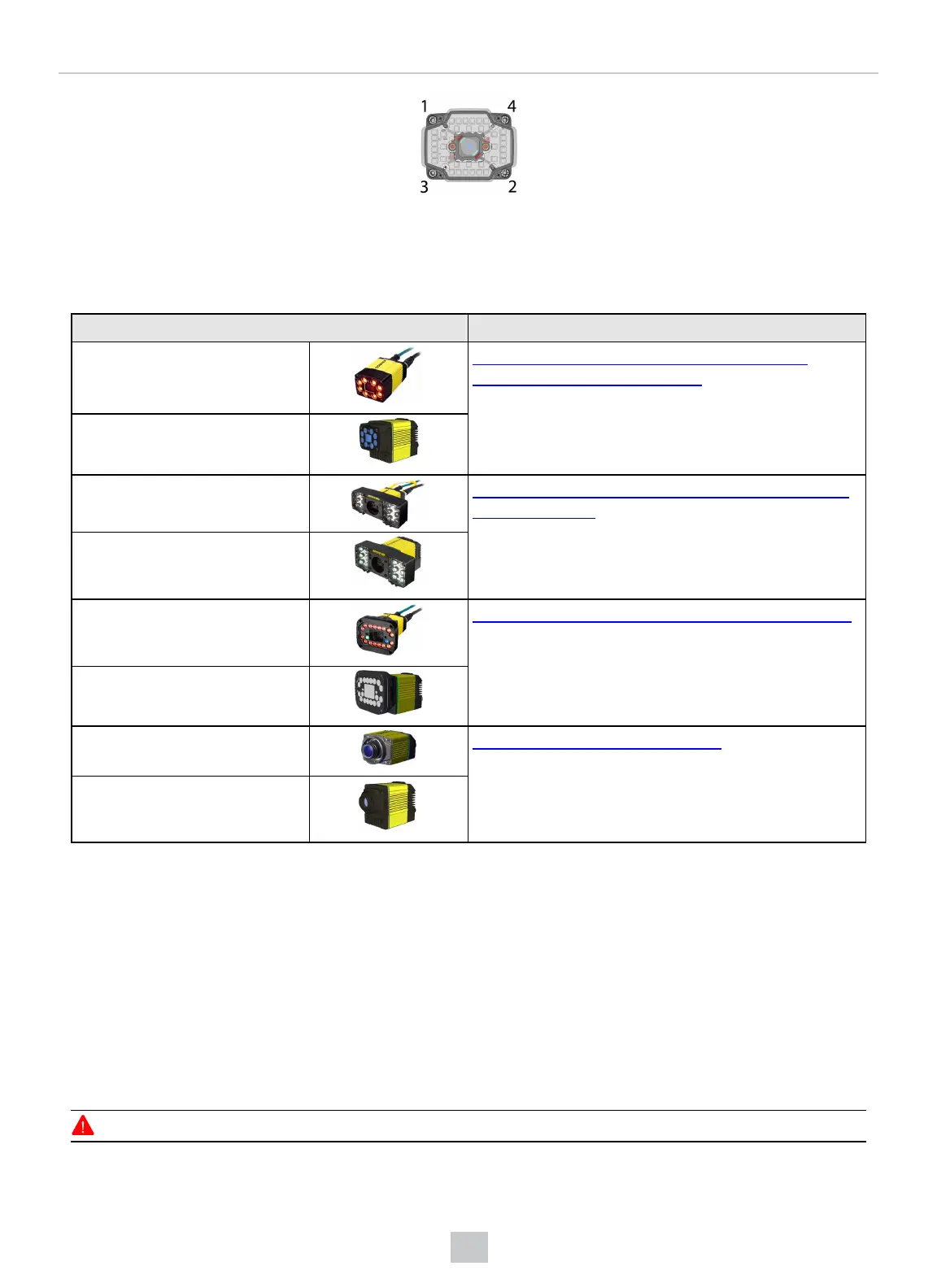
You can choose between a variety of different (High Speed) Liquid Lenses and C-Mount lens options to be installed on
your DataMan 370 or 470 series reader.
Assembly Instructions
DataMan 374 + HPIL Installing the Liquid Lens Module with High Power
Integrated Light (HPIL) on page58
DataMan 474 + HPIL
DataMan 37x + HPIA Installing a Lens with High Power Illumination Accessory
(HPIA) on page62
DataMan 47x + HPIA
DataMan 37x + HPIT Installing High Power Integrated Torch (HPIT) on page64
DataMan 47x + HPIT
DataMan 37x + C-Mount Installing a C-Mount Lens on page66
DataMan 47x + C-Mount
The following sections describe service procedures for both the DataMan 370 and the 470 series readers, but the
images show only the DataMan 370.
Installing the Liquid Lens Module with High Power Integrated Light (HPIL)
For possible hardware configurations using a liquid lens module with HPILfor DataMan 374 or 474, see the DataMan
370 Series Reference Manual and the DataMan 470 Series Reference Manual, respectively.
Tools needed:
l Wrench for lens locking ring (10.3 mm LL only - delivered by Cognex with Liquid Lens module)
l Phillips screwdriver
To install a 10.3 mm or a 24 mm liquid lens module of a DataMan 374 or 474 reader, perform the following steps:
WARNING: Disconnect the DataMan reader from power before continuing.
58
Mechanical Information











 To Next Page