l Check Automatic Triggering, and the reader will simulate external triggers at the interval that you specify. This
allows you to examine the result of each trigger and images with the configuration used in production but at a
slower rate. Because inputs and outputs are disabled, the reader will not interfere with the normal operation of
your line.
l If you click Accept Trigger Batch, the reader will accept and process a limited number of external triggers (you
can specify the number) at production speed. You can then examine these results and corresponding images to
verify how the reader is processing triggers in production.
If needed, you can enable both inputs and outputs during test mode, but you may encounter I/O process latencies.
Code Training
You can train the DataMan fixed-mount readers for single or multiple codes. Training can improve performance, since
the reader does not have to determine code parameters as it reads the codes.
Code training is only supported for the following trigger modes:
l Burst
l Continuous
l Self (internal trigger)
l Single (external trigger)
You can train codes in the following ways:
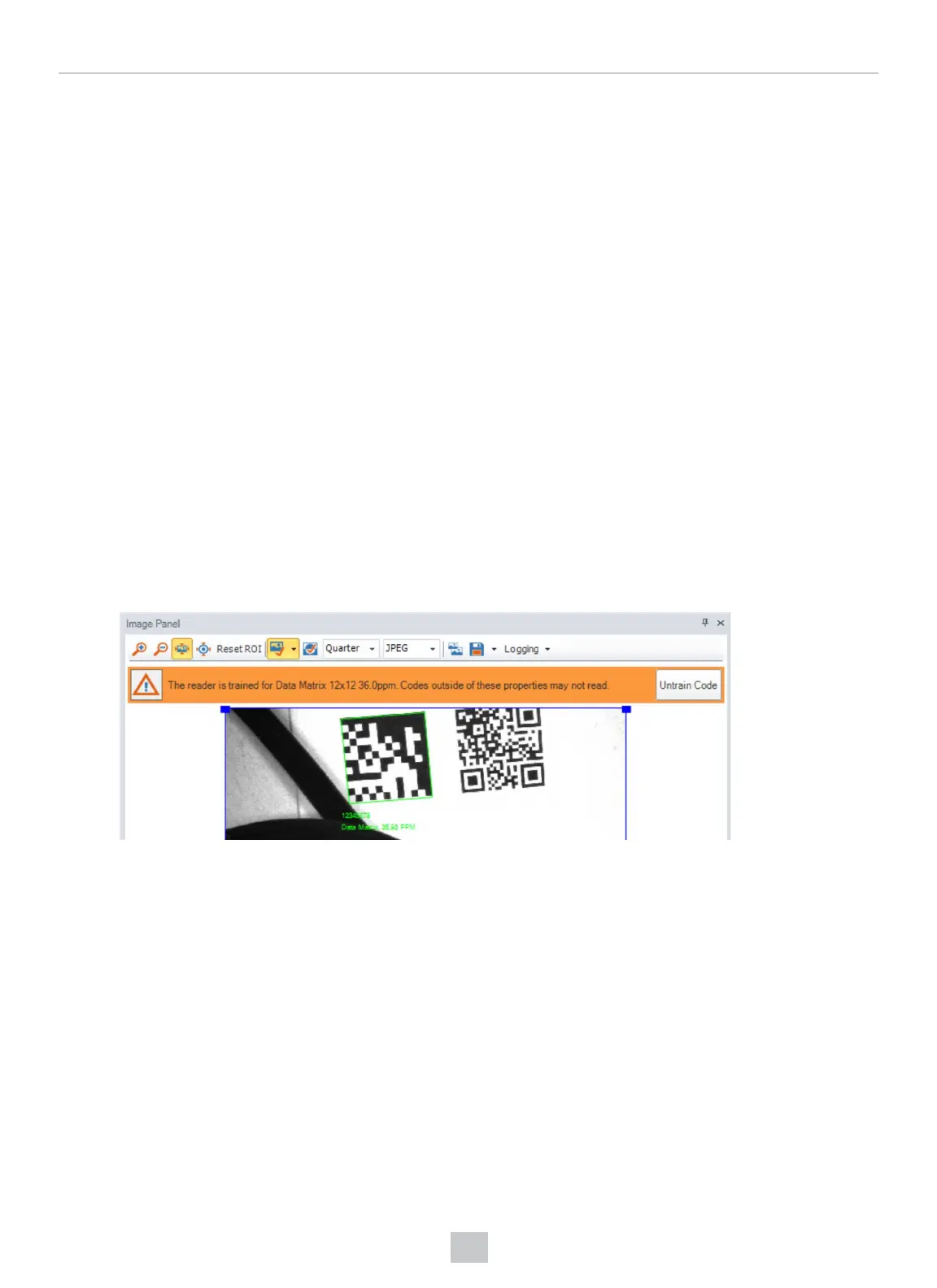
l In the DataMan Setup Tool's Optimize Image pane, check the Train Code After Tuning checkbox and tune your
reader. In the Image Panel on the right, you will see a message such as in the following image:
For further code training settings in the Setup Tool, go to the Code Details pane's Advanced tab.
l Use the TRIGButton tab in the Inputs/Outputs pane to configure the button to train codes, then present the
codes to the reader and press and hold the button for 3 seconds.
l Use the Inputs tab in the Inputs/Outputs pane to configure a discrete input to perform code training.
Automatic Code Training for DPM Symbols
Manual and Presentation modes automatically train 2-D symbols. This improves robustness on DPM symbologies when
reading consecutive parts of the same type. Sequential dissimilar parts will still decode.
Image Buffering and Image Recording
You can configure the DataMan fixed-mount readers to store selected images in the memory of the reader.
You can select the following options on which images to store:
159
Operations Guide











 To Next Page