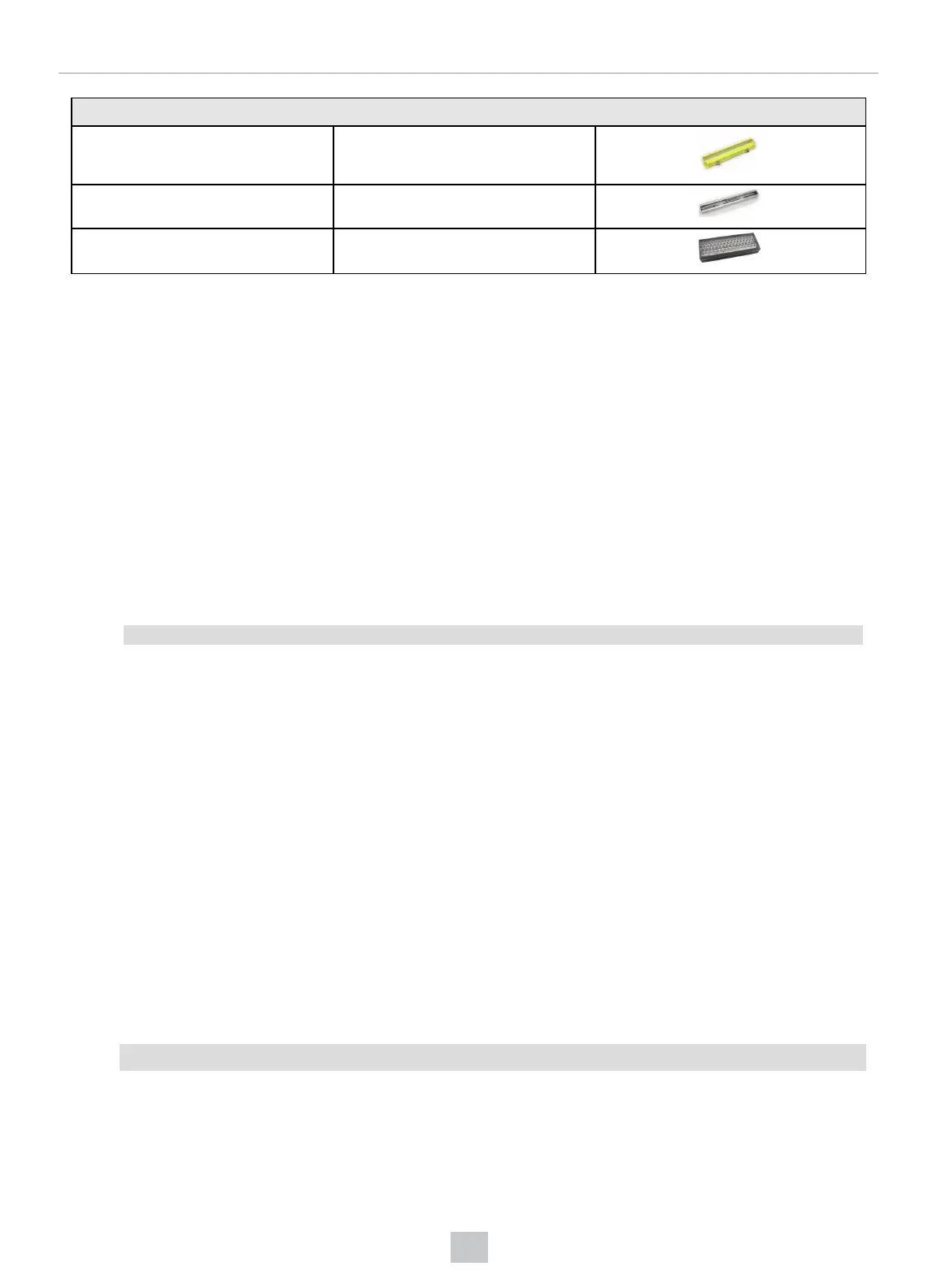
Accessory
Bar Light IVSL-YLW2X-xxx
Bar Light IVSL-LX520-xxx
LX280-series Light IVSL-LX280-xxx
DataMan 50, 60, 300, 360, 370, and 470 External Lighting Duration
In all cases, as soon as the trigger is detected, external illumination is turned on. There is a 600 µSec pre-charge time
before exposure starts; the lighting is on during this period. In the DataMan Setup Tool's Optimize Image pane, you can
click the Tune button's drop-down icon and from the Optimize Brightness section select Automatic Exposure
(autoregulation)or Manual Exposure (non-autoregulation) according to your needs. You can also reach the same
settings by navigating to the Setup Tool's Applicaton Details pane.
If you use a DataMan 302 reader with full Field of View (FoV), consider the following:
l In non-autoregulation cases, exposure occurs for an amount of time you specify. You can configure this time in
the DataMan Setup Tool’s Application Details pane. When exposure ends, illumination is turned off. Altogether,
the exposure duration equals the exposure time you set and the 600 µSec pre-charge time.
l If autoregulation is enabled, the duration can vary depending on the maximum allowed exposure value
configured and the computed exposure time (which will be different for each acquisition). To calculate a ”worst
case” duration, set a maximum exposure value, and the longest the lights will be on is
600 uSec precharge time + max exposure time
Exposure occurs for the amount of time determined by autoregulation. When exposure ends, illumination is turned off. If
you use a reduced FoV for a DataMan 50, 60, 300, 360, 370, or 470 reader, the image transfer time will scale
proportionally to the FoV/Sensor size.
DataMan 503 External Lighting Duration
In all cases, as soon as the trigger is detected, external illumination is turned on. There is a user adjustable µSec pre-
charge time before exposure starts; the lighting is on during this period. In the DataMan Setup Tool’s Application Details
pane, you can select Automatic Exposure (autoregulation) or Manual Exposure (non-autoregulation) according to your
needs.
l In non-autoregulation cases, exposure occurs for an amount of time you specify. You can configure this time in
the DataMan Setup Tool’s Application Details pane. When exposure ends, illumination is turned off. Altogether,
the exposure duration equals the exposure time you set, the adjusteble µSec pre-charge time, plus a maximum
17,15 ms image transfer time.
l If autoregulation is enabled, the duration can vary depending on the maximum allowed exposure value
configured and the computed exposure time (which will be different for each acquisition). To calculate a ”worst
case” duration, set a maximum exposure value, and the longest the lights will be on is
Max. allowed precharge time + max exposure time
Exposure occurs for the amount of time determined by autoregulation. When exposure ends, illumination is turned off.
156
Optics and Lighting











 To Next Page