Operation
70 D111XXXXXX | 05 2023-05
The binding charging data (in compliance with calibration law) is shown on the display of the storage
and display module (SAM) on the respective side of the charging system.
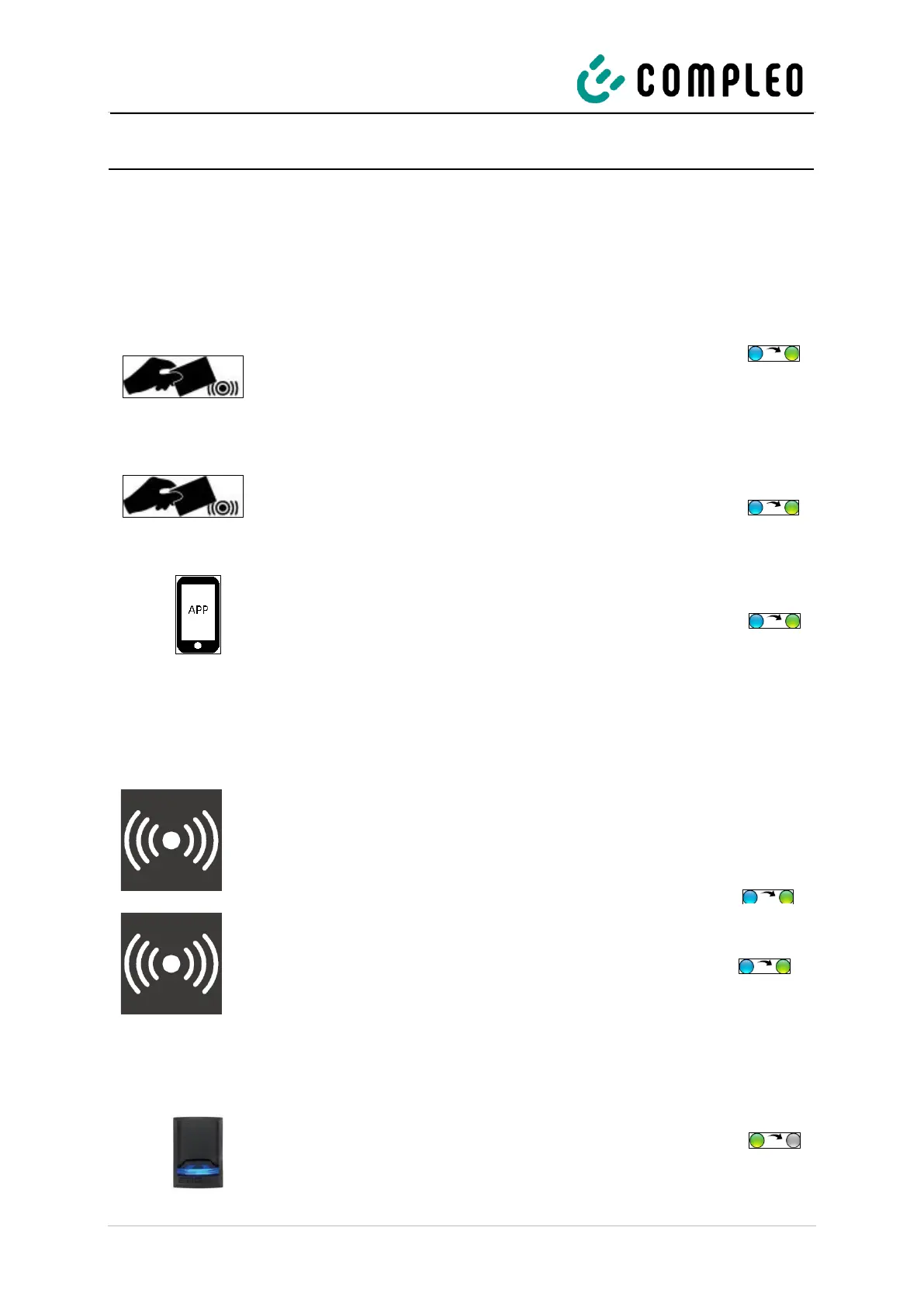
7.1.6 End charging process with RFID field
The charging process stops automatically after the existing authorisation method has been successfully
executed again.
RFID card or RFID chip
1. Hold the RFID card or RFID chip in front of the RFID
field.
The display and the status LED indicate the end
of the charging process.
Giro-e
1. Hold the Giro card in front of the RFID field.
The display and the status LED indicate the end
of the charging process.
App on smartphone/tablet or web interface
1. Follow the instructions of the app or web interface for
finishing the charging process.
The display and the status LED indicate the end
of the charging process.
7.1.7 End charging process with credit card terminal
Debit card, credit card, Google Pay, ApplePay
1. Hold the means of payment in front of the display of
the credit card terminal.
The upper display and the status LED indicate the
end of the charging process.
RFID card
1. Hold the RFID card in front of the credit card terminal.
The upper display and the status LED indicate the
end of the charging process.
7.1.8 Disconnecting the charging cable
Type 2 socket
1. Pull out the charging cable from the socket of the
vehicle.
2. Pull out the charging cable from the socket of the
charging system.


 To Next Page