2022_05 SAM_EN | 01 23
4 Query previous charging processes with SAM
4.1 Query via backend
Using OCPP, individual or all stored data sets can be retrieved from the backend via the charging equipment
control unit.
Re
4.2 Query on site
Within the scope of saving all charging processes, the same can be called up after entering the start and final
values of the meter readings of a specific charging process.
The following steps can be carried out using the two keys on the SAM. The left key is always used to advance the
cursor to the next selection option and the right key to select an option or increase the selected digit. The
currently selected position appears on a dark background.
The options at the bottom of the field cannot be selected directly by pressing the keys below, but are selected
one after the other with the left key according to the individual digits. After selecting the last available option,
the last digit is selected again so that corrections can be made without aborting.
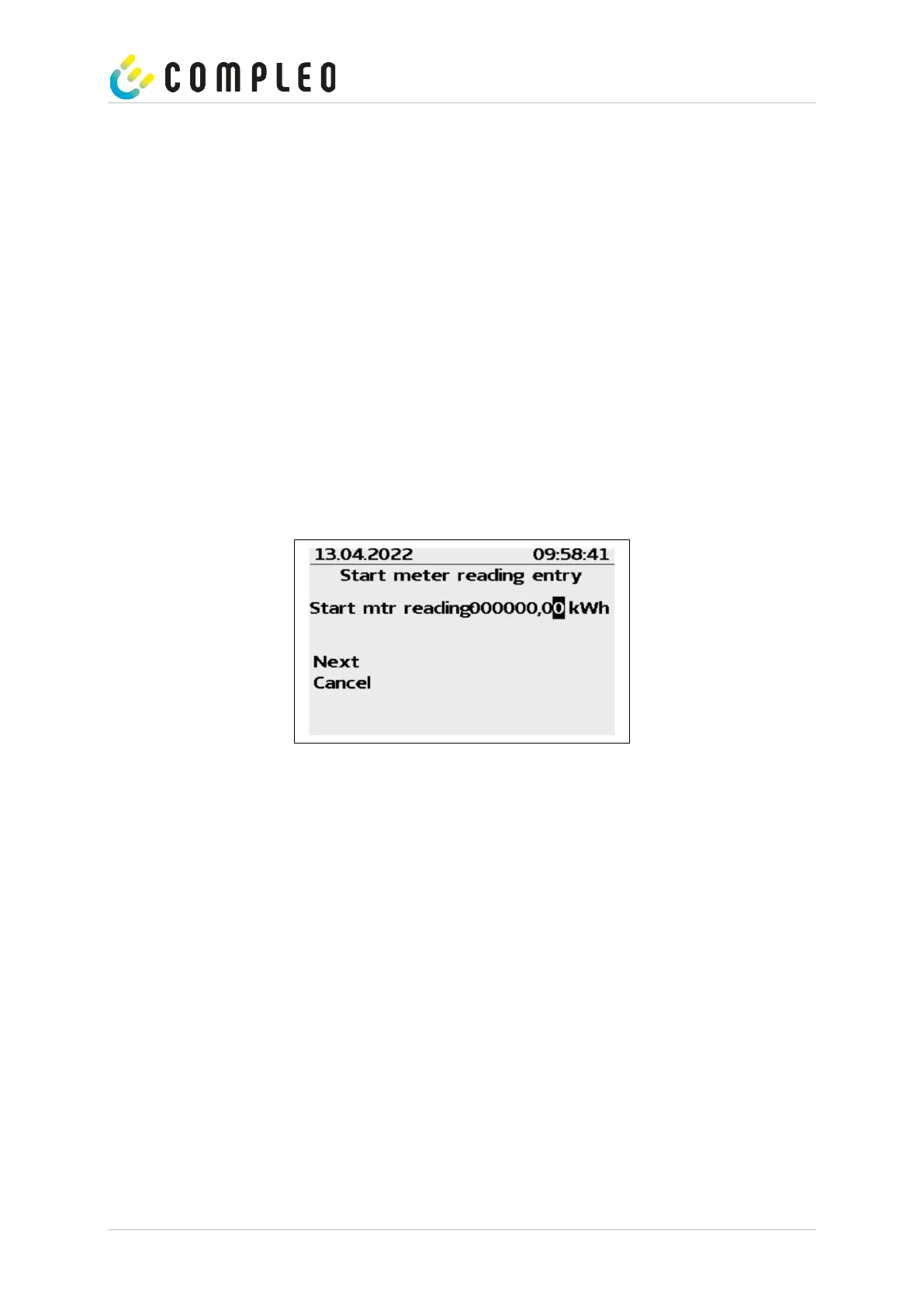
Entering the start value
The start value of the charging process to be queried is to be entered as previously described. Then select the
"Next" option and confirm.


 To Next Page